




Keep a compatibility evidence card as a record of a specific observation, not a universal pass. After an already permitted, attended session, save the exact equipment, connections, versions, task and outcome. A useful card lets the next person see what happened and what was never measured. It does not replace manufacturer instructions, electrical inspection or a qualified assessment.
Copy these fields into a dated record
| Field | What to record |
|---|---|
| Equipment identity | Exact station and device models; regional voltage/frequency labels where applicable; relevant hardware revision. |
| Connection | Named station output port → cable or adapter model → named device input. Draw separate paths for each device. |
| Versions | Firmware, operating system, driver or app version when relevant. Mark unavailable values unknown. |
| Task and state | Idle or active work, relevant settings, device charge state, other connected loads, station charge state and whether its input was connected. |
| Observation window | Start/end times, elapsed duration, interruptions and any settings changed. Do not invent ambient measurements. |
| Result | Charging indicator, completed task, error text or visible symptom; distinguish observation from a proposed explanation. |
| Measurements | Value, unit, instrument and measurement point, or “not measured”. |
| Evidence and next action | Relevant manual section, a connection photo if appropriate, unresolved question and the exact change that would require a new record. |
Make an E106B entry precise
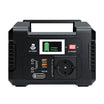
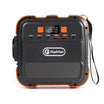
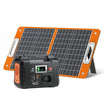
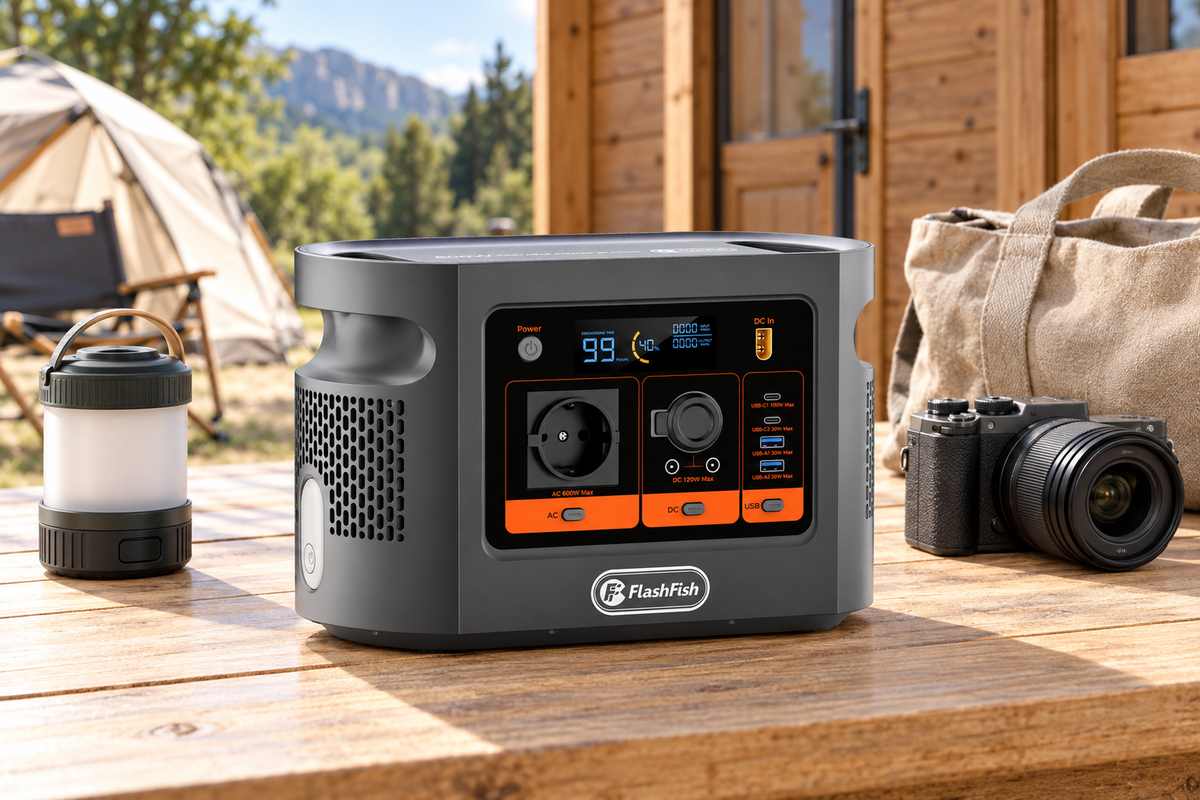
For an E106B USB-C session, write “USB-C1” or “USB-C2”, not just “USB”. The exact product record lists C1 up to 100W PD and C2 up to 30W PD. check E106B’s port labels before completing the card. These are ceilings, not the observed draw. A card with “C1, laptop showed charging, watts not measured” is more defensible than one that converts the label into “100W delivered”.
USB-IF’s overview of Power Delivery explains that devices request the power they need. That is why the cable, device state and exact source matter in the record. A changed cable or second connected device creates a different arrangement; the old card does not validate it.
Separate the result from its explanation
Use three columns: observed, not measured, and still to establish. For example, “the charging icon appeared” is observable. “The port supplied its maximum” needs measurement. “This setup is suitable for a work shift” needs evidence about the intended duration and load, beyond an icon.
Leave the result blank until there is a real observation. This is a record template; no customer session, test result, endorsement or certification is supplied here. If the observation was incomplete, preserve that fact and the reason it stopped.
Three changes that deserve separate records
- A different cable: identify it independently, even when the plugs look identical.
- A different task: a laptop charging while asleep does not document the same laptop editing video with a second device attached.
- A software or firmware change: preserve the old version and its date rather than carrying its result forward without evidence.
Record problems without recreating them
If equipment is damaged or its safety is uncertain, stop using it and obtain appropriate help. HSE’s guidance on electrically powered work equipment distinguishes suitability and condition checks from competent inspection. It is UK workplace guidance, not proof of compliance elsewhere in Europe. This card gives no permission to open equipment, probe live conductors, defeat protection or deliberately reproduce a fault.
For important work, retain an independent way to save and stop the task. A short successful observation supplies no unattended-use, UPS, runtime or critical-backup assurance.
FAQ
Does one successful session prove compatibility?
It records that session only. Different tasks, charging states, cables or firmware may change the result; a record is not certification or a promise for every unit.
What should I write if I did not measure watts?
Write “not measured”. Do not convert the station display, an adapter’s maximum rating or the absence of an alarm into an accurate device-power measurement.
Can I share the card with support?
Share the necessary model, version, connection and symptom details. Remove personal filenames, account details, network identifiers and unnecessary serial-number information from public copies.
When is a new card needed?
After a relevant cable, port, adapter, device, firmware or intended-load change. Keep the old card as a separate dated observation rather than editing it to imply the new arrangement was already checked.
Should I repeat a session that produced damage or a warning?
No. Record the symptom without recreating it and stop using the questionable arrangement. Follow the manufacturers’ instructions and seek competent assistance where needed.
Next step
review E106B’s documented ports beside your completed record. Match the exact equipment and intended use before choosing a power source.
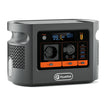
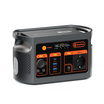
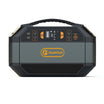
By FlashFish Miles. Method: documentation-based guidance from FlashFish and the linked primary sources, checked 8 November 2026. No complete setup was tested. The featured product illustration is not a record of this setup.





Leave a comment
Este site está protegido pela Política de privacidade da hCaptcha e da hCaptcha e aplicam-se os Termos de serviço das mesmas.