
















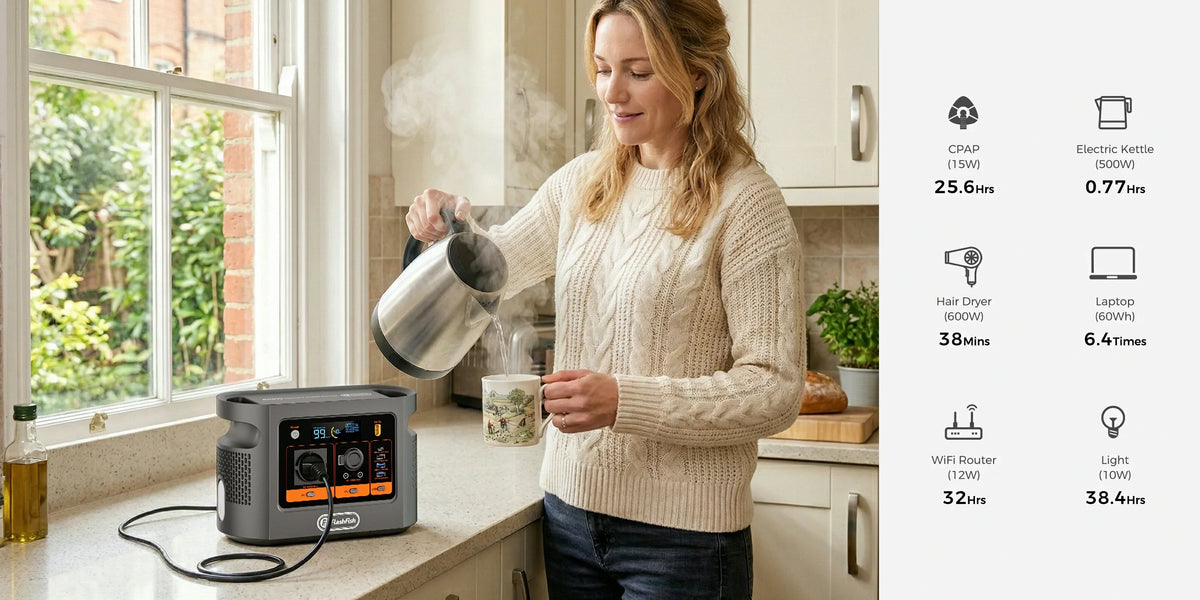
Short answer: a Canon SELPHY CP1500 is documented at 60W or less while printing, so the printer alone falls well below the FlashFish E106B's documented 600W shared continuous AC output. That is only the first screen. The defensible event decision must also identify the laptop's exact power path, add every simultaneous load, retain headroom, rehearse the full kit and control temporary cables, people and weather. This article does not claim tested compatibility, runtime or a number of prints.
Use PRINT before accepting the setup
- P — Printer and supplied adapter. Confirm the exact CP1500 model, intact Canon adapter and regional mains label. Do not try to feed the printer directly from an unrelated USB-C or DC port.
- R — Regional supply. Check the delivered E106B AC label and the adapter's input. The local E106B record is regional 230V; Canon lists its supplied adapter at 100-240V AC, 50/60Hz.
- I — Inventory every simultaneous load. Include the laptop adapter or negotiated USB-C path, phone chargers, card reader, router, lamp and anything another person may plug in.
- N — No runtime guess. Use nominal watt-hours only for rough planning after the load is measured; keep a backup workflow for unfinished customer orders.
- T — Temporary-site controls. Plan stable placement, dry conditions, protected cable routes, public separation and the organiser's electrical rules.
What the published evidence establishes
| Item | Published field | Decision use |
|---|---|---|
| FlashFish E106B | 600W shared continuous pure-sine AC; 384Wh nominal; USB-C up to 100W and 30W | Output and port screen, not runtime or compatibility |
| Canon SELPHY CP1500 | 60W or less while printing; 4W or less standby | Printer label ceiling for the initial running-load sum |
| Canon supplied adapter | 100-240V AC, 50/60Hz input; 24V DC, 1.8A output | Use the supplied approved conversion path, not improvised DC wiring |
| Laptop | Not defined by the printer or station | Read its own adapter and USB-C profile before adding it |
Exactly three planning examples
Example 1: printer only
Using Canon's 60W-or-less printing figure, the label-level running demand is below the E106B's 600W continuous AC ceiling. That does not establish printing behaviour, energy used per print or session length.
Example 2: printer plus a verified 65W laptop path
A simple 60W + 65W label sum is 125W, also below 600W. The result is useful only when 65W is the laptop's actual approved input path and no omitted load, startup behaviour or shared-port rule changes the setup. Measure the complete desk during rehearsal.
Example 3: printer plus 550W of other equipment
A 60W + 550W label sum is 610W, already above the documented continuous ceiling before reserve or startup behaviour. This is not an E106B fit; split or remove loads and redesign the setup rather than trying it live.
Choose the laptop path deliberately
If the laptop supports a documented USB Power Delivery profile within an E106B USB-C port's limit, direct USB-C may avoid running a separate AC adapter. Connector shape alone is insufficient: the source, cable and laptop must negotiate a compatible profile. If the laptop uses its AC adapter, add the adapter's input demand and keep the printer on its supplied Canon adapter. Do not count the same laptop on both paths.
Temporary-event controls matter as much as watts
- Place the station and printer on stable, dry surfaces away from drink preparation and public reach.
- Route, cover or barrier cables so customers, wheels and doors cannot damage or pull them.
- Keep vents clear and stay inside the equipment's documented temperature and moisture conditions.
- Inspect plugs, adapters and leads before setup; remove damaged, loose, discoloured or abnormally hot equipment from use.
- Confirm venue requirements, emergency access and who is responsible for the temporary electrical layout.
- Rehearse the exact printer, laptop, cables and workflow before accepting paid or time-critical printing.
When E106B may fit—and when it does not
| A planning fit may exist | Pause or choose another setup |
|---|---|
| Every load and approved adapter is identified | A laptop, light or shared outlet has unknown demand |
| The complete measured load remains below continuous output with headroom | The label sum reaches or exceeds 600W, or startup behaviour is unresolved |
| Printer and laptop use documented AC or USB-C paths | The plan depends on connector fit, improvised DC or an unsupported USB-C profile |
| The venue has a dry, protected placement and cable plan | Rain, public access, unstable placement or venue rules remain unresolved |
| A failed-print and unfinished-order fallback exists | The business outcome depends on uninterrupted power or a promised print count |
A practical pre-event checklist
- Photograph every device and adapter label.
- Choose one documented path for each device.
- Add all simultaneous label values and identify startup or unknown fields.
- Rehearse the complete workflow with a suitable meter and representative jobs.
- Record observed demand without turning one session into a universal runtime claim.
- Pack only intact approved adapters and spare consumables.
- Agree placement, cable protection and weather decisions with the organiser.
- Define what staff do if the station alarms, stops or becomes unusually hot.
Check the current Europe E106B page after your full PRINT screen. Buy only after the exact printer, laptop and event constraints—not the station headline alone—support the decision.
FAQ
Will E106B definitely run a Canon SELPHY CP1500?
The published running-watt screen is plausible, but no physical compatibility test was performed. Verify the exact regional labels, supplied adapter and complete setup.
How many photos can E106B print?
No defensible fixed count is available here. Printer cycling, laptop use, conversion losses, battery state, temperature and workflow vary.
Should I power the printer from USB-C?
Use Canon's supplied documented adapter path. A USB-C connector or available station port does not establish a supported printer input.
Can E106B act as an uninterruptible power supply for the print desk?
This article makes no UPS, EPS, transfer-time or seamless-cutover claim. Use a workflow that can tolerate interruption.
Is a successful indoor rehearsal enough for an outdoor event?
No. Outdoor moisture, temperature, cable protection, public access and venue requirements require a separate plan.
Conclusion
The CP1500's published 60W-or-less printing figure clears only the first wattage screen. Use PRINT—Printer, Regional supply, Inventory, No runtime guess, Temporary-site controls—then rehearse the exact kit and retain a fallback. Ask FlashFish Europe about a missing regional product field; ask Canon or the venue owner about printer or site-specific requirements.
Sources and evidence limits
- FlashFish Europe E106B page and authoritative local manual-derived record.
- Canon SELPHY CP1500 specifications.
- HSE event electrical safety.
- HSE portable electrical equipment guidance.
Evidence checked 28 September 2026. No product combination, event, runtime or print count was tested.



Leave a comment
Este site está protegido pela Política de privacidade da hCaptcha e da hCaptcha e aplicam-se os Termos de serviço das mesmas.