















USB-C, 12V or AC: Which Power Station Output Should You Use?
Short answer: use USB-C when the station, device and cable support the same power profile; use 12V when voltage, current, connector and polarity all match; use AC when the device requires its approved mains adapter or no direct path can be verified. Choose from the complete electrical contract, not the connector shape.
The practical PATH method is: record device Power requirements, verify the approved Adapter or direct protocol, add every port and group Total, then check cable, heat and environmental Hazards. This resolves the connection before discussing capacity or runtime.
Why output-path choice matters
A portable power station may show several sockets, but they do not provide interchangeable electricity. USB-C uses negotiated profiles. A 12V port requires a defined DC load and connector. AC recreates mains-style output for an approved adapter or appliance, within the inverter limit. The useful choice preserves compatibility and leaves enough headroom for every simultaneous load.
Quick path table
| Path | Use it when | Evidence required | Common stop condition |
|---|---|---|---|
| USB-C PD | The device accepts a profile the station can supply | Device input profile, station port profile, cable power capability and shared limits | Connector fits but profile or cable ceiling does not |
| 12V DC | The device is designed for the exact station output | Voltage range, current, connector, polarity, startup and group total | Polarity or connector is unknown; nominal 12V ranges conflict |
| AC | The approved mains adapter is required or direct DC is unverified | Regional voltage/frequency, adapter/appliance input watts, start demand and combined continuous load | Wrong region, overload, damaged lead, damp location or reliance on peak output |
Use PATH before buying a cable or adapter
- Power: photograph the device input label and record volts, amps or watts.
- Adapter: identify the approved mains adapter or supported direct-charging protocol.
- Total: add every simultaneous load and check port sharing, not just each socket maximum.
- Hazards: inspect cables, confirm polarity where relevant and keep the full path dry and ventilated.
USB-C: the connector does not set the power
USB-IF's current compliance program marks USB-C-to-USB-C cables for power capability, including 60W or 240W markings. That helps identify the cable ceiling, but it does not establish that the source and device negotiate the same USB Power Delivery profile.
A laptop that needs 65W may charge slowly, not charge or fall back to another mode from a 60W port depending on its design. A 100W or 140W port still needs a compatible cable and device. Record the actual profile; do not convert the USB-C logo into a universal watt figure.
12V DC: four fields must match
For a 12V load, match voltage range, current, connector and polarity. Then check startup behaviour and the shared group limit. Some stations use regulated 12V, others publish 13V, and some accessories tolerate a range. The device manual, not the generic name “12V,” decides whether that difference is acceptable.
Do not change wiring, reverse polarity, force connectors or assume a DC5521/DC5525/car-socket shape establishes compatibility. If polarity or cable identity is missing, stop and obtain exact evidence.
AC: keep the approved adapter, but count conversion and load
AC is often the cleanest evidence path for a device whose manufacturer supplies a regional mains adapter. The trade-off is an additional inverter and adapter path plus the need to keep total continuous load inside the station rating. That does not justify one universal efficiency penalty; measure both exact paths if the difference matters.
Use the delivered regional station label, the adapter input label and the device instructions. Keep extensions and cable reels correctly rated and arranged, avoid daisy-chaining and stop for heat, damage or repeated trips.
Three examples make the method concrete
| Example | PATH evidence | Defensible choice |
|---|---|---|
| 65W USB-C laptop | Laptop accepts a profile within the station port; cable marking and rating are sufficient | Use direct USB-C; keep the AC adapter as fallback |
| 12V cool box | Voltage range, current, connector, polarity, compressor start and daily Wh are verified | Use the verified 12V path; otherwise stop rather than improvise |
| Camera charger with only an approved 230V adapter | No safe direct battery-charging path is documented; adapter input fits AC | Use AC within the station continuous limit |
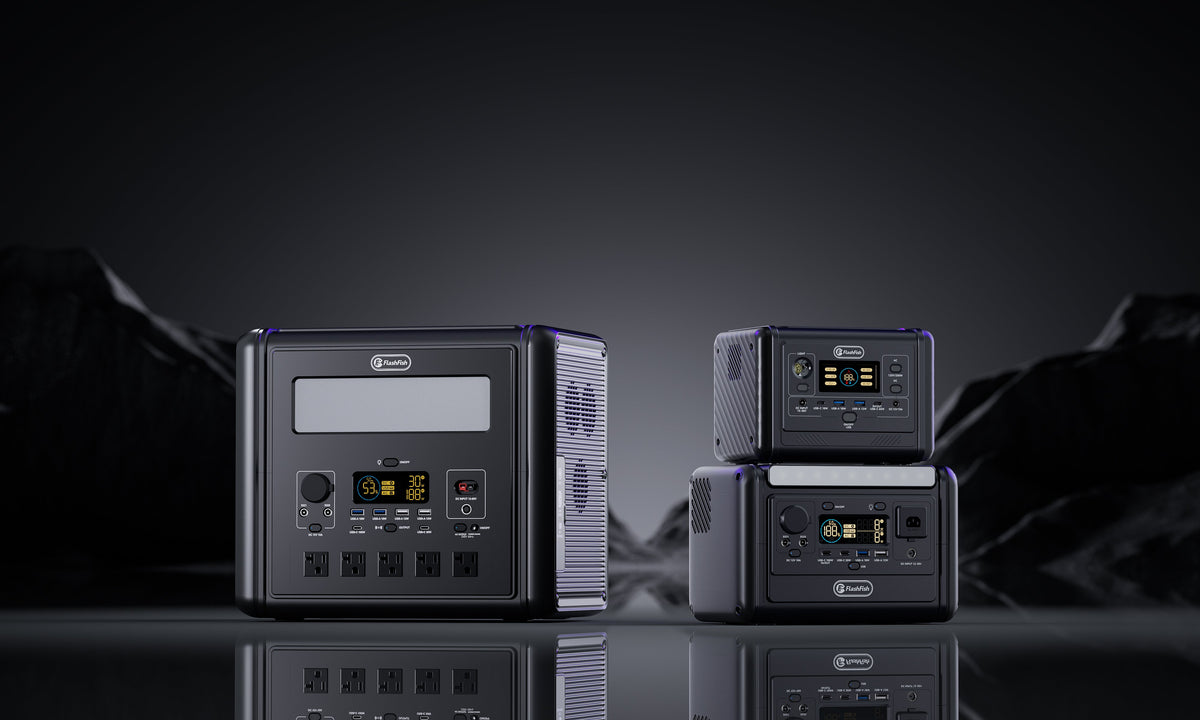
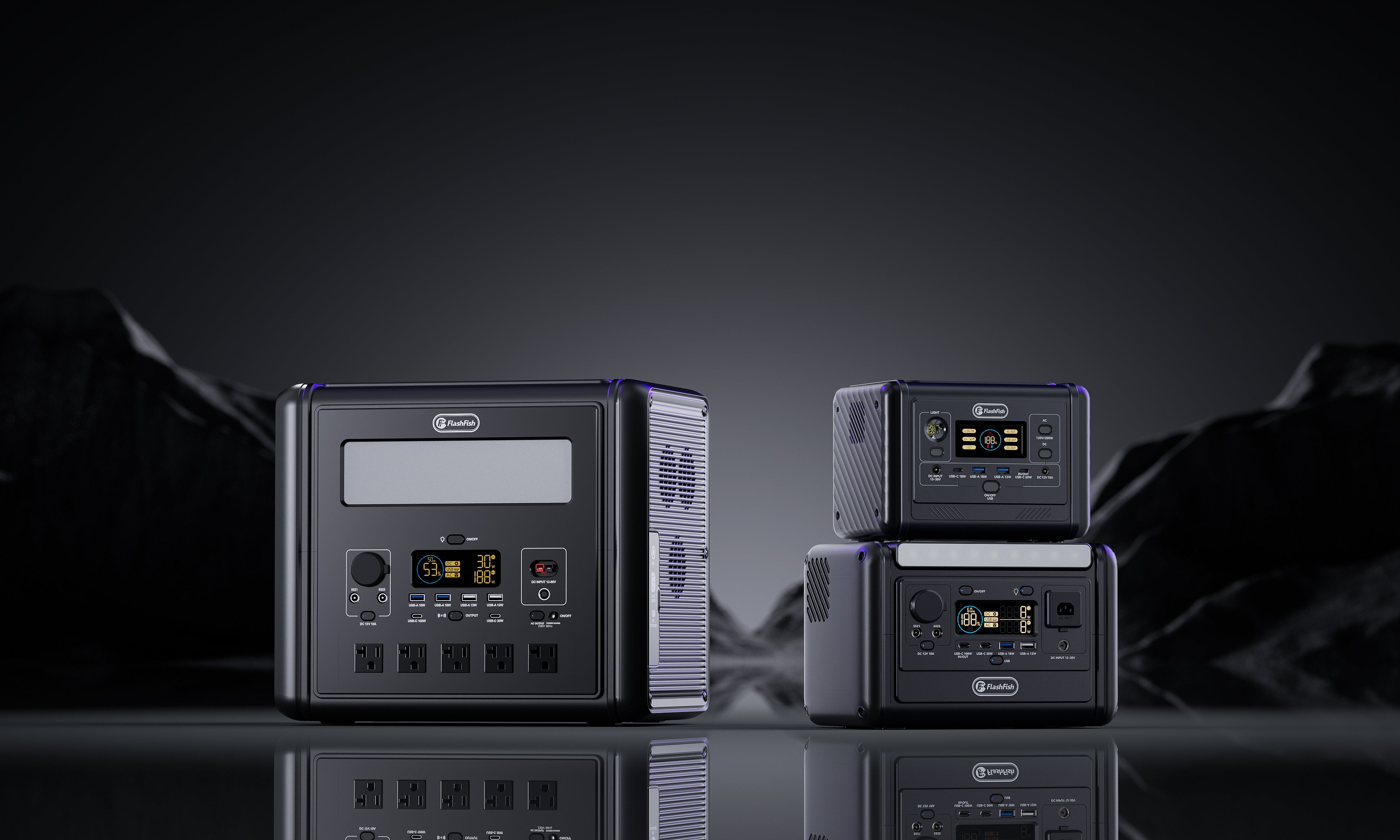
Two FlashFish examples show why the model matters
| Published path | E103 example | T1200S example | Boundary |
|---|---|---|---|
| USB-C | One port up to 60W | One up to 100W and one up to 30W | Device and cable profiles still must match |
| DC group | 12V/10A, 120W shared | 13V/10A, 130W shared across car/DC ports | Do not transfer voltage, connectors or polarity between models |
| AC | One 230V outlet, 300W continuous in current evidence | Four 230V/50Hz outlets sharing 1200W continuous on the Europe page | Outlet count does not multiply total output |
The local product bundle's T1200S manual-derived record is from another 120V/60Hz region, while the current Europe page states 230V/50Hz. The delivered EU label therefore controls. This is exactly why region is part of PATH rather than a footnote.
Compare current FlashFish port mixes after completing your PATH card.
Common mistakes
- Choosing by connector shape before voltage, protocol or polarity.
- Treating a per-port maximum as available when several ports share a lower group total.
- Assuming direct DC is always more efficient without measuring the exact device path.
- Using the peak inverter figure for normal continuous load planning.
- Ignoring region, dampness, cable condition and manufacturer-approved adapters.
When a portable station fits—and when it does not
It may fit when every device has one verified output path, the combined continuous load and daily measured energy fit with reserve, and the cables and environment remain inside all instructions.
It does not fit when the plan depends on unknown polarity, an unsupported USB profile, a wrong-region AC adapter, sustained overload, dangerous cable work or assured medical/critical continuity.
FAQ
Should I use USB-C instead of an AC charger?
Use USB-C when source, device and cable share a sufficient profile. Otherwise use the approved AC adapter within the station rating.
Can any 12V device use a car socket?
No. Match voltage range, current, connector, polarity, startup and group limit.
When is AC the better path?
When the approved mains adapter is required or a direct path cannot be verified, subject to region, load and cable checks.
Is direct DC always more efficient?
Not as a universal claim. Measure the exact USB/DC and AC paths if efficiency materially affects the decision.
What should I record before choosing a port?
Record input voltage, current or watts, protocol, connector, polarity, adapter, cable capability, port ceiling, shared limit and environment.
Decision
The correct output path is the one that satisfies the device's complete electrical contract with the fewest unsupported assumptions. Resolve compatibility first, then compare capacity, weight and price. For the broader selection, use the Europe buying guide to match output paths with capacity and carry needs.
Sources and evidence boundaries
- USB-IF cable and connector guidance — cable power markings and compliance context.
- FlashFish Europe E103 page and T1200S page — model-specific external path examples.
- Camping and Caravanning Club electricity guidance — 12V/230V and campsite context.
- Electrical Safety First — AC extension and lead boundaries.



Lasă un comentariu
Acest site este protejat de hCaptcha și hCaptcha. Se aplică Politica de confidențialitate și Condițiile de furnizare a serviciului.