
















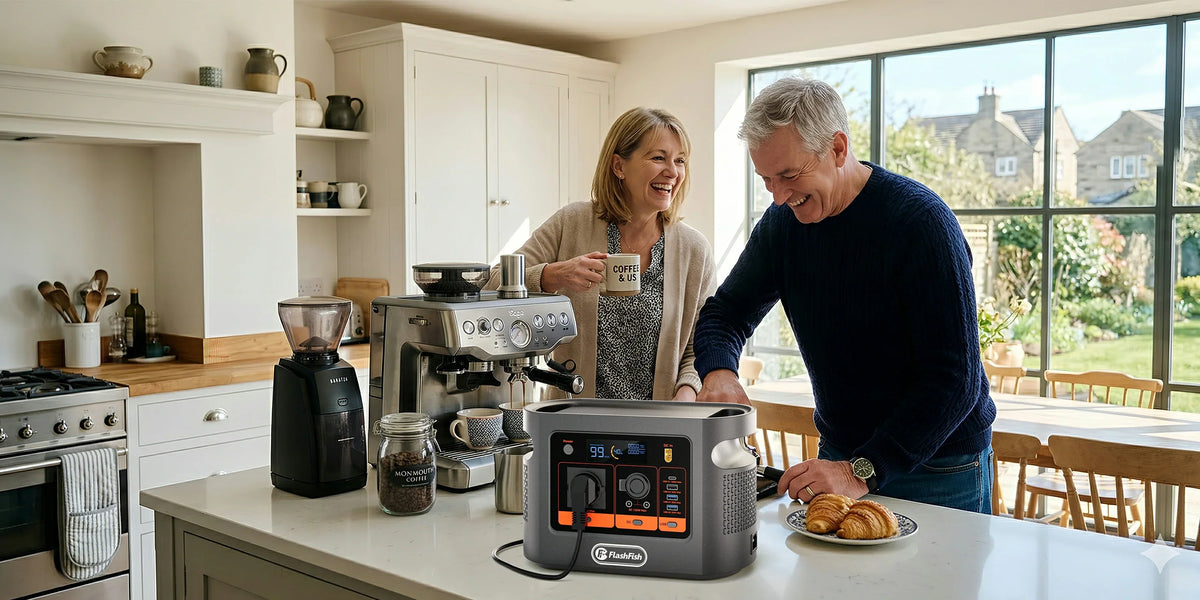
Short answer: on paper, the Original Prusa MK4S sits inside the FlashFish E106B's documented 600W continuous pure-sine AC ceiling. Prusa lists 80W consumption with PLA settings and 120W with ABS settings, but that does not prove automatic changeover, a fixed runtime or a successful print. Check the exact regional labels and run a controlled test.
The useful question is not simply whether 120 is below 600. A 3D-printer backup plan must cover the printer's exact power path, its changing heat-cycle demand, what happens at the instant mains power disappears, how much energy the job actually uses and whether the print remains safe to continue.
In this guide: PRINT method · evidence table · three examples · fit and non-fit · FAQ
Use the PRINT method before connecting the printer
P — Printer and power-supply label: identify the exact printer, regional PSU, input voltage and frequency. The MK4S product page lists a 240W PSU, but a PSU rating is not the same as constant consumption. Record both the label ceiling and measured demand.
R — Rated station path: verify the delivered E106B is the EU version and that its AC output, plug and frequency match the printer. The current EU page lists 230V, 50Hz and 600W maximum shared pure-sine AC output. Do not transfer that evidence to a different regional unit.
I — Interruption behaviour: decide whether the goal is to start the printer from E106B after an outage or to keep an existing print alive. E106B is not presented as a professional 0 ms UPS. Prusa Power Panic can save state on supported printers, but a transfer interruption can still stop heating and the print may detach as the bed cools.
N — Nominal versus measured energy: 384Wh is nominal stored energy, not delivered AC energy. Inverter loss, station overhead, heating cycles, material, ambient temperature and print phase all change the result. Measure watt-hours for a representative job and keep reserve for a controlled shutdown.
T — Temperature, placement and supervision: keep both devices dry, stable, ventilated and away from combustible clutter. Follow the printer maker's heat, movement and recovery instructions. Stop for damaged cables, unusual heat, odour, error messages or uncertain adhesion.
What the published evidence does—and does not—show
| Evidence | What it supports | What it does not prove |
|---|---|---|
| E106B: 600W continuous pure-sine AC; 384Wh nominal | The station has substantial paper headroom above Prusa's listed MK4S consumption figures. | Peak behaviour, seamless transfer, delivered energy or runtime. |
| MK4S page: 80W PLA; 120W ABS; 240W PSU | One exact printer has a documented moderate-load profile. | Every print phase, accessory, enclosure, regional PSU or different printer. |
| Prusa UPS guidance: demand changes by print phase | Backup sizing should use measured, phase-aware demand. | An E106B test or a transferable UPS runtime. |
| Prusa Power Panic guidance | The supported printer can record a power-loss state. | Guaranteed recovery after the bed cools or the object detaches. |
The decisive gap is the complete setup: printer, regional PSU, optional enclosure or accessories, exact firmware, E106B regional unit and the intended transfer method. A clean paper screen justifies a controlled test; it does not replace one.
Three concrete examples
1. MK4S printing PLA
Prusa lists 80W for PLA settings. That is well below E106B's 600W continuous AC ceiling, so the continuous-watt screen passes on paper. The user still needs to observe initial heating, first-layer demand, cable condition and energy used by the exact job.
2. MK4S printing ABS
Prusa lists 120W for ABS settings. The continuous-watt screen still passes, but higher bed and nozzle temperatures can change the duty cycle and energy used. Do not turn the 120W figure into 3.2 hours by dividing 384Wh by 120W; that would ignore variable demand, conversion and reserve.
3. A high-temperature heated-chamber printer
Prusa lists its HT90 at 1900W peak on 230V. That is far beyond E106B's 600W continuous class and is an immediate non-fit example. A familiar product category—3D printer—does not create one universal load profile.
Run a controlled pre-outage check
- Confirm the exact MK4S and PSU regional labels, including voltage and frequency.
- Update and test the printer's documented Power Panic or recovery behaviour on normal mains power.
- Place E106B and the printer on stable, dry, ventilated surfaces with intact cables.
- Disconnect unrelated E106B loads for the first test.
- Start with the normal heat-up and first-layer sequence while observing station output watts.
- Measure energy used over a representative print segment rather than copying one average-watt figure.
- Simulate only the interruption method allowed by both manuals; do not open power supplies or improvise wiring.
- After a loss, inspect bed adhesion and follow Prusa's recovery instructions before resuming.
- End with enough reserve to park the head, cool safely and shut down deliberately.
Common mistakes
- Treating a power supply's 240W rating as constant printer demand.
- Assuming a portable station is a seamless UPS because it can run the load.
- Using 384Wh as though every watt-hour reaches the printer.
- Ignoring an enclosure, ventilation fan, camera, Raspberry Pi or other accessory.
- Resuming after a long outage without checking whether the print has detached.
- Leaving a hot, moving machine and an untested backup arrangement unattended.
When E106B fits—and when it does not
| E106B is a reasonable test candidate when | Stop or choose another plan when |
|---|---|
| The exact EU printer and station labels match. | Voltage, frequency, plug, grounding or PSU identity is uncertain. |
| Measured heat-up and printing demand stays comfortably below the continuous ceiling. | The printer or accessories approach 600W, or decisive startup behaviour is unknown. |
| The goal is a measured short-outage bridge or controlled shutdown. | The process requires guaranteed zero-interruption continuity. |
| Power Panic and recovery steps have been tested on the exact printer. | A failed print would create unacceptable safety, material or production consequences. |
After the load card is complete, check the current E106B regional output and ports. Keep the product page as commerce evidence and the manual and delivered labels as the final electrical check.
FAQ
Can E106B run every Prusa 3D printer?
No. This guide screens the Original Prusa MK4S only. Other printers can have different power supplies, heaters, chambers, voltage requirements and recovery behaviour.
Will E106B switch over without interrupting an MK4S print?
Do not assume that. The E106B page says it is not a professional 0 ms UPS. Treat it as a separate power source unless a controlled test of the exact regional setup proves an acceptable transfer.
How long will a 384Wh station run an MK4S?
There is no fixed answer. Nominal battery energy is not delivered AC energy, and printer demand changes with material, heating, print phase, settings and ambient temperature. Measure watt-hours for the exact job.
Does Prusa Power Panic guarantee that a print will resume?
No. Prusa explains that the bed can cool during an extended outage and the object may detach. Inspect adhesion and follow the printer's recovery instructions before resuming.
Is a larger heated-chamber printer also a fit?
Not from this example. Some industrial heated-chamber printers have much higher published peak demand. Screen every exact model independently and stop when its maximum or startup behaviour is unclear.
Conclusion
The published MK4S demand figures make E106B a defensible candidate for a controlled short-outage test, not a guaranteed UPS replacement. The decisive work is to verify the regional labels, observe the complete heat cycle, measure real watt-hours and rehearse the printer's recovery or shutdown steps. If the test reveals a larger load or a continuity requirement, compare portable power stations after measuring the printer rather than stretching this setup beyond its evidence.
Sources and editorial notes
Product facts come from the authoritative local E106B manual-derived record and the current Europe page. Printer figures and recovery behaviour come from Prusa's MK4S product page, UPS guidance and Power Panic guidance. No physical connection, transfer-time measurement, print recovery test, compatibility result or runtime is claimed. Human review must verify current regional manuals, labels and rendered links before publication.



Залишити коментар
This site is protected by hCaptcha and the hCaptcha Privacy Policy and Terms of Service apply.