
















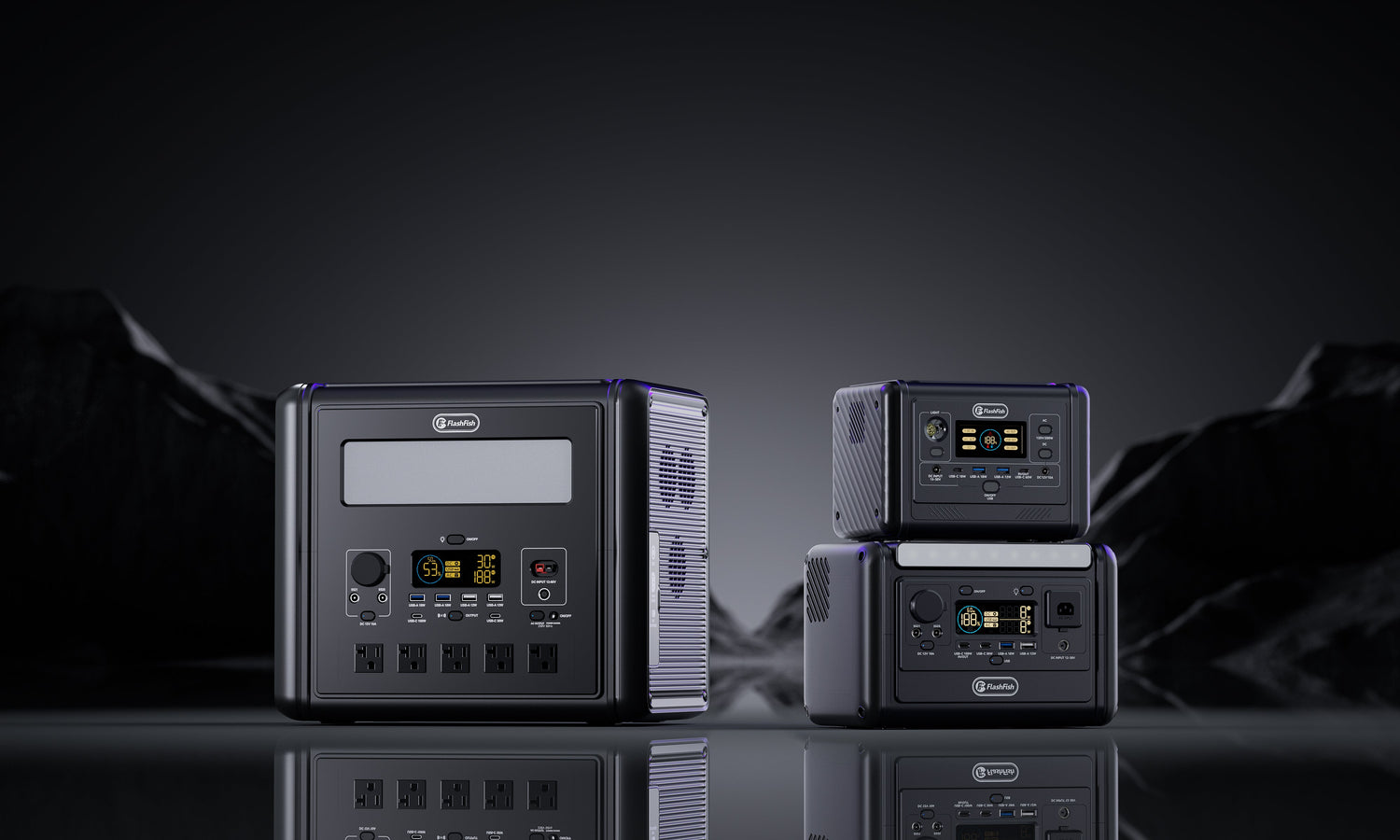
Boundary: a support log preserves observations; it does not diagnose the station, prove a defect, assign responsibility or authorize opening, probing, bypassing or repeated resets.
Use RECORD, not a vague fault description
| RECORD field | What to capture | Why support needs it |
|---|---|---|
| R — Region and identity | Model, serial if present, regional voltage/frequency label, purchase route and order number when relevant. | One model family can have different regional electrical configurations. |
| E — Event timeline | What was off, what was turned on, in what order, and how long before the event. | Sequence is more useful than a conclusion such as 'it stopped working.' |
| C — Connected load | Device and adapter labels, port, cable or strip, other simultaneous loads and output mode. | The product name alone does not reveal input, start behaviour or connection path. |
| O — Observations | Battery percentage, display text, icons, sound, fan, temperature observation and whether output returned after disconnecting the load. | Support can distinguish what was displayed from what the owner assumed. |
| R — Risk signs and room | Indoor or outdoor, dry or damp, ventilation, ambient conditions, damage, smell, heat, smoke, arcing or repeated trip. | Risk signs change the next action from information gathering to stop use. |
| D — Documents and decision | Exterior photos, relevant manual page, receipt if needed, prior ticket and the one question you need answered. | A bounded evidence packet is easier to route and review. |
Copy this nine-line support log
- Model and regional label: exact wording and a clear exterior photo.
- Order reference: only when the request concerns the purchase, return or coverage route.
- Battery state: displayed percentage before and after the event.
- Output path: AC, USB-C, USB-A, DC or car output; note the output mode or switch state.
- Connected item: exact device, adapter and cable labels plus every simultaneous load.
- Sequence: numbered steps from station off to the observed event.
- Display evidence: exact text, icon or code; do not paraphrase when a photo is possible.
- Environment: dry location, ventilation, approximate room condition and any recent transport or charging event.
- Question: ask one bounded question such as 'Does this display code require service for this regional model?'
Next step: Send your completed RECORD log to FlashFish Europe support. Remove unrelated personal information from images and include only the order data the selected support route needs.
Three stronger support messages
1. AC output did not start
Weak: 'My T2000 will not power a device.' Stronger: 'T2000 EU label photographed; battery displayed 74%; AC output enabled; only a 230V device with its 420W adapter connected; display showed [exact text]; AC output stopped after [sequence]; no heat, smell, moisture or visible damage.' This is still evidence, not a diagnosis.
2. Battery percentage changed faster than expected
Weak: 'The battery drained too fast.' Stronger: 'E106B label photographed; started at 82%; USB-C1 powered the named laptop and adapter for 34 minutes; screen ended at 63%; AC and DC outputs were off; room was dry; no error displayed.' Support can now ask about the exact load and regional record without inheriting a runtime claim.
3. Protection event after a new load
Weak: 'The station is defective.' Stronger: 'T1200S label photographed; AC mode on; the named appliance and adapter labels attached; event occurred at startup; exact display icon photographed; load disconnected once; the event repeated on the next normal attempt, so testing stopped.' Repeated resets are not part of the log.
Stop collecting data when risk signs appear
Electrical Safety First says not to ignore burn marks, arcing sounds, repeated protective-device operation or hot plugs, and advises contacting the retailer, manufacturer or a qualified repair technician. After water exposure, move portable equipment away from the affected area and do not attempt temporary connections or repairs yourself.
- Do not reconnect water-exposed equipment to make a clearer video.
- Do not open the case for internal photos.
- Do not probe ports, bridge terminals or defeat a protection switch.
- Do not repeatedly recreate an overload, short-circuit or heat event.
- Do not post order numbers, addresses, serials or private support messages publicly.
Product-specific notes without diagnosis
| Model | Useful identity context | Do not infer |
|---|---|---|
| E106B | Regional AC evidence matters; the local record documents one AC outlet, USB and shared DC output groups. | A protection category does not identify the cause of one event. |
| T1200S | The bundled manual is a 120V/60Hz source record, so the delivered Europe label must lead. | Do not copy a regional instruction from the bundled record to an EU unit. |
| T2000 | Record the exact output group, simultaneous loads and display state. | High rated output does not rule out start, cable, regional or environment problems. |
When this support log fits—and when it does not
When it fits
- You can observe the exterior, label, display and setup without touching damaged or wet equipment.
- The event is stable enough to describe from the first occurrence.
- You need product information, technical support or order routing from FlashFish Europe.
When it does not fit
- There is smoke, fire, arcing, serious heat, water exposure or immediate danger; follow emergency and qualified professional guidance.
- The task requires opening, repairing, modifying or bypassing the station.
- The issue concerns a life-safety or medical-critical supply plan that needs a dedicated professional response.
FAQ
What is the minimum information FlashFish support needs?
Start with the exact product model, regional label, order number when relevant, a short event timeline, the connected device and adapter label, the port used, battery percentage, output mode, display text and clear photos that do not expose private information.
Should I keep resetting the station to reproduce a trip?
No. Record the first event accurately. If a trip repeats, or there is heat, smell, smoke, arcing, damage or moisture, stop use and contact support or a qualified professional rather than forcing another test.
Should I open the power station to photograph the inside?
No. Photograph only the exterior label, display, ports, cable condition and surrounding setup from a safe position. Do not open, modify, probe or bypass the product for a support log.
Why should I photograph the device label and adapter?
The device name alone may hide different regional versions, input values and adapters. A label photo helps support compare the actual voltage, frequency, watts and connection path without relying on memory.
Can the support log prove what caused the problem?
No. It preserves observations and narrows questions; it does not establish fault cause, product defect, user error, repair eligibility or outcome. Diagnosis belongs to the manufacturer or a qualified professional.
Sources and evidence notes
- FlashFish Europe contact page — current support route and requested model/order context.
- E106B page, T1200S page and T2000 page plus the local product database — identity and port context only.
- Electrical Safety First flood and product advice — evidence, stop-use and qualified-help boundaries.
Editorial viewpoint: the best first support message is not the longest. RECORD separates observation from diagnosis and gives the support team a clean sequence they can verify.
Verify before submitting: Confirm the exact model page before sending product details, then keep the request limited to the observed event and one clear question.
Evidence checked . Human review is required for current support intake, regional product evidence, stop-use wording, privacy handling, author/reviewer credentials, links, metadata, image crop and rendered FAQ/schema parity before publication.



Commenta
Questo sito è protetto da hCaptcha e applica le Norme sulla privacy e i Termini di servizio di hCaptcha.