















How to Measure Appliance Energy Before Buying a Power Station
Short answer: use a suitable regional plug-in energy meter to record both operating watts and accumulated watt-hours over the real task you want to power. Repeat the task, note changing modes and keep startup, safety, losses and reserve separate. A single label or idle reading is not enough to choose a portable power station responsibly.
The METER method records Mode, Equipment, Timed energy, Event peaks, and Repeatability plus reserve. It creates a buyer evidence sheet; it is not a laboratory test or a guarantee of compatibility.
Why watts and watt-hours answer different questions
| Reading | Question answered | What it cannot prove alone |
|---|---|---|
| Watts (W) | How much power is being drawn now? | Full-cycle energy, startup or runtime |
| Watt-hours (Wh) | How much energy did the task use over time? | Continuous-output compatibility or safety |
| Maximum displayed watts | What highest value did this meter show? | A very fast motor/compressor transient |
| Power factor / VA when available | How AC current and real power relate for this load | A station VA ceiling that is not documented |
Use only a suitable meter and ordinary plug-connected load
Start with model-specific manufacturer or EPREL information when available, then use a suitable plug-in monitor to observe the exact plug-connected appliance. A Brennenstuhl PM 231 E example can display voltage, frequency, current, power factor, watts, total energy and time, but its instructions also set hard boundaries: fully insert the plug, stay inside the meter rating, do not chain meters and use the named model only in dry indoor conditions.
Do not measure fixed wiring, a damaged appliance, wet-area equipment, a load beyond the meter rating or any arrangement excluded by the meter or appliance instructions. Stop for heat, marks, smell, buzzing, arcing, repeated trips or a loose connection. Do not use this blog method for medical equipment continuity decisions.
M — Record the operating mode
Name the exact mode that creates the demand: refrigerator pull-down, slow-cooker low setting, desktop render, tool charger at the start of charge, or laptop under the real workload. Idle and standby can be useful, but they are not substitutes for the intended job.
E — Record the complete equipment chain
- Appliance make, model, region and label.
- Meter make, model, rating and mode.
- Any power strip, adapter or charger in the chain.
- Room temperature and relevant environment.
- Every device that will share the future station.
T — Measure timed energy
- Reset the accumulated-energy value according to the meter instructions.
- Run a representative task long enough to include normal cycling.
- Record start and end time, displayed watts by mode and accumulated kWh.
- Convert kWh to Wh by multiplying by 1,000.
- Add the other trip or outage loads and retain a margin for conversion, reserve and changing conditions.
For example, a meter result of 0.18kWh is 180Wh of measured wall energy for that specific task. It is not proof that a 180Wh battery can complete it: nominal battery capacity is not fully deliverable through every output mode, and the task may vary on the next run.
E — Treat event peaks as a separate evidence problem
A consumer meter may show a maximum value, but a short motor or compressor start can occur faster than its display or sampling method captures. If startup is decisive, obtain model-specific manufacturer evidence or qualified measurement. Do not repeatedly force trips to hunt for a number.
R — Repeat the real task and keep reserve
Repeat on more than one cycle when the load changes with temperature, battery state, thermostat, compressor, motor, charger stage or computing workload. Record the range, not only the lowest result. Then choose a reserve that reflects the consequence of running short; this article does not prescribe one universal percentage.
Three worked measurement cards
| Card | Measure | Common mistake | Useful output |
|---|---|---|---|
| DESK | Idle, normal work and heaviest planned workload for PC, monitor and peripherals | Using the power-supply badge as actual demand | Combined operating watts and Wh for a representative session |
| COOK | Full appliance cycle in the exact setting and environment allowed by its instructions | Multiplying label watts by hours without observing thermostat cycling | Measured cycle Wh plus a separate heat/location review |
| COLD | Pull-down, steady cycling and a repeat under warmer conditions | Using one quiet compressor-off snapshot | Range of operating watts and cycle Wh, with startup evidence still separate |
Map the evidence to a product envelope
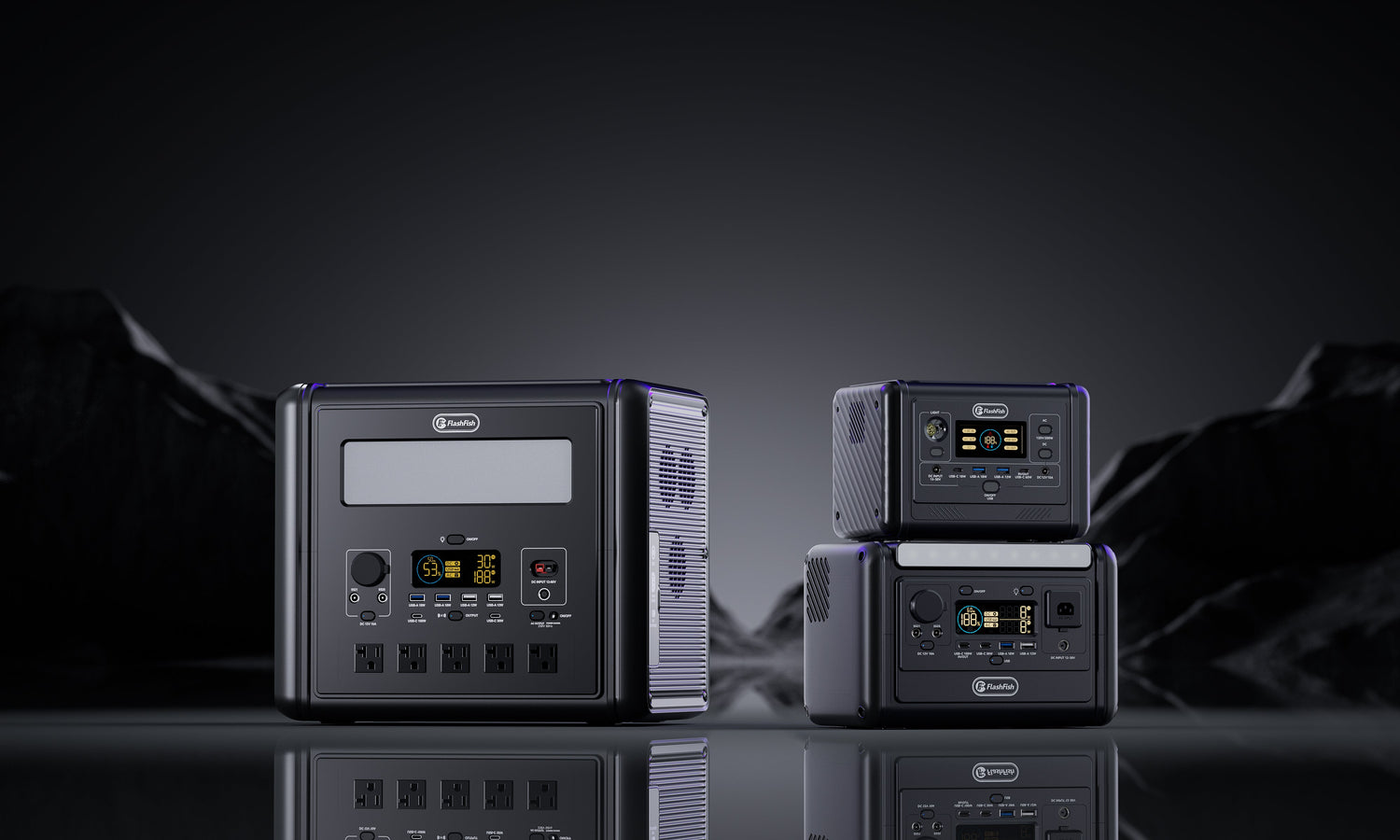
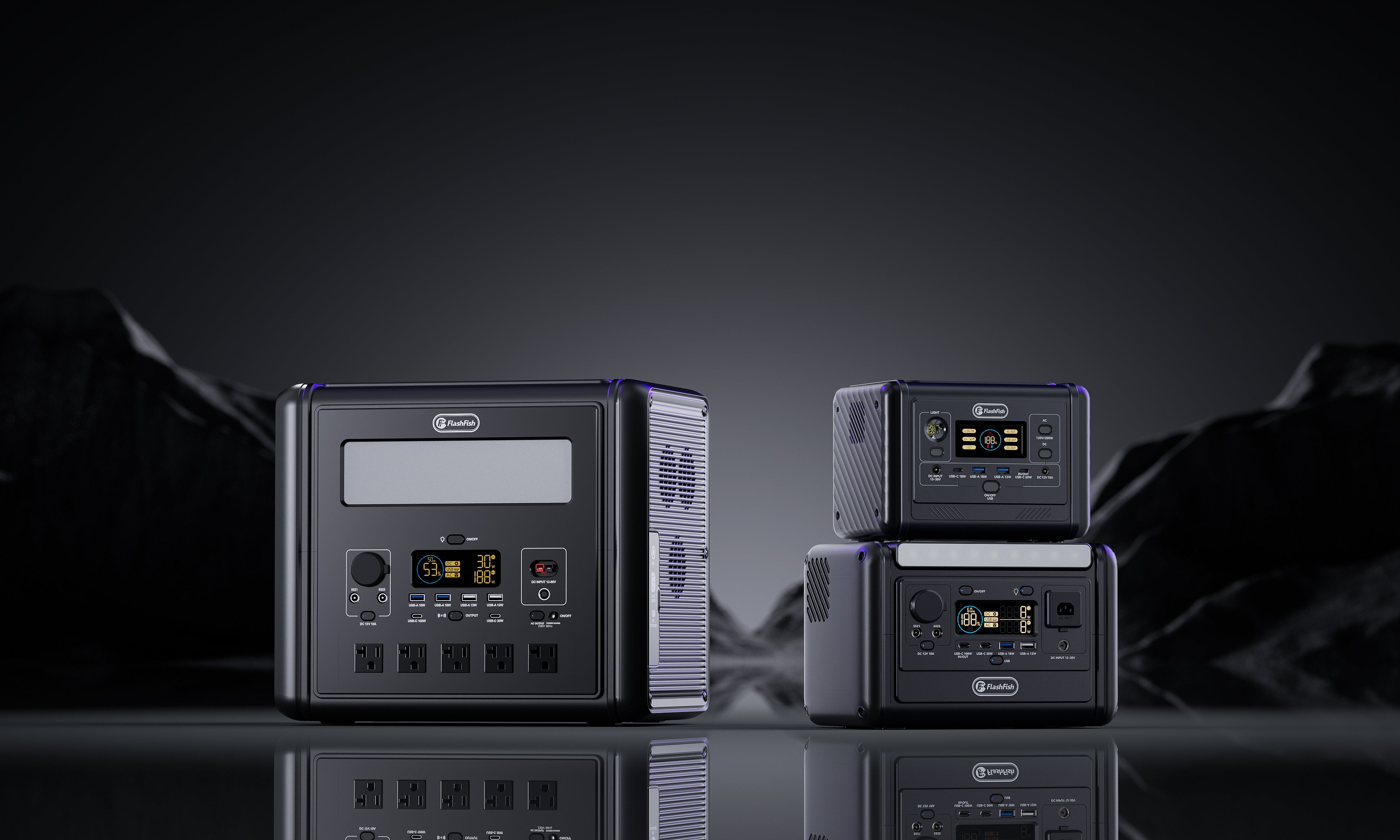
Only after measurement should product examples enter. The current E106B record supports 384Wh nominal capacity and 600W continuous AC; the T1200S supports 768Wh and 1200W continuous AC. These are envelopes, not promised usable energy or runtime. The E106B local manual record also leaves chemistry blank, and the T1200S bundled manual uses another regional AC version, so current delivered labels remain part of review.
| Evidence result | E106B screen | T1200S screen | Still unresolved |
|---|---|---|---|
| Continuous load clearly below 600W with measured energy well below 384Wh | May merit a shortlist | May be unnecessary capacity and mass | Startup, loss, reserve, ports and regional label |
| Load exceeds 600W but stays below 1200W with headroom | Non-fit on continuous output | May merit a shortlist | Startup, total simultaneous load and measured energy |
| Task depends on every nominal Wh or an uncaptured transient | Do not conclude fit | Do not conclude fit | Better measurement, lower load or another plan |
Use your completed METER sheet with the FlashFish Europe buying guide.
Common mistakes
- Reading only idle watts.
- Recording watts but not accumulated Wh.
- Measuring one component and forgetting the charger, monitor, router or other shared load.
- Assuming a maximum-display value captured a fast startup event.
- Using a smart plug or meter beyond its rating or outside its intended environment.
- Turning nominal battery Wh into a guaranteed runtime.
When FlashFish context helps
FlashFish product records provide output ceilings, nominal capacities, ports and current Europe URLs that can receive a completed evidence sheet. They help compare classes after the load is measured.
When FlashFish context does not solve the problem
A product page cannot validate a damaged appliance, fixed wiring, wet-area setup, medical continuity need, short uncaptured transient or regional electrical arrangement. Those require the exact appliance and meter instructions, and sometimes qualified review.
FAQ
Should I measure watts or watt-hours?
Both. Watts screen output; accumulated watt-hours show the energy used by a representative task. Startup, reserve and losses remain separate.
Can a plug-in meter capture startup surge?
Not necessarily. A short transient may be faster than its display or sampling. Use manufacturer evidence or qualified measurement when startup is decisive.
How long should I measure?
Long enough to include the real operating cycle, then repeat it. One idle snapshot is not enough for thermostatic, compressor, motor, charger or variable computing loads.
Can I compare measured Wh directly with battery Wh?
Use measured Wh as demand evidence, but do not treat nominal battery Wh as fully deliverable. Keep margin for conversion, reserve, temperature, condition and output-mode overhead.
When should I not use a plug-in meter?
Do not use it on fixed wiring, unsuitable wet or outdoor equipment, damaged plugs or cables, loads beyond its rating, medical equipment without an approved method, or any setup that conflicts with instructions.
Decision
A defensible power-station choice starts with measured operating watts, representative Wh, repeat runs and clear uncertainty. The METER sheet prevents both undersizing and unnecessary oversizing. Keep it with the appliance labels and compare only current ACTIVE Europe products whose regional outputs and ports match the task.



Laat een reactie achter
Deze site wordt beschermd door hCaptcha en het privacybeleid en de servicevoorwaarden van hCaptcha zijn van toepassing.