






Short answer: keep the SR5000 installation and operating settings stable, record the same evening fields across representative days, and give the resulting diary to the responsible installer or service provider. The diary is evidence for a review; it is not an instruction to change wiring, firmware, reserve levels, export behaviour or charging schedules.
What the diary can and cannot answer
| The diary can show | It cannot prove by itself |
|---|---|
| When household demand rises during the evening | Which setting caused the pattern |
| What the approved meter or app displayed at named times | Meter accuracy, unseen loads or unavailable system values |
| Whether a pattern repeated on labelled days | Annual savings, payback or future performance |
| Questions worth taking to the installer | Permission to change grid, battery or backup configuration |
Use three representative evening examples
- An ordinary weekday: record the normal cooking, lighting, work and entertainment pattern without adding a special test load.
- A high-demand evening: label the unusual appliances or occupancy that made the evening different.
- A weekend or low-demand evening: capture a contrasting routine and explain why it differs.
These are diary categories, not a minimum dataset or a performance test. If weather, guests, travel, charging or another event changes the pattern, write it beside the readings.
Copy this evening-load worksheet
| Field | What to record | Evidence boundary |
|---|---|---|
| Date and local time | Start, one or more consistent checkpoints and finish | Use the same clock and time zone |
| Day type | Ordinary weekday, high-demand event, weekend or other named case | Do not relabel an exceptional evening as typical |
| Weather and daylight | Simple observed conditions; optionally retain a PVGIS planning reference | Weather notes do not measure array output |
| Household loads | Named devices or activities that changed demand | Labels are not measured power unless a suitable meter supplied it |
| System readings | Only values actually shown by the approved meter, SR5000 interface or app | Leave unavailable values blank |
| Tariff window | Start and finish from the current contract | Do not infer a tariff from a generic time-of-use example |
| Interruption or manual action | Any outage, alarm, override or professional instruction | Explain the change instead of comparing the evening as unchanged |
Decision-stage next step: keep the diary beside the Review current SR5000 Europe details page so the reviewer can separate current product context from site-specific evidence.
SR5000 context to give the reviewer
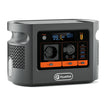
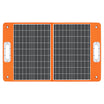
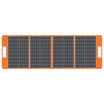
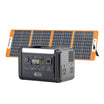
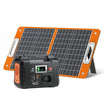
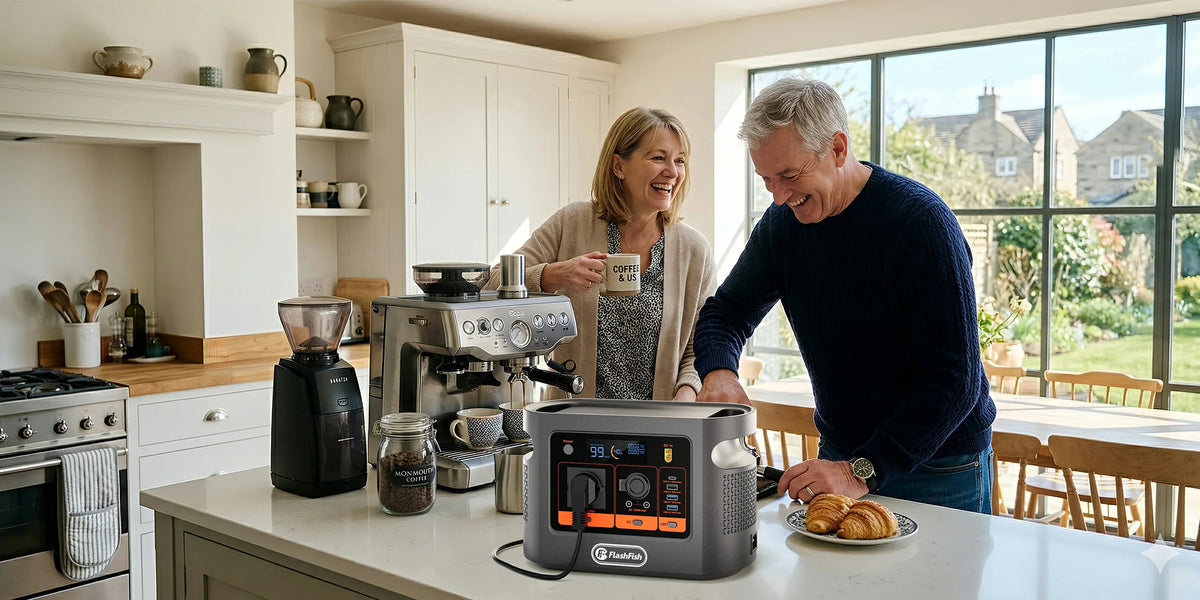
The current Europe page lists the FlashFish SR5000 with 5120Wh nominal capacity, 2400W rated off-grid AC output and smart app control. Those ratings identify the product; they do not reveal the active settings, usable energy for a particular reserve policy, household load, tariff result or grid arrangement. Record the exact model, installation date, app or interface version if shown, and the parties responsible for the installation and service.
Keep seasonal context separate from measured readings
The European Commission JRC PVGIS service can show how photovoltaic production changes over the year for a location and selected system assumptions. Use it to frame a seasonal question, not to overwrite readings from the actual installation. Orientation, shading, equipment, weather, curtailment and system settings can make a real site differ from a planning estimate.
Record tariff facts, not assumptions
The European Commission consumer and prosumer overview supports informed energy decisions, but it does not define the reader's contract. Copy the tariff name, current import and export windows, effective date and source document. Ask the reviewer which fields matter; do not calculate a savings result from a generic rate or a single evening.
Prepare a professional handover
- Attach the diary and identify every data source.
- Mark blanks instead of estimating unavailable import, export, state-of-charge or load values.
- List alarms, interruptions and exceptional days separately.
- Ask which active settings the reviewer verified and which evidence supports any proposed change.
- Request a written monitoring period, rollback or escalation path and the person responsible for the next check.
Advantages, disadvantages and overlooked limits
| Approach | Advantages | Disadvantages and risks |
|---|---|---|
| Stable observation first | Produces comparable evidence and preserves the existing configuration | Takes time and may expose missing readings |
| Changing settings during the diary | May appear faster | Mixes causes, weakens comparisons and may exceed the owner's scope |
| Using only annual estimates | Useful for broad seasonal planning | Does not represent the installed system or one household evening |
FAQ
How many evenings should I record?
Use enough clearly labelled evenings to show ordinary and unusual patterns, then let the responsible reviewer decide whether more evidence is needed.
Should I change settings while collecting the diary?
No. Keep the observation period stable unless the responsible professional gives a documented instruction, and record any unavoidable change.
Does lower grid import prove a setting is better?
No. Solar production, household demand, tariff timing, reserve policy and other conditions can all change the figure.
Can PVGIS replace my system readings?
No. PVGIS is a location-based planning resource; the diary must identify values from the actual approved meter, interface or app.
What should the reviewer return?
Ask for the evidence reviewed, current configuration confirmed, proposed action, reason, constraints, monitoring period and named owner for follow-up.
Sources and evidence limits
- FlashFish SR5000 Europe page and exact-model record — current product context, not site settings or performance.
- JRC PVGIS — location-based solar and seasonal planning information, not an installed-system reading.
- European Commission energy consumers and prosumers — informed-decision context, not a specific tariff or local rule.
Evidence checked 31 October 2026. No household observation, installer review or settings change was performed for this article.
Turn the diary into a bounded review
A useful diary makes conditions, readings and blanks visible. It does not force a conclusion. Keep the installation unchanged, hand the evidence to the responsible professional and Plan the next SR5000 review from verified product details before deciding whether any seasonal adjustment is appropriate.



Laat een reactie achter
Deze site wordt beschermd door hCaptcha en het privacybeleid en de servicevoorwaarden van hCaptcha zijn van toepassing.