
















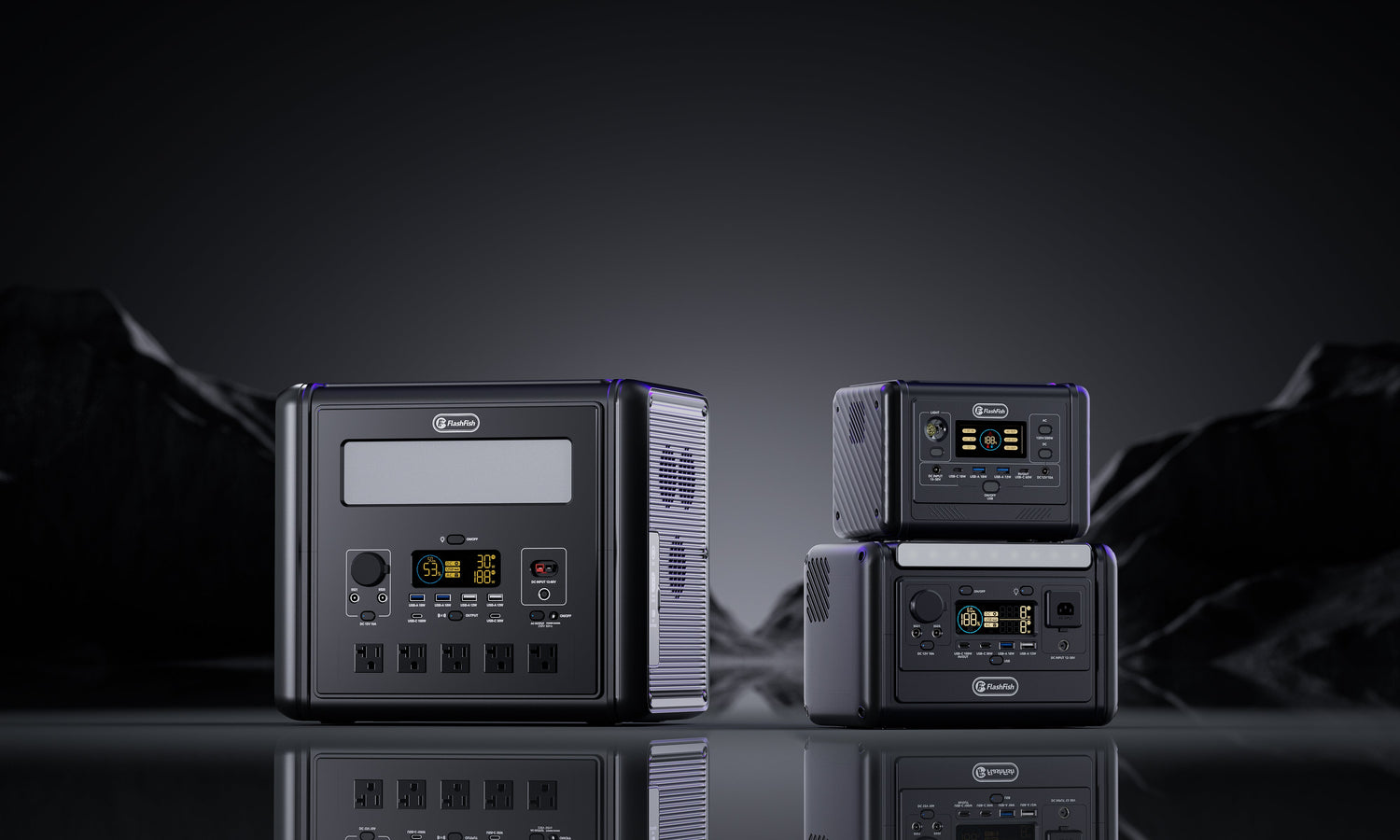
Portable Power Station Protection Shutdown: What to Record
Short answer: do not start with a diagnosis or repeated reset. Record the exact display, connected load, port, sequence and environment before anything changes. Stop for heat, burning smell, arcing, swelling, impact damage, liquid, a damaged cable or a repeated trip; otherwise follow only the exact current regional manual for one permitted check.
This guide uses the RESET record: exact Response, connected Equipment, event Sequence, operating Environment and possible Trigger evidence. It is designed to preserve facts for support, not to diagnose or bypass a protection system.
Emergency brake: stop before collecting more data
Switch off and disconnect according to the product instructions if you observe heat, burning smell, smoke, buzzing or arcing, swelling, physical damage, liquid, condensation, a damaged plug or cable, or a repeated trip. Do not touch hot, wet, swollen or visibly damaged equipment to improve the evidence record.
If there is immediate danger, move people away and follow local emergency guidance. This article does not provide battery-fire handling, electrical repair or internal inspection instructions.
The RESET evidence card
| Field | Record exactly | Avoid |
|---|---|---|
| Response | Display text/icon, sound, output state, battery percentage and time | Translating it into a cause without the manual |
| Equipment | Station model/region, load model/label, port and every connected device | Writing only appliance type |
| Sequence | What was connected, switched on or changed and in what order | Recreating the event repeatedly |
| Environment | Location, ventilation, temperature evidence, sun, moisture, dust and cable path | Guessing an internal temperature |
| Trigger evidence | Running watts, startup event, damaged lead, blocked vent or other observation | Declaring root cause |
Why protection names are not diagnoses
The manual-derived FlashFish product database lists protections such as high/low temperature, over-discharge, over-charge, overload, short circuit and over-current for T1200S and T2000. Those names describe design functions in the source record. They do not map your screen icon to a cause or provide EU reset instructions.
The T-series records also come from a different 120V/60Hz regional source. Use the FlashFish Europe support centre to locate the exact regional manual and keep the delivered product-label photo with the event record.
R — Capture the exact response
- Photograph or transcribe the display without relying on memory.
- Record whether AC, DC, USB or the entire unit stopped.
- Note battery percentage before and after the event if visible.
- Record the time and whether the station had just started, run steadily or changed mode.
- Do not turn a generic icon into an error-code meaning unless the exact manual does.
E — Inventory every connected item
Record the station model, regional voltage/frequency label, selected output mode and port. For each load, record model, input label and whether it is a motor, compressor, heater, charger or electronic supply. Include items on USB or shared DC groups, not only the appliance that appeared to trigger the event.
| Connected item | Port | Rated/measured input | State at shutdown |
|---|---|---|---|
| Main appliance | Fill in | Fill in | Starting / steady / cycling |
| Second AC load | Fill in | Fill in | On / off |
| USB or DC load | Fill in | Fill in | On / off |
| Extension or adaptor | Between source and load | Rating and condition | Cool / warm / marked / damaged |
S — Rebuild the sequence on paper
Write the event as a timeline: station state, connection order, output activation, appliance start, any mode change and shutdown. Sequence often distinguishes a motor-start event from a steady-load event without pretending to know the root cause.
Do not recreate a hazardous event for cleaner notes or a better photo. One spontaneous event plus precise evidence is more useful than several forced trips that add heat and uncertainty.
E — Record the environment
- Stable surface, clear vents and distance from heat sources.
- Indoor, outdoor, vehicle, tent, shed or other location.
- Direct sun, enclosed space, dust, condensation, rain or dew.
- Cable reel wound or unwound, cable path and any crushed section.
- Recent charging, cold storage, impact or transport.
Electrical Safety First advises stopping for burning smells, damage, arcing, repeated trips or heat, and keeping outdoor equipment dry and damage-free. Its guidance is a stop-use boundary, not a model-specific reset process.
T — Record possible trigger evidence without naming the cause
Useful observations include total connected watts, an appliance starting, a cable becoming warm, a vent being covered, direct sun or a low battery state. Write observed, not diagnosed. For example: the shutdown occurred when the compressor started is useful; the inverter is defective is a conclusion that the evidence does not yet support.
Choose the next branch
| Evidence state | Next action | Do not do |
|---|---|---|
| Heat, smell, arcing, swelling, liquid, damage or repeated trip | Stop use and escalate | Reset, open or test again |
| No stop sign; exact manual gives one clear check | Follow that check once under normal supervised conditions | Invent timing or steps |
| Manual/label missing or regional source uncertain | Contact support with RESET record | Use another region's procedure |
| Load clearly exceeds a published limit | Remove the mismatch and reassess the task | Use peak mode as a continuous workaround |
A support-ready escalation template
- Station model, serial/batch if requested, region and label photo.
- Exact display text or icon and which outputs stopped.
- Battery state, output mode and charging state.
- Every connected load, port and input label.
- Timeline from connection to shutdown.
- Environment, ventilation, moisture, cable and damage observations.
- Whether the event repeated without deliberately recreating it.
- Your bounded question: which exact manual section or service path applies?
Send the completed RESET evidence record to FlashFish Europe support.
Common mistakes
- Photographing only the station and omitting the load label.
- Writing overload when the display showed only a symbol.
- Ignoring a USB, DC or second AC load.
- Resetting until the event disappears.
- Moving the unit before recording sun, ventilation, cable and moisture.
- Opening the enclosure or replacing internal parts.
When FlashFish context helps
FlashFish product records help identify the model's documented protection categories and published limits. The Europe support route helps resolve the exact regional manual. Neither replaces the delivered label, the connected appliance evidence or qualified inspection where damage or repeated trips are present.
When FlashFish context is not enough
A blog article cannot determine the internal condition of a battery, inverter, cable or appliance. Do not continue when the evidence points to heat, damage, liquid, arcing, swelling or repeated protection events, or when a local professional review is required.
FAQ
Should I reset a power station immediately after a protection shutdown?
Not automatically. First record the exact display, load, port, sequence and environment. Follow only the exact current regional manual, and stop for heat, smell, marks, arcing, moisture, swelling, damage or a repeated trip.
Does an overload message prove the appliance is faulty?
No. It records what the station reported, not the root cause. Total load, motor startup, cable condition, temperature, battery state and the station itself may all require review.
Can I bypass the protection to finish the task?
No. Do not open the station, bridge protection, defeat a sensor, modify wiring or repeat resets to force operation.
What photos should I take for support?
When it can be done without touching hot or damaged equipment, capture the product label, display message, load labels, ports and cable path. Do not stage a second event for a photo.
When should I stop using the station?
Stop for repeated trips, heat, burning smell, buzzing or arcing, swelling, impact damage, liquid or condensation, damaged plugs or cables, or any instruction in the exact manual that requires service.
Decision
The valuable output of a shutdown is not a guessed cause; it is a clean evidence trail. Preserve the RESET card, use one exact regional manual and escalate rather than forcing operation. If the event instead shows that the load class was wrong, compare current station classes only after the equipment and task are re-measured.



Zostaw komentarz
Ta strona jest chroniona przez hCaptcha i obowiązują na niej Polityka prywatności i Warunki korzystania z usługi serwisu hCaptcha.