




Record the alert exactly as it appeared, then contact the official support route. An SR5000 evidence pack should identify the unit, the time, the visible message and the circumstances already known. It should help a qualified person understand the enquiry without asking the owner to diagnose a fault or change the installation.
If there is smoke, fire or an immediate danger, move away and use local emergency procedures. Do not delay that response to collect photographs. This checklist does not determine whether continued operation is safe.
Start with identity, without disturbing the installation
Use an existing label photograph or information readable from a safe position. Record the complete model, including any suffix, and keep serial and order information for private support correspondence. The Europe support centre asks owners to match the product label and manual version.
- Exact label model and regional version, copied rather than guessed from appearance.
- Manual title or edition already held; write “not available” if it is missing.
- Owner contact, country and installer or service reference where known. Avoid putting private identifiers in a public post.
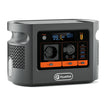
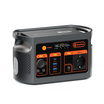
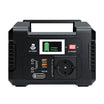
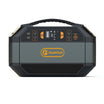
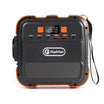
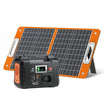
Identify the SR5000 on the current Europe product page if you need a model reference. The product page identifies the range; it cannot identify the cause of an alert on your individual unit.
Copy this service record
| Record | What to enter | Keep the boundary clear |
|---|---|---|
| Time | Date, local time and time zone; first noticed and last observed | If the start time is unknown, say when you first noticed it. |
| Message | Exact displayed code or wording; original screenshot if already accessible | Do not replace a code with a guessed meaning. |
| Visible state | Already visible indicator state and any app message, each with a capture time | Do not approach exposed or damaged equipment to obtain detail. |
| Load context | Names and existing watt-label information for equipment connected at the time, if known | Do not measure live wiring, open covers or recreate the event. |
| Recent work | Date and description of authorised work, plus the responsible service reference | A recent change is a timeline fact, not proof of cause. |
| Attachments | Label photo, message screenshot and overview already safely available | Keep originals; avoid altering a screenshot to make it more readable. |
Separate three kinds of statement
- Observation: “At 18:10 local time the app displayed this message.” Attach the capture and retain its original timestamp.
- Uncertainty: “The display was not photographed and I do not know when the alert began.” A missing observation is useful information.
- Question: “Which exact manual and qualified-service route apply to this unit?” Leave the answer to the responsible support or service professional.
What the pack must not become
The SR series manual, safety and personnel requirements reserves internal service for qualified personnel and directs users with abnormal operation to the supplier or service centre. Do not open the enclosure, alter wiring or grounding, change settings, clear protection or prescribe a reset from a code found online.
Record existing loads without drawing a new power conclusion. A nominal energy rating, a continuous-output rating and a short peak rating answer different questions; none diagnoses an alert or establishes a remaining operating time. If essential activities are affected, use a separately assessed contingency plan rather than assuming the storage system can continue supporting them.
Assemble a short handover
Put the exact model and first-observed time in the message heading. Follow with the observed wording, a brief timeline, the known load context and an attachment list. Mark unrecorded fields explicitly. Keep a copy of the message and case reference so later observations can be added in order, without rewriting the original account.
Frequently asked questions
Should I reset the unit before taking a screenshot?
Do not reset it just to prepare this record. Preserve what is already visible and ask support or the qualified technician for the next action.
What if the display and app show different information?
Keep both records with their individual capture times. Write that the readings differ; do not choose one as the correct diagnosis.
Should I reproduce the alert with the same appliance?
No. Record the earlier load and circumstances from existing notes. Do not reconnect equipment or reproduce a fault for this checklist.
Is a photograph enough to confirm warranty coverage?
No. A photograph helps identify a product and visible state. Coverage and the applicable process depend on the actual policy and case assessment.
Can the same record be used for SR5000-AC?
The model must be recorded exactly. A shared manual does not make SR5000 and SR5000-AC interchangeable; ask support for the matching version.
Next step and method
Send the evidence pack through FlashFish Europe support. Ask for the matching manual and the next appropriate qualified-service action; do not treat an acknowledgement as permission to resume operation.
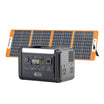
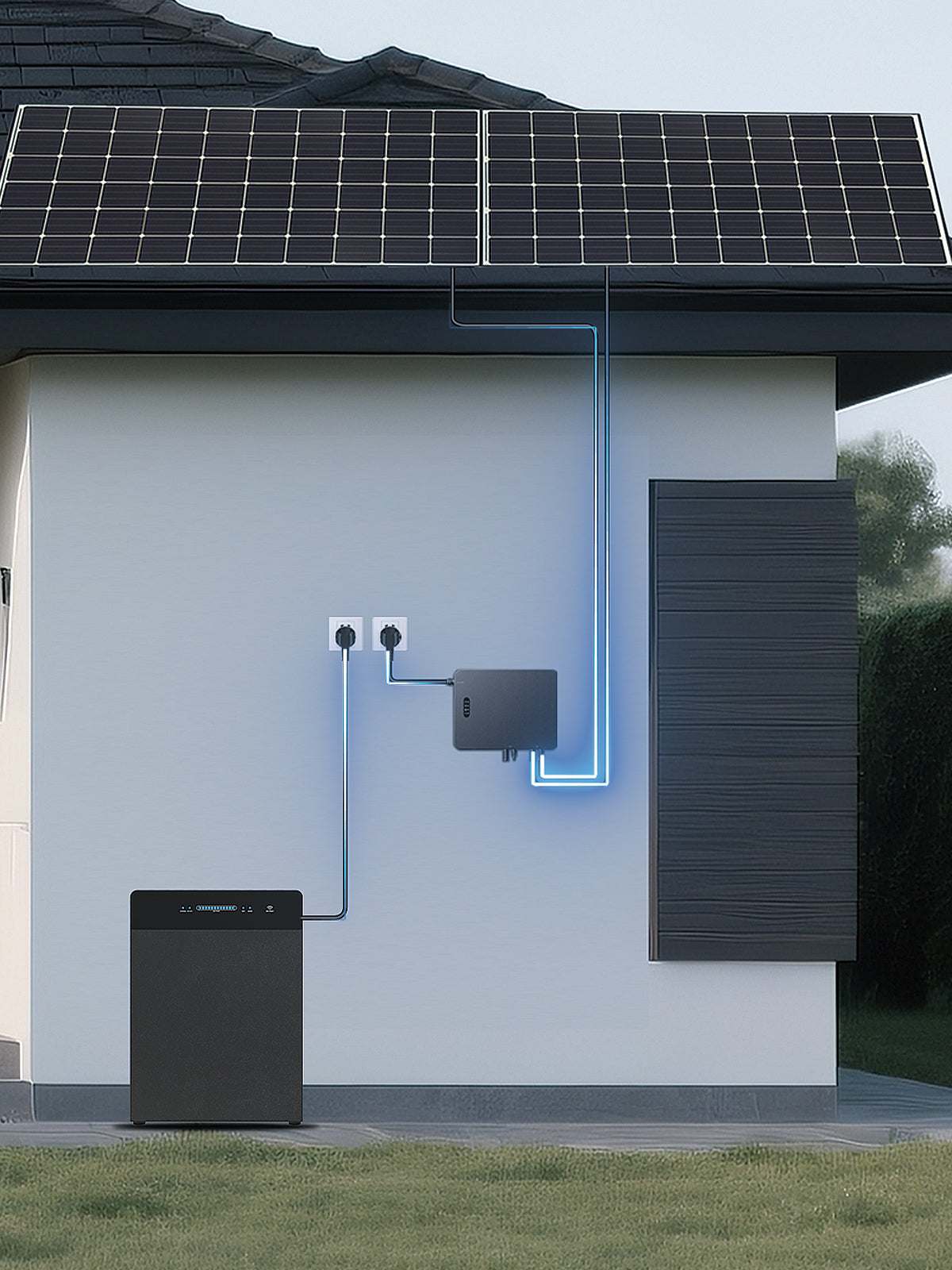
Method: source-based record design checked on 6 November 2026 against the Europe support page, exact-model record and shared SR manual. No unit was inspected, fault diagnosed or repair performed. The illustration provides context and is not a wiring diagram.



Zostaw komentarz
Ta strona jest chroniona przez hCaptcha i obowiązują na niej Polityka prywatności i Warunki korzystania z usługi serwisu hCaptcha.