
















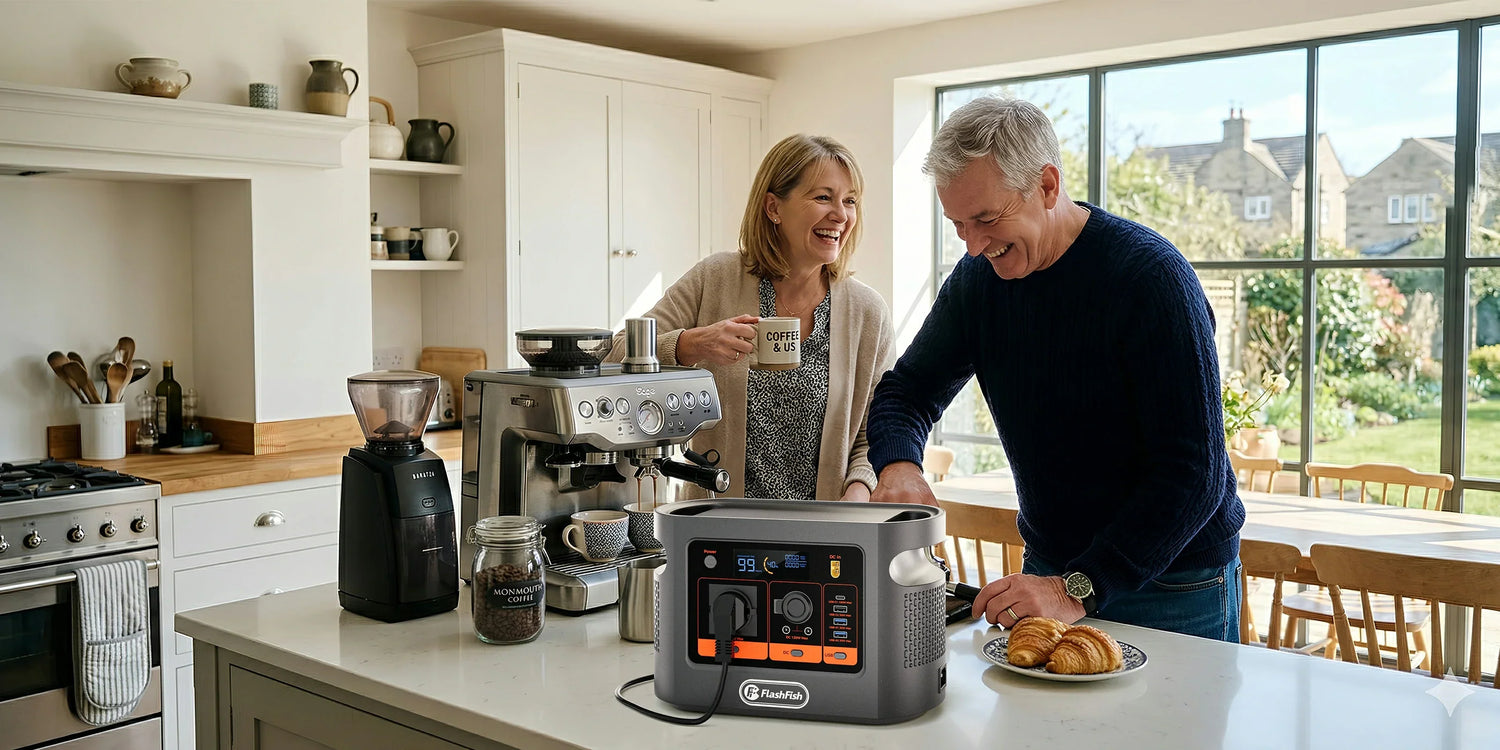
E106B Weekend Camera, Laptop and Phone Load Worksheet
Short answer: plan a weekend by listing each camera battery, laptop session and phone top-up in watt-hours, then keep a margin for conversion and reserve. The FlashFish E106B has a catalog capacity of 384Wh, but that is not a promise that all 384Wh will reach your devices or that every USB-C cable will deliver the port maximum.
This worksheet is built for photographers and light-content crews who need a compact station for batteries and electronics, not heaters or cooking appliances. Its original PACK method keeps port fit and energy fit separate so a convenient connector does not become a guessed runtime.
What the E106B can and cannot establish
| Verified product fact | What it helps decide | What it does not prove |
|---|---|---|
| 384Wh catalog capacity | Whether the product is broadly in the right energy class for a planned device list. | Usable delivered energy, fixed runtime or a number of charges. |
| 600W pure-sine AC output | Whether an approved AC charger is below the station's continuous ceiling. | Universal appliance fit, startup compatibility or simultaneous-load margin. |
| USB-C1 up to 100W PD; USB-C2 up to 30W PD | Whether a laptop or device may have a direct USB-C route. | That every device and cable will negotiate the maximum. |
| Two USB-A outputs listed up to 30W; shared 12V DC group up to 120W | Whether smaller chargers have an appropriate output family. | A combined simultaneous USB total; the current bundle does not state one. |
The PACK planning method
- P — Port: identify the exact input required by each camera charger, laptop and phone. Record connector, voltage/protocol and maximum power.
- A — Add energy: use battery watt-hours × planned full-equivalent charges, or average device watts × hours when that is the documented way to plan the load.
- C — Conversion margin: do not compare the sum with 384Wh as if delivery were lossless. AC conversion, charging electronics, cable loss and temperature all matter.
- K — Keep reserve: leave energy for route changes, delayed travel, one essential call and a conservative shutdown margin.
Fill-in weekend worksheet
| Device | Read from label/manual | Your planned use | Energy entry | Connection gate |
|---|---|---|---|---|
| Camera batteries | Battery Wh and approved charger input | ___ full-equivalent charges | Battery Wh × charges = ___Wh, before losses | Approved USB or AC charger fits the selected E106B port |
| Laptop | USB-C input profile or approved charger rating | ___ hours at your working load | Average W × hours = ___Wh | Device, cable and port share a supported USB-C PD mode, or the AC charger stays within limits |
| Phones | Battery Wh or manufacturer capacity data and charger type | ___ full-equivalent top-ups | Battery Wh × top-ups = ___Wh, before losses | Use a sound cable and the correct negotiated USB mode |
| Total | Add only the devices you will actually use | ___Wh before conversion margin and reserve | All simultaneous ports and cables remain within documented limits | |
Three device examples without invented charge counts
1. Camera battery workflow
Read watt-hours from the battery or manufacturer documentation, not just milliamp-hours without voltage. Decide how many full-equivalent charges you truly need. Two half-charges equal one full-equivalent charge for planning. Use the approved charger and add conversion margin instead of rounding the station up to a headline number of batteries.
2. Laptop workflow
First check whether the laptop accepts USB-C charging and which profile it requires. The E106B record lists one 100W USB-C PD port and one 30W USB-C PD port, but the laptop and cable must support the same negotiated mode. For energy, use the laptop's observed or documented average working load over time, not the charger's maximum label as a constant draw.
3. Phone workflow
Plan top-ups around actual travel behavior. Navigation, tethering, cold weather and video increase use. Keep one cable per connector family and avoid an unverified multi-port adaptor. Do not convert the station's 384Wh into a fixed phone-charge claim because device batteries, charging losses and starting states differ.
Step-by-step pre-trip checklist
- Update the worksheet with the exact devices going on this trip.
- Photograph charger and battery labels for reference.
- Confirm USB-C power requirements and use a suitably rated cable.
- Check that approved AC chargers are within the 600W continuous output and leave simultaneous-load margin.
- Test the complete charging setup at home while awake and nearby.
- Pack the E106B AC charging cable; the bundle lists it as included.
- Keep the station dry, stable, ventilated and away from direct heat.
- Carry a non-station fallback for any device that is essential to safety or communication.
Common mistakes
- Using charger maximum watts as the laptop's constant energy use.
- Counting milliamp-hours without the battery voltage.
- Assuming a USB-C connector proves a 100W charging mode.
- Adding devices but forgetting conversion margin and reserve.
- Planning from every device's best-case battery health.
- Relying on a featured-image runtime table or a generic internet charge-count chart.
When the E106B fits
The FlashFish E106B is a credible planning candidate when the weekend is built around camera batteries, phones, a USB-C laptop and other modest electronics whose port requirements are verified. Its mix of AC, USB-C, USB-A and DC outputs is more useful than a single headline wattage because different devices can use their appropriate charging path.
When it does not fit
Choose a different plan if the worksheet only fits by assuming all 384Wh are usable, if the laptop requires an unsupported USB-C mode, if the load list includes high-heat appliances, if weather protection cannot be maintained, or if a critical device has no independent backup. Compare other FlashFish portable power stations only after the worksheet establishes the real energy and output class.
FAQ
How many camera batteries can the E106B charge?
There is no defensible universal number. Use the battery's watt-hours, charger losses, starting state and planned full-equivalent charges, then test your exact setup before the trip.
Can I power a USB-C laptop from the E106B?
It may fit when the laptop, cable and E106B USB-C1 port negotiate a supported mode within the documented 100W ceiling. Check the laptop's required USB-C input and do not assume every cable supports it.
Should I use AC or USB for camera and phone charging?
Use a verified direct USB path when it matches the device because it avoids an unnecessary AC charger. Use the manufacturer charger when the device requires it. Compatibility and cable quality matter more than connector convenience.
Does 384Wh mean all 384Wh reaches my devices?
No. It is the catalog battery-energy figure. Conversion, electronics, temperature and reserve reduce energy delivered to devices, so the worksheet keeps a margin rather than promising the full number.
When is the E106B the wrong weekend power station?
It is a poor fit when the trip depends on high-heat appliances, weather exposure, a critical device with no backup, an unsupported charging protocol or an energy plan that only works by assuming all catalog watt-hours are usable.
Sources and notes
- USB-IF: USB Charger (USB Power Delivery) — device-requested power and negotiated charging context.
- USB-IF: Cables and connectors — cable capability and compliance context.
- UK Health and Safety Executive: Introduction to electrical safety — pre-use inspection and stop-use signs.
- FlashFish product-source bundle and 13 August 2026 Europe Shopify discovery — exact E106B catalog and port facts; original regional manual verification is still required.
Editorial viewpoint: the right small camping power station is the one that survives a device-by-device worksheet with margin. A bigger catalog number cannot repair a mismatched port, an unsupported cable or an essential device with no backup.
No hands-on charge test or runtime measurement was performed. Human review must confirm the current Europe manual, product page, image context, rendered tables, links, FAQ/schema parity, author credentials and named reviewer before publication.




Zostaw komentarz
Ta strona jest chroniona przez hCaptcha i obowiązują na niej Polityka prywatności i Warunki korzystania z usługi serwisu hCaptcha.