
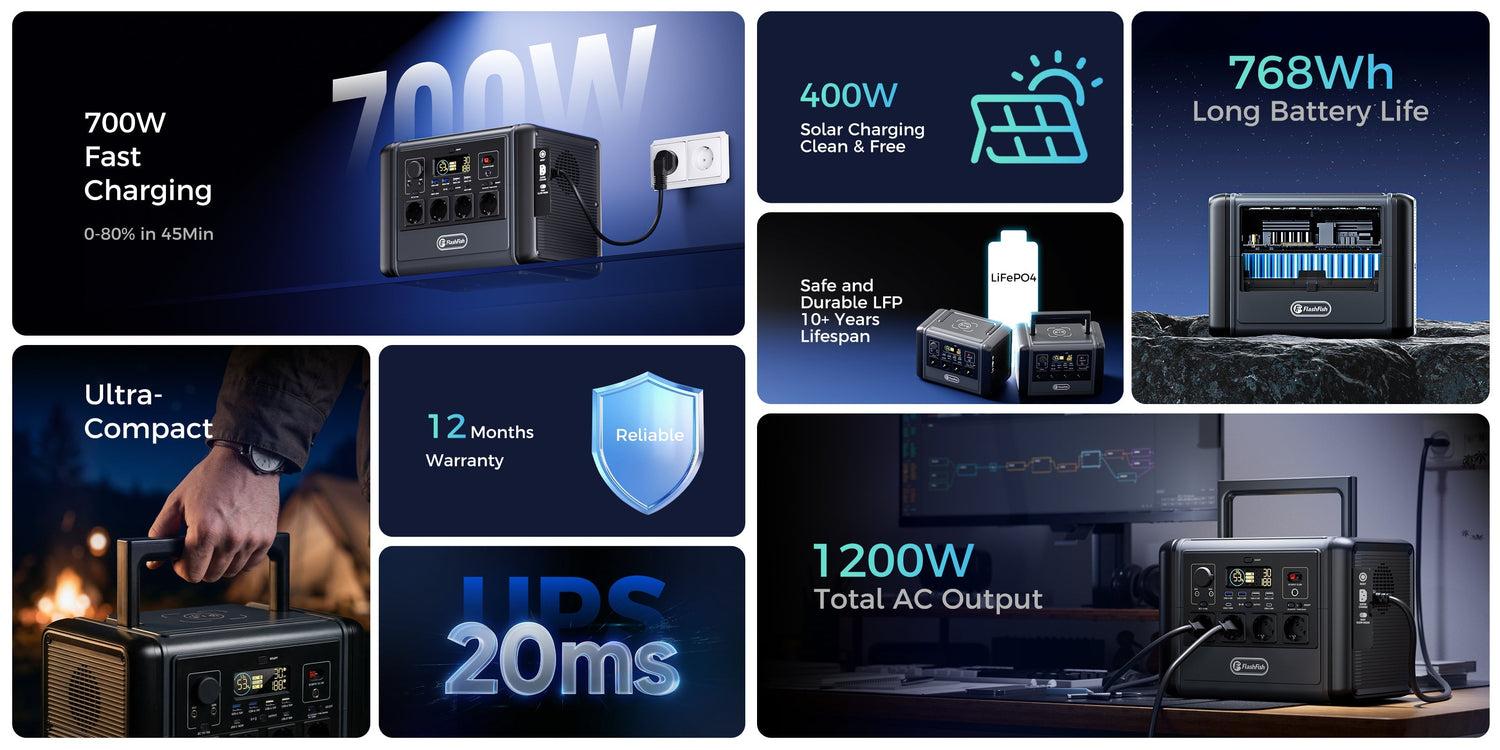
Short answer: read a portable power station from the load backwards. First check the device wattage, then the station's continuous AC output, then battery capacity in Wh, port type, solar or DC input, weight and safety limits. Peak output is not the same as normal output, and capacity is not a fixed runtime promise.
This matters because many buying mistakes come from comparing one big number instead of matching the station to real devices. A 768Wh station and a 151Wh station can both be useful, but for very different jobs.
The five numbers that decide product fit
| Spec | What it means | How to use it |
|---|---|---|
| Capacity, Wh | The stored energy rating. | Use it to compare battery size, then apply efficiency and device-load caveats instead of promising runtime. |
| Continuous AC output, W | The normal AC load the inverter is designed to support. | Compare it with the appliance label. This matters more than peak output for sustained use. |
| Peak output, W | Short surge headroom for startup behavior. | Useful context for some loads, but not permission to run a high-watt device continuously. |
| USB-C and DC output | Direct low-voltage charging options. | Often better for phones and laptops when the device and cable support the required profile. |
| Solar or DC input | The maximum input the station can accept from a compatible charger or panel setup. | Do not equate panel rating with certain recharge speed; shade, angle, weather and input limits matter. |
Wh is battery size; W is load size
Wh and W answer different questions. Wh describes the battery's energy capacity. W describes how much power a device demands at a moment. A buyer comparing camping lights, phones, routers or a laptop charger should write down each device's watts first, then compare the total load with the station's output limits.
A simple planning formula is: estimated hours = usable Wh divided by device W. The word "usable" is important. Inverter loss, temperature, battery protection, device behavior and charging method can all reduce practical runtime, so the formula is a planning tool rather than a precise forecast.
Read continuous output before peak output
Continuous output is the safer buying filter for normal use. Peak output can help explain startup surge, but it should not be used as the everyday load limit. Electrical-safety guidance around leads and appliances uses the same basic discipline: know the load, use suitable equipment and avoid overheating or overloaded connections.
Product examples from the FlashFish range
| Model | Capacity | Continuous AC output | Better fit | Boundary |
|---|---|---|---|---|
| FlashFish E200 | 151Wh | 200W modified sine AC | Phones, lights, cameras and small camping electronics. | Not for high-watt appliances or pure-sine-only loads. |
| FlashFish E103 | 179.2Wh | 300W pure sine AC | Compact camping and laptop/USB-C planning where load labels fit. | The product database does not provide battery chemistry or peak output, so those values should not be invented. |
| FlashFish T1200S | 768Wh | 1200W AC | Mid-capacity camping and selected-load renter backup planning. | Not an entire-house or medical-device support claim. |
How to compare two stations without being misled
- List the actual devices you want to power.
- Copy the watts or charger label from each device.
- Decide which port is preferred: AC, USB-C, USB-A or DC.
- Check continuous output, not only peak output.
- Check capacity in Wh and apply a conservative efficiency caveat.
- Check weight and dimensions because the best electrical match may not be the best carry match.
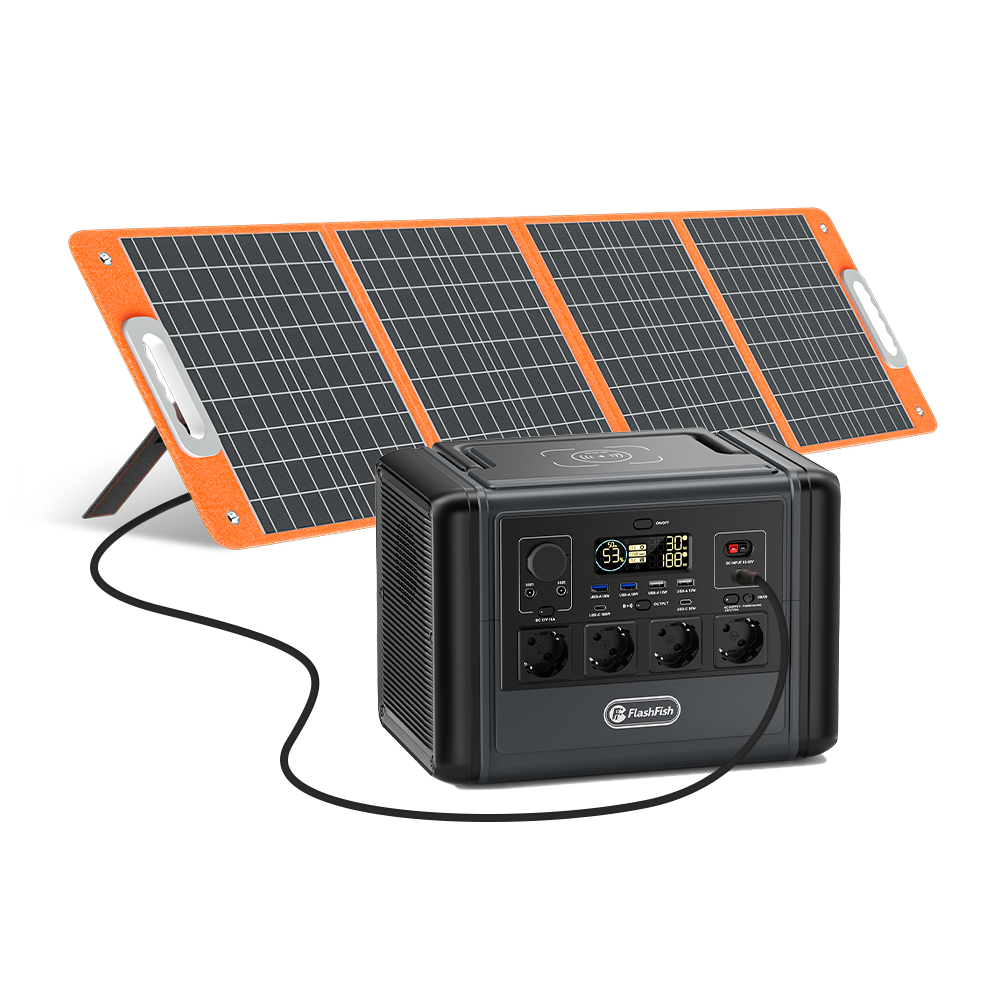
- For solar, compare the station's input limit with compatible panel output and real conditions.
Common mistakes
- Using Wh and W as if they mean the same thing.
- Buying by peak output instead of continuous output.
- Assuming a larger battery always means better value.
- Ignoring whether a laptop should use USB-C or AC.
- Planning fixed solar recharge times without weather and input caveats.
- Assuming one compact station can support every appliance in a home.
Safety and buying note
Use intact cables, avoid overloading extension leads and keep ventilation clear. If a device label is missing or the load is safety-critical, do not guess. Choose a product only after the load and port requirements are known. Browse the FlashFish portable power station collection with those criteria in front of you.
FAQ
Is Wh the same as runtime?
No. Wh is rated capacity. Runtime depends on usable capacity, device watts, inverter efficiency, temperature and device behavior.
Should I choose by peak output?
No. Use continuous output as the main filter. Peak output is short surge context, not a sustained-load promise.
Is USB-C better than AC for laptops?
It can be more efficient and simpler when the laptop, cable and station support the required USB-C power profile. Check the charger label first.
Does a 100W solar panel always produce 100W?
No. Real output varies with sun angle, shade, season, temperature, panel condition and the station input limit.
Can a portable power station back up a whole home?
Do not assume that. Most portable units are better described as selected-load backup for specific devices that fit the output and capacity limits.
Sources and further reading
- FlashFish product specifications, copied to the run folder for sqlite verification on 2026-06-30. Manual-derived values still require original-manual review before use.
- FlashFish Europe product listing latest snapshot, generated 2026-06-29, used as fallback because 2026-06-30 Snapshot failed with network fetch error.
- Electrical Safety First: Extensions and leads, used for cable, lead and overload caution.
- Camping and Caravanning Club: Electricity for campers and caravanners, used for appliance-rating and campsite electricity context.
The practical rule is simple: write the load list first, then choose the station that matches it.




Оставить комментарий
Этот веб-сайт защищается hCaptcha. Применяются Политика конфиденциальности и Условия использования hCaptcha.