
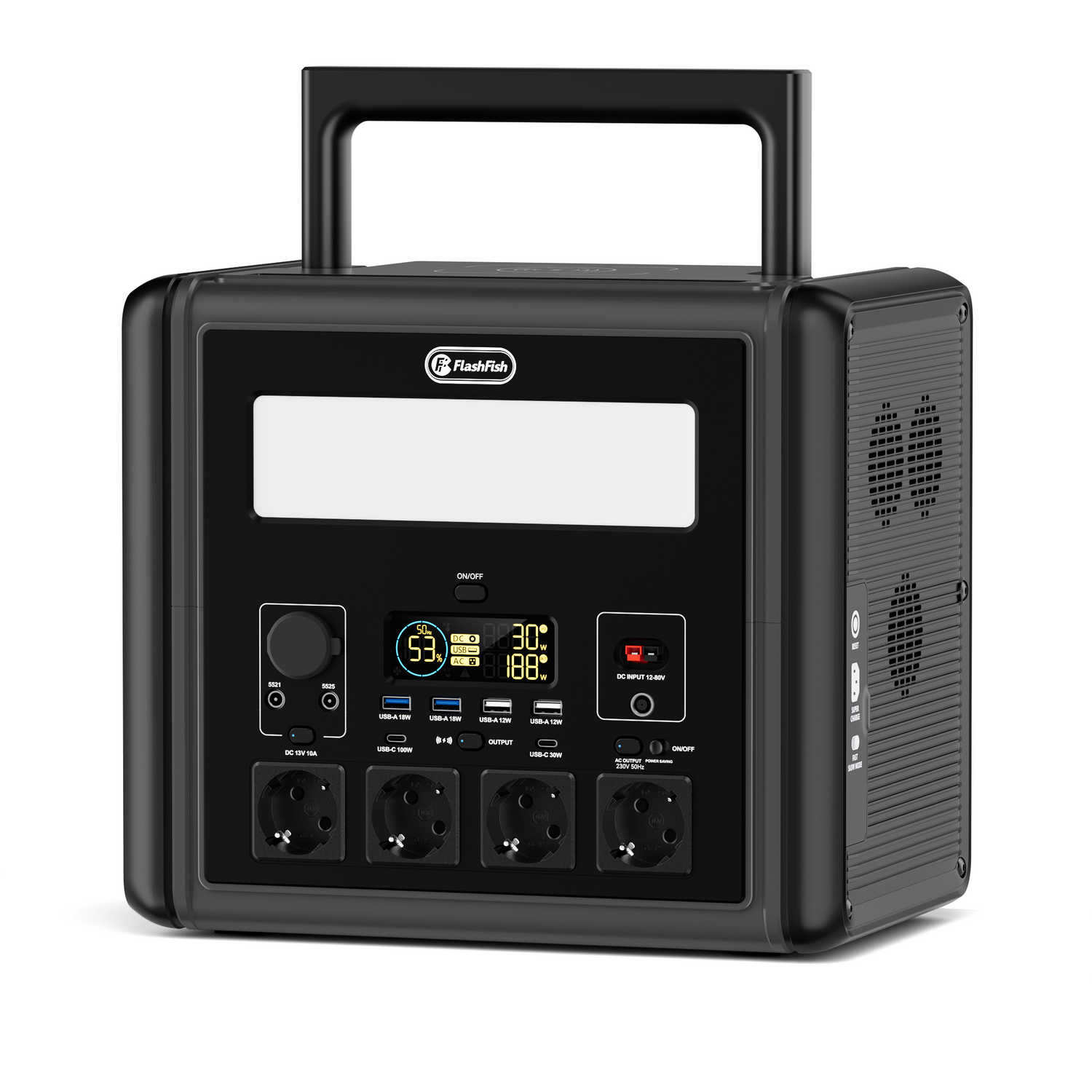
Short answer: yes, the FlashFish T2000 can be suitable for a router-and-laptop backup setup when the combined device load stays within its 2000W continuous AC output and the user calculates runtime from the actual watt labels. The important part is not only the router: many homes also need a modem, fibre terminal or mesh node to keep the connection alive.
This article explains the check method. It does not promise that broadband service itself will remain available during a wider outage.
The conditions that decide the answer
| Check | Why it matters | What to record |
|---|---|---|
| Router and modem watts | Every required network device uses energy. | Power adapter label or measured watts. |
| Laptop charger watts | A charger may draw less than its maximum, but the label sets an upper planning boundary. | USB-C or AC charger rating. |
| Output type | USB-C/DC may avoid unnecessary AC conversion for compatible devices. | Connector, voltage and device requirements. |
| Runtime margin | Rated Wh is not the same as delivered AC energy. | Leave room for inverter loss and standby load. |
| Network availability | Powered home equipment cannot fix an external network fault. | Provider guidance and mobile backup plan. |
Calculation method
Start with a simple list: router, modem or ONT, laptop charger and any necessary small monitor or phone charger. Add the watt labels together, then compare the total with the T2000 continuous output rating. For runtime, divide 1536Wh by the estimated load and then reduce the result to allow for AC conversion and standby use.
Example: if the router and modem together use around 25W and the laptop averages 45-60W while charging, the planning load may sit around 70-85W before conversion loss. The user should test the actual setup because routers, laptops and network terminals vary widely.
Where FlashFish T2000 fits
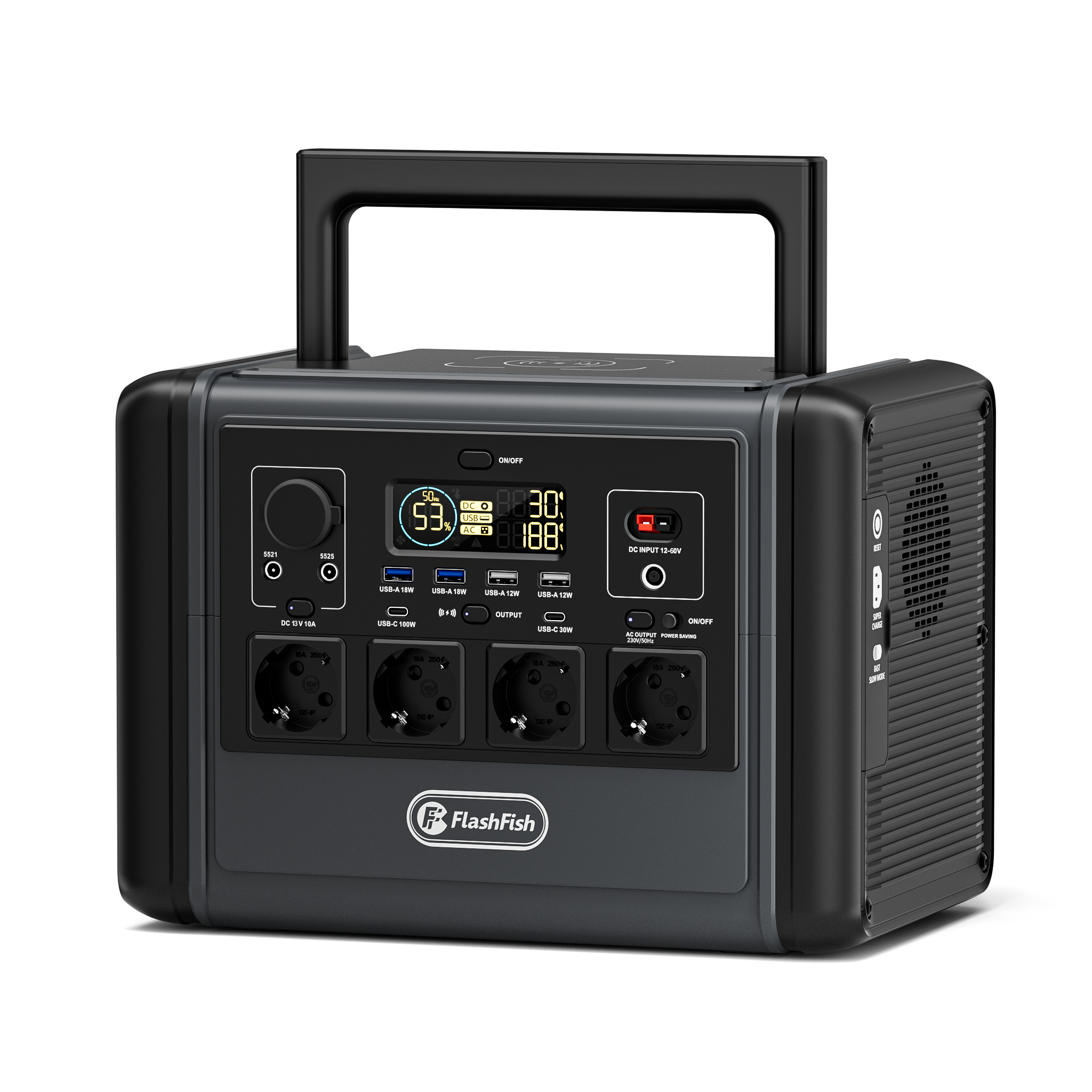
FlashFish T2000 is listed in the FlashFish product specifications as a 1536Wh LiFePO4 portable power station with 2000W continuous AC output, 4000W peak output, 600W max solar input and 100W USB-C. That gives enough output headroom for a router, laptop and several small electronics when the combined load is managed.
Where it does not fit
T2000 should not be treated as a replacement for a professionally designed household backup system. Do not add kettles, heaters, ovens or other high-draw appliances to a communication backup setup unless their label and startup behavior have been checked against the station limits.
Power-cut communication cautions
GOV.UK Prepare advises that phone and broadband outages can affect communication planning. Keeping a router powered is useful, but service can still depend on external network infrastructure, local cabinets, fibre equipment and mobile coverage. Keep a charged phone and an offline contact plan as part of the backup routine.
Setup checklist
- Identify router, modem/ONT and laptop charger.
- Check each adapter label.
- Use USB-C for a compatible laptop if it is appropriate.
- Keep cables tidy and avoid overloaded extension leads.
- Test the setup before relying on it.
- Disconnect non-essential loads to preserve capacity.
FAQ
Can a portable power station keep a Wi-Fi router running during a power cut?
It may, if the router and any modem or fibre terminal draw less power than the station can supply and the user calculates runtime with a conversion-loss margin.
Do I need to power only the router?
Not always. Some broadband setups also need a modem, optical network terminal or mesh node, so users should list every required device.
Can T2000 power a laptop at the same time?
It can support selected loads within its 2000W continuous AC output, but runtime depends on the combined watts of the router, laptop charger and other connected devices.
Will broadband always work if my router has power?
No. Network equipment outside the home, mobile coverage and provider infrastructure can also be affected during wider outages.
What should I avoid plugging in during a router backup setup?
Avoid adding high-draw appliances, damaged extension leads or unnecessary loads. Keep the setup simple and within the station and cable ratings.
Sources and notes
- FlashFish product specifications, accessed 2026-06-25: T2000 capacity, LiFePO4 chemistry, output, solar input, USB-C and weight facts.
- 2026-06-25 FlashFish Europe product listing: T2000 ACTIVE, inventory 87, EU onlineStoreUrl present.
- GOV.UK preparing for emergencies - used for general power-cut preparedness context.
- GOV.UK Prepare phone and broadband outages - used for communications-disruption context.
- Electrical Safety First - used for socket and extension-lead caution.
Review the FlashFish T2000 product page if your priority is selected-device backup for work, communication and small electronics.



Оставить комментарий
Все комментарии перед публикацией проверяются.
Этот веб-сайт защищается hCaptcha. Применяются Политика конфиденциальности и Условия использования hCaptcha.