
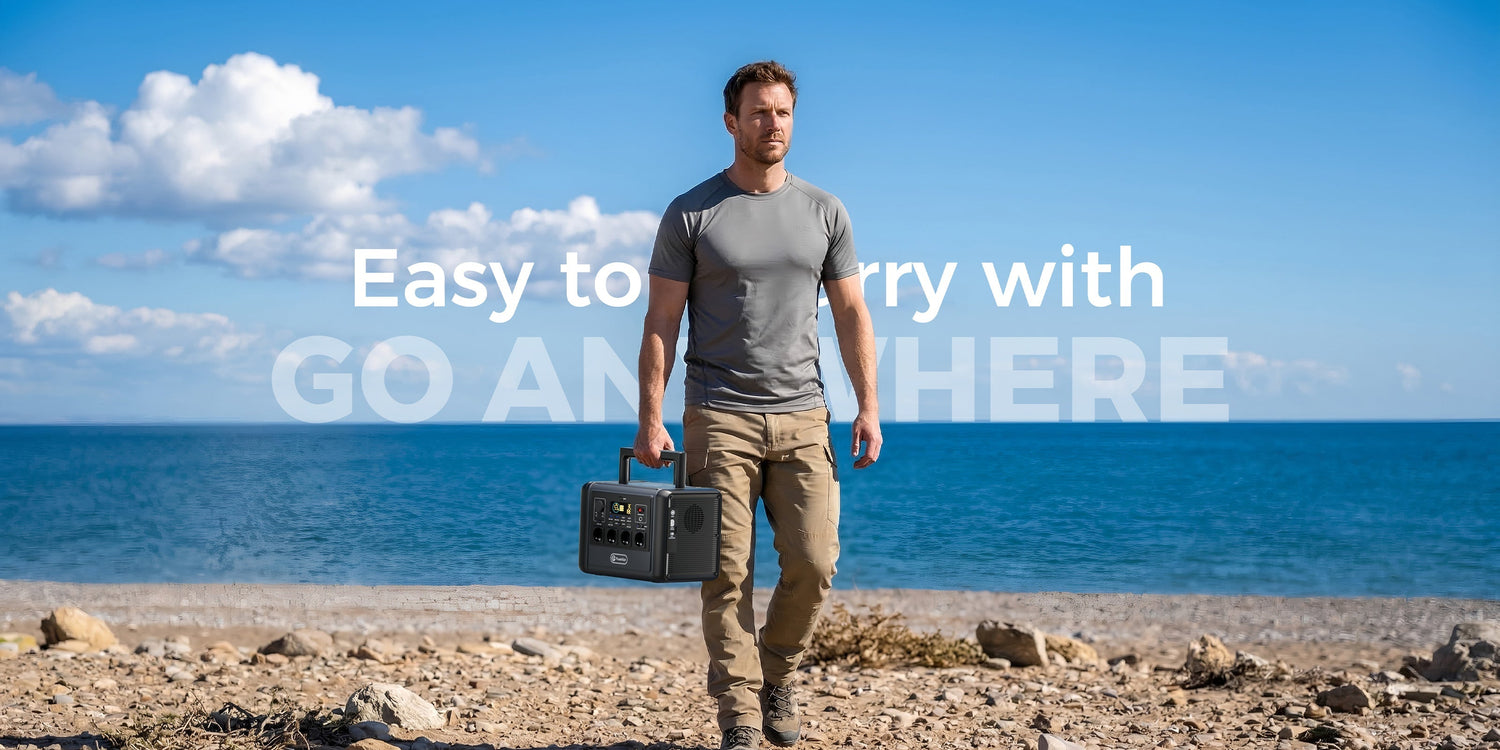
Short answer: for a single router and laptop, the lowest-cost E103 may be enough when both devices fit its ports and 300W AC limit. T1200S offers substantially more capacity and output headroom, while T2000 is the highest-capacity option that was still listed below €500 on 2 July 2026. Choose from measured loads, not price alone.
Price check: prices below were observed on the FlashFish EU store for Germany on 2 July 2026. Promotions, country settings, bundles and availability can change. Recheck the product page before buying.
Current checked products and prices
| Product | Checked price | Capacity | Rated AC output | Best fit in this guide |
|---|---|---|---|---|
| FlashFish E103 | €119 | 179.2Wh | 300W | One efficient laptop and router; lowest purchase cost |
| FlashFish T1200S | €339.99 | 768Wh | 1,200W | Longer interruption planning and several small office loads |
| FlashFish T2000 | €489.99 for T2000 only | 1,536Wh | 2,000W | More energy reserve or a broader selected-load plan |
These are first-party specifications and store prices, not independent laboratory results. The local product database provides no E103 battery-chemistry value, so this guide does not use chemistry to rank it.
What a router-and-laptop setup actually needs
Read the power label on the router adapter and laptop charger. Add their input watts, then include any monitor, network switch, fibre terminal or phone charger that will run at the same time. The total must fit the chosen output and cable ratings.
A simple planning estimate is:
estimated hours = battery Wh × planning factor ÷ average load W
Use a planning factor below 1 because inverter, conversion, standby and operating-condition losses reduce usable energy. This is a comparison method, not a runtime promise. Laptop demand also changes with charging state, screen brightness and workload.
Which model fits which budget decision?
E103: choose it for a narrow, efficient setup
E103 has 179.2Wh capacity, 300W rated AC output and up to 60W USB-C output in the local database. It is the logical budget starting point when the router and laptop are the only planned loads. Check whether the laptop can accept the available USB-C profile; otherwise use its normal AC charger within the station's rating.
It is a poor fit when you expect to add several devices, a high-watt monitor or other appliances without rechecking the combined load.
T1200S: choose it for more energy and practical headroom
T1200S provides 768Wh capacity, 1,200W continuous AC output, 2,400W peak output and up to 100W USB-C. At €339.99 on the check date, it leaves budget room below €500 while providing a much larger energy reserve than E103.
Its 12.45kg weight is also part of the decision. It suits a home-office or camping setup that needs more than a compact grab-and-go station.
T2000: choose it when capacity matters more than portability
T2000 provides 1,536Wh capacity, 2,000W continuous AC output, 4,000W peak output and up to 100W USB-C. The T2000-only option was €489.99 on the check date, placing it just below this guide's ceiling.
At 19.2kg, it is the least portable of these three. Buying it only for a low-power router may be unnecessary; it makes more sense when the same battery will support a carefully selected group of additional loads.
Decision table
| Your priority | Likely starting point | Check before choosing |
|---|---|---|
| Lowest cost for one router and laptop | E103 | Combined watts, laptop USB-C profile or AC charger, required duration |
| More reserve while staying well below €500 | T1200S | Weight, storage location and whether the added capacity is useful |
| Largest selected-load reserve within the checked ceiling | T2000 | Current T2000-only price, 19.2kg weight and realistic load list |
When spending more does not help
More capacity does not improve an unstable internet service, a damaged router adapter or a laptop battery fault. During a wider outage, the provider's local network may also stop even if your router remains powered. Keep offline copies of essential documents and an alternative communications plan.
Do not buy extra output solely because a product has a larger number on the page. Router and laptop loads are usually modest; capacity, ports, weight and the intended interruption length often matter more.
Safe setup checklist
- Read each adapter label and add simultaneous watts.
- Use undamaged manufacturer chargers and suitable cables.
- Keep ventilation openings clear and follow the product manual.
- Do not daisy-chain extension leads or exceed their marked rating.
- Recheck price, country selection, package option and stock before ordering.
Frequently asked questions
Is the cheapest station enough for every laptop?
No. Charger wattage and USB-C compatibility vary. Check the laptop charger label and the exact port profile.
Why not choose T2000 automatically if it is below €500?
It costs and weighs more. If your load and duration needs are small, E103 or T1200S may be a better-sized purchase.
Can I calculate an exact router runtime from capacity?
No. Capacity supports an estimate, but conversion losses and changing loads prevent an exact result without measured testing.
Will powering my router keep the internet working?
Not always. Your router may run while upstream network equipment or the service provider is unavailable.
Does a solar panel need to fit inside the €500 budget?
Only if solar charging is part of your requirement. Add the correct panel, cable and input compatibility to the total budget rather than assuming any panel will work.
Sources and evidence notes
- FlashFish EU E103, T1200S and T2000 product pages, checked 2 July 2026 for Germany-market prices and availability.
- FlashFish product-source bundle, accessed 2 July 2026, for product specifications. Missing fields were not inferred.
- Electrical Safety First: extension leads, cable reels and block adaptors, accessed 2 July 2026, for cable-rating and daisy-chain precautions.




Оставить комментарий
Этот веб-сайт защищается hCaptcha. Применяются Политика конфиденциальности и Условия использования hCaptcha.