


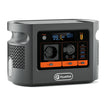
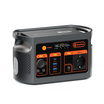

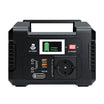
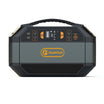
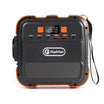


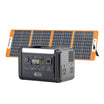


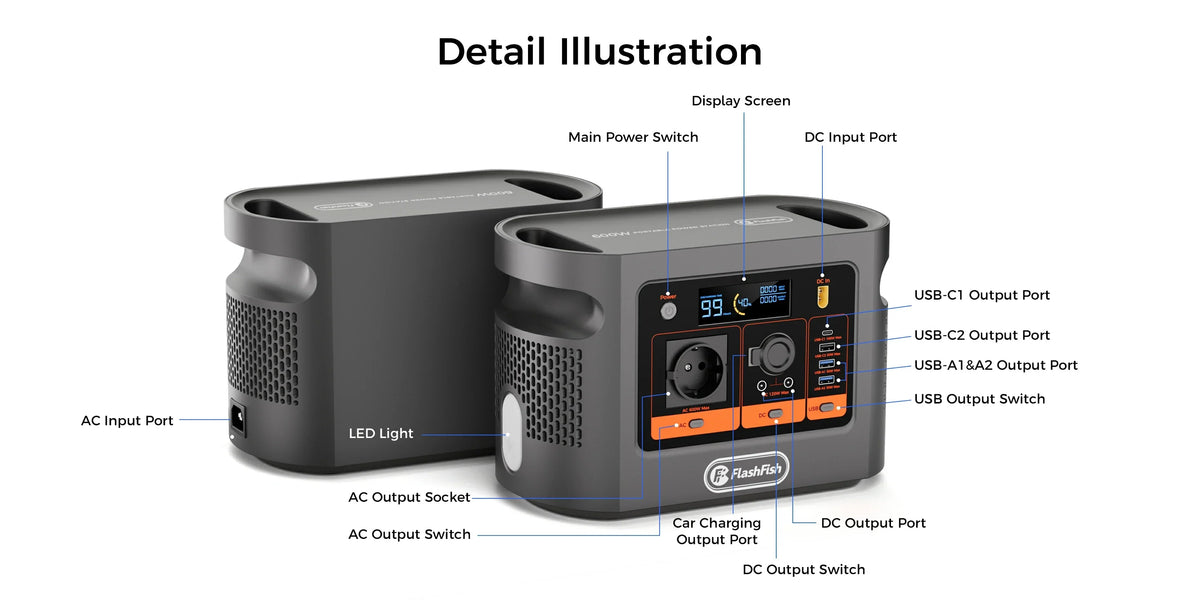
Short answer: do not plan a community film screening from the projector's watt label alone. Separate projector power, laptop power, powered audio, HDMI, local media, cable routing and venue permission. E106B has a documented 600W continuous pure-sine AC output, but the exact equipment chain still needs a permitted full rehearsal and a clear cancellation fallback.
Map the screening chain before adding watts
| Path | Evidence to record | Failure that needs a fallback |
|---|---|---|
| Projector power | Exact model and adapter; normal and startup behaviour; regional input | No defensible load record, warning, unstable start or overheating |
| Laptop power | Exact laptop and approved AC or verified USB-C path | Unsupported-charger message, repeated disconnect or battery loss |
| Powered audio | Exact speaker or amplifier adapters and planned level | Unexpected shutdown, clipping, heat or inadequate coverage |
| Video and audio data | HDMI or other interface, adapters, output mode and audio destination | Blank image, repeated resync, missing audio or wrong output device |
| Local media | Permitted file, playback software, codec, storage and tested local copy | File, licence, storage or playback error |
| Venue and cables | Permission, layout, access routes, distribution equipment and supervision | Unapproved route, public access to equipment or no safe cancellation path |
Check the current E106B Europe details while completing the load sheet. The current product route does not approve a projector, extension lead or venue.
Plan the site before connecting equipment
The UK HSE's event electrical-safety guidance asks organisers to consider layout, power requirements, environmental conditions, timetable, cable routing, access and emergency requirements. Use those headings for a venue walk-through rather than treating them as a completed assessment.
- Mark the screen, audience, exits, operator position and the station's supervised location.
- Keep the station and distribution equipment away from public access and preserve ventilation.
- Route signal and power cables so doors, aisles and accessible routes remain usable.
- Agree who can isolate the setup and who makes the stop or cancellation decision.
- Keep exit signs, emergency systems and other venue services independent unless the venue's competent person has designed otherwise.
Complete an exact load and distribution sheet
| Item | Label or document field | Planned source | Known gap |
|---|---|---|---|
| Projector | Adapter input and device startup behaviour | E106B AC only after exact review | Brightness, lamp mode and startup demand are device-specific |
| Laptop | Approved charger or accepted USB-C profiles | AC adapter or verified USB-C1 path | Up to 100W does not fit every laptop |
| Audio | Each powered speaker or amplifier adapter | Approved distribution path | Sound coverage and peaks are not established |
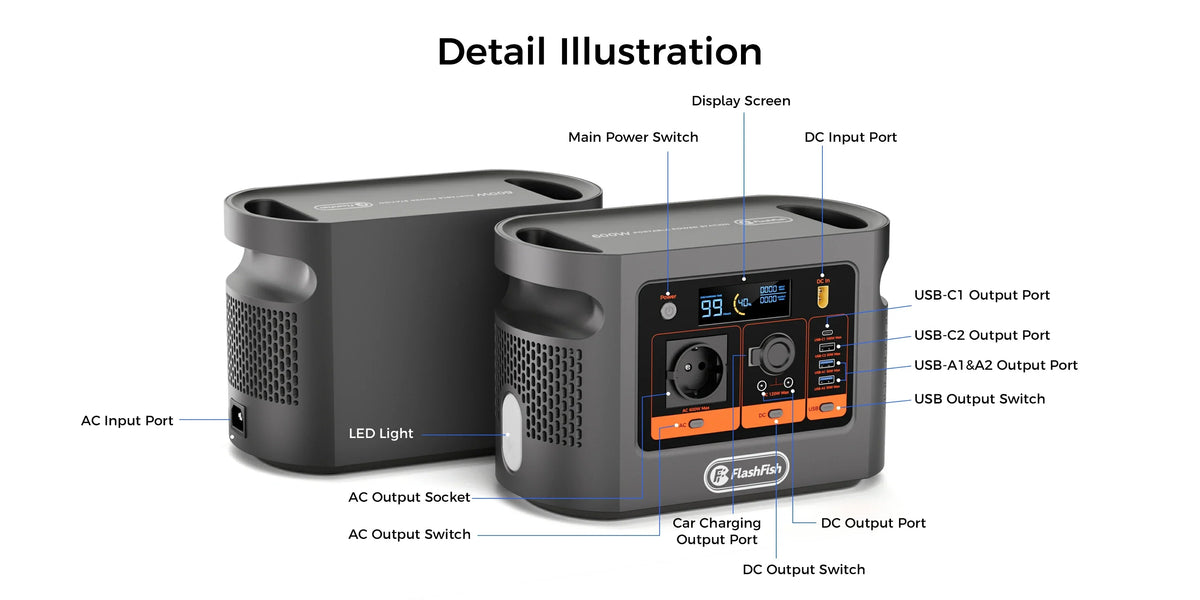
| Distribution | Marked voltage/current/watt rating and reel instructions | Only when permitted for the exact layout | One E106B AC socket does not approve a block adaptor |
| E106B | 600W continuous pure-sine AC; 384Wh nominal capacity | Supervised, ventilated and protected from traffic | Peak AC and fixed event runtime are unknown |
Do not turn a multi-socket accessory into assumed capacity
Electrical Safety First's extension-lead guidance explains that extension equipment has marked ratings and that cable reels may need to be fully unwound to achieve their rating. It also lists warning signs such as heat, scorching, damaged cables and unexplained protective-device operation.
The practical lesson is narrow: a connector multiplier does not increase the E106B's output and does not approve a venue distribution plan. Use only equipment suitable for the regional supply, exact load and layout, following venue requirements and competent advice where needed.
Rehearse the whole programme, not a five-minute clip
- Confirm permission and media readiness. Check venue rules and keep the permitted programme file on a tested local path.
- Inspect and place equipment. Remove damaged items, protect access routes and keep ventilation clear.
- Start one load at a time. Bring up the laptop, projector and audio in the planned order while watching station and device warnings.
- Test the data chain. Confirm resolution, refresh mode, audio destination, subtitles and start/pause/resume behaviour.
- Run a representative full programme. Include opening content, the main film, pauses and closing material. Record battery indication and any load cycling without presenting the result as universal.
- Trigger the fallback deliberately. Practise stopping playback, lighting the room from an independent permitted source, addressing the audience and cancelling if the reserve or setup is not acceptable.
- Freeze the exact successful setup. Record models, adapters, cables, software version, file, order of connection and venue layout. A changed component needs another check.
Estimate energy with measured average demand
Use a representative measurement of the final projector, laptop and audio combination. A planning equation is:
estimated hours = 384Wh × assumed conversion efficiency × (1 − reserve fraction) ÷ measured average event watts
Projector mode, audio level, laptop charging state, media processing, conversion losses, temperature and battery condition can change demand. Keep a reserve tied to the stop decision, and never use the estimate as evidence that an event will finish.
Frequently asked questions
Can E106B run a projector and powered speakers together?
Possibly, but the exact projector, audio system and adapters must be documented and rehearsed together. The 600W continuous rating does not establish startup behaviour or runtime.
How should screening runtime be estimated?
Measure the representative average demand of the final permitted setup and apply explicit efficiency and reserve assumptions to the 384Wh nominal capacity.
Can a multi-socket extension solve the one-socket limit?
It creates a distribution question, not an automatic solution. Use only equipment approved for the venue, exact load and cable route.
What should be stored locally?
Keep the permitted media file, required playback software or codec, a tested local copy, presentation settings and a fallback message or cancellation plan.
What ends the rehearsal?
Stop for warnings, unstable output, hot or damaged connectors, repeated HDMI or audio loss, storage errors, unacceptable cable routes or inadequate reserve.
Choose E106B only after the event plan closes
E106B can remain a candidate when the documented continuous AC path, exact equipment records, venue-approved distribution and full rehearsal all align. If the setup needs an invented peak allowance, an unapproved adaptor, an assumed runtime or an inaccessible cable route, it is not ready.
Compare current FlashFish Europe power stations only after recording the complete permitted load and the fallback threshold.
Sources and evidence limits
- FlashFish Europe E106B page and the authoritative exact-model record — bounded E106B facts and current route.
- HSE event electrical-safety guidance — planning considerations for layouts, power, routing and access.
- Electrical Safety First extension-equipment guidance — ratings, cable reels and warning signs.
Evidence checked 27 October 2026. No venue assessment, equipment approval, full rehearsal, runtime test, sound or image assessment, or named technical review was performed.



Yorum yazın
Bu site hCaptcha ile korunuyor. Ayrıca bu site için hCaptcha Gizlilik Politikası ve Hizmet Şartları geçerlidir.