


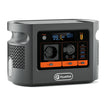
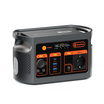

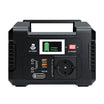
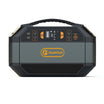
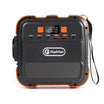

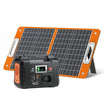

Short answer: use E200 only as one supervised power source inside a wider museum asset workflow. For an exact handheld example, the Listen Technologies ListenTALK LK-1 manufacturer manual lists Micro-USB charging. E200 has USB-A outputs, but those two facts do not by themselves approve the pairing. Confirm the exact regional device, cable and input, prove one unit under supervision, then separate charging, content readiness, sign-out and return inspection.
Method and limits. FlashFish Miles prepared this guide from the current E200 record, the ListenTALK LK-1 manufacturer manual and UK work-equipment guidance. No E200, LK-1, cable, multi-unit charging session, visitor issue, return inspection, usable-energy result or complete museum shift was tested.
1. Start with the exact device, not the words audio guide
The ListenTALK LK-1 manufacturer manual lists Micro-USB battery charging and configuration, connection to a standard USB charger and a status LED for charging and full-charge indication. The public file is a manufacturer manual mirrored by Markertek; verify the exact European configuration and current Listen documentation before deployment. A different receiver, phone or docking station needs its own evidence.
2. Treat the E200 facts as a bounded source table
| Known from the exact record | What remains unknown |
|---|---|
| 151Wh nominal capacity | Usable energy and shift duration |
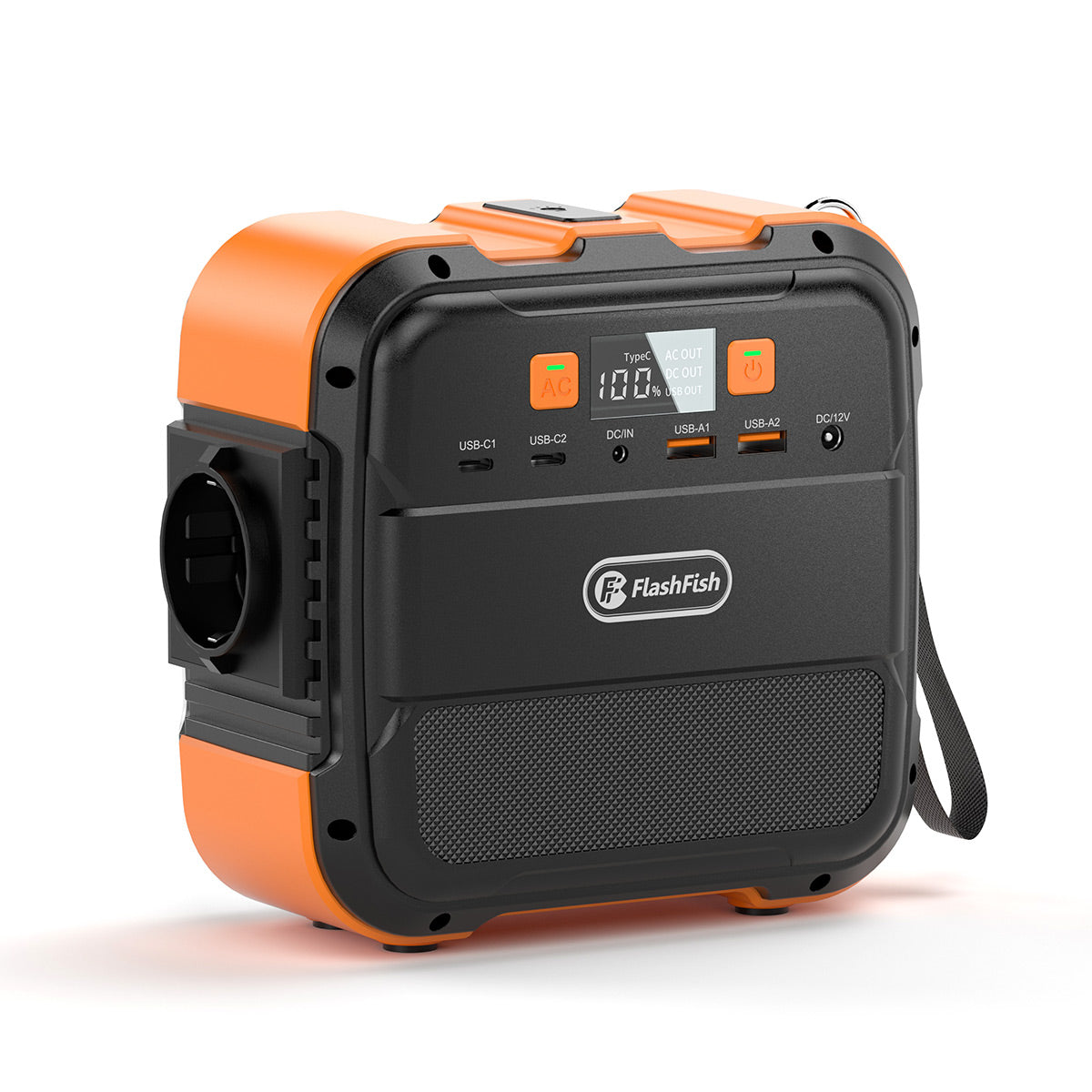
| Two USB-A QC 3.0 outputs, up to 18W each | Whether LK-1 accepts a selected port and cable |
| One USB-A 5V/2.4A output, up to 12W | Aggregate USB allocation and simultaneous charging count |
| ACTIVE Europe route with sellable inventory checked 5 November 2026 | Future availability, museum approval and device-fleet throughput |
Check the current E200 Europe product page, then keep the exact device manual beside the desk plan.
3. Create six custody states
| State | Minimum evidence | Next move |
|---|---|---|
| Returned | Asset number, return time, accessories present | Visual inspection |
| Quarantine | Damage, heat, contamination, missing part or uncertain identity | Competent review; no issue or charging |
| Charging | Approved cable path, port ID, start time and charge-status observation | Observe; do not stack unverified loads |
| Charge check complete | Manufacturer-defined charge-status result | Audio and content check |
| Ready | Asset ID, audio, content or group, accessories and cleanliness verified | Issue to visitor |
| Issued | Time, asset ID and minimum necessary visitor or group reference | Return or escalation |
4. Prove one charging path before adding units
- Read the exact LK-1 charging instruction and identify the approved Micro-USB connector.
- Inspect the selected cable and label it for the desk.
- Choose one E200 USB output and record its port type.
- Connect one unit under staff supervision and watch for unexpected heat, smell, display behaviour or protective shutdown.
- Confirm the documented charge-status behaviour in the current instructions.
- Disconnect and verify that the unit still passes audio, content or pairing and asset-identity checks.
This is a controlled workflow check, not proof of future fleet throughput or battery condition.
5. Keep charging and content readiness separate
A charge-status indication answers one battery question. It does not show that the correct tour language is loaded, a group is paired, audio is clear, volume limits are appropriate, the asset number matches the log or accessories are complete. Use a separate ready-to-issue field for each of those checks.
6. Use a minimal sign-out record
Record the asset number, issue time, return time, accessory count and the least personal information the museum actually needs. Do not copy unnecessary identity documents into a power log. When one visitor receives several units, use a group reference plus individual asset numbers so every returned device can be reconciled.
7. Inspect every return before it reaches the charging zone
HSE work-equipment guidance recommends checking that equipment suits the task and supply, and notes that simple visual checks can find damaged cables, exposed conductors, damaged covers, overheating marks and trip hazards. Route any suspect unit, plug or cable to quarantine. Keep trailing cables away from visitor paths and stop using a supply whose condition is uncertain.
8. Measure the rehearsal instead of promising a shift
For a rehearsal, log each unit's starting indicator, port, connection time, full indicator time and any interruption. Also record the E200 display at the beginning and end. Those observations apply only to the tested devices, battery states, cables and conditions. Do not multiply nominal 151Wh by a guessed efficiency or divide it by an assumed unit draw to promise a museum shift.
Common mistakes
- Calling every handheld receiver an audio guide and using one generic cable.
- Treating a connector match as charger approval.
- Adding individual USB maxima as simultaneous fleet capacity.
- Equating full charge with correct content, pairing or cleanliness.
- Returning a damaged unit directly to the charging queue.
- Collecting more visitor information than the custody process needs.
FAQ
Can E200 charge a ListenTALK LK-1?
The LK-1 manufacturer manual lists Micro-USB charging and E200 has USB-A outputs, but that does not by itself approve the pairing. Confirm the exact regional device, cable and accepted charging input, then run a supervised single-unit check.
Does an LK-1 charge-status indication mean the unit is ready to issue?
No. Charge status answers one battery question. Staff still need to verify asset identity, audio, content or pairing, accessories, cleanliness and sign-out status.
How many audio guides can E200 charge at once?
The available records do not provide a supported fleet count or aggregate USB allocation. Do not add individual port maxima and call the result simultaneous capacity.
Can nominal 151Wh predict a full museum shift?
No. Usable energy, unit battery state, cable losses, charging behaviour, number of rotations and other loads are not supplied by that nominal figure.
What should staff do with a damaged returned unit or cable?
Move it to a labelled quarantine state, stop charging or issuing it, and follow the venue and manufacturer process for competent inspection or replacement.
Decision and next step
E200 is a candidate supervised USB source, not a complete museum asset system. The desk is ready only when the exact device and cable path, custody states, content checks, staff roles and stop rules are documented. Confirm the exact device and cable path before opening the desk; if a field remains unknown, keep that unit out of the charging and issue queues.
Sources and further reading
- FlashFish Europe E200
- Listen Technologies ListenTALK LK-1 manufacturer manual
- HSE work using electrically powered equipment
Sources checked 5 November 2026. Recheck the exact audio-guide model, regional instructions, cable and venue procedure before use.




Yorum yazın
Bu site hCaptcha ile korunuyor. Ayrıca bu site için hCaptcha Gizlilik Politikası ve Hizmet Şartları geçerlidir.