


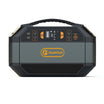

Load your reading files onto the Kobo Clara HD while you still have access to your laptop. Then open the files on the reader with Wi-Fi off. If the laptop has enough charge to finish the transfer before departure, leave the E103 out of this part of your packing plan.
Test the library you will actually take
This walkthrough uses an already set-up Kobo Clara HD (N249), a laptop that can mount the reader as a drive and the reader’s data cable. Start with an unprotected PDF or EPUB you have permission to copy. Follow Kobo’s computer-transfer instructions for the connection, file copy and import.
- Connect the cable directly to the laptop where possible. Accept the connection on the reader and find the Kobo drive on the computer.
- Copy the reading files to the drive, eject it using the laptop’s eject control and then unplug the cable. Allow the reader to finish importing.
- Turn off Wi-Fi on the Kobo and open each essential title from My Books. For a PDF with maps or diagrams, check a representative page at the size you need to read.
Decide what to pack
| What happens before departure | What to take |
|---|---|
| All the titles open offline | Pack the reader and make a separate charging plan if needed. |
| One essential file fails to open | Resolve the file, format or access issue while connected. Keep a permitted offline copy on a second device if it is important. |
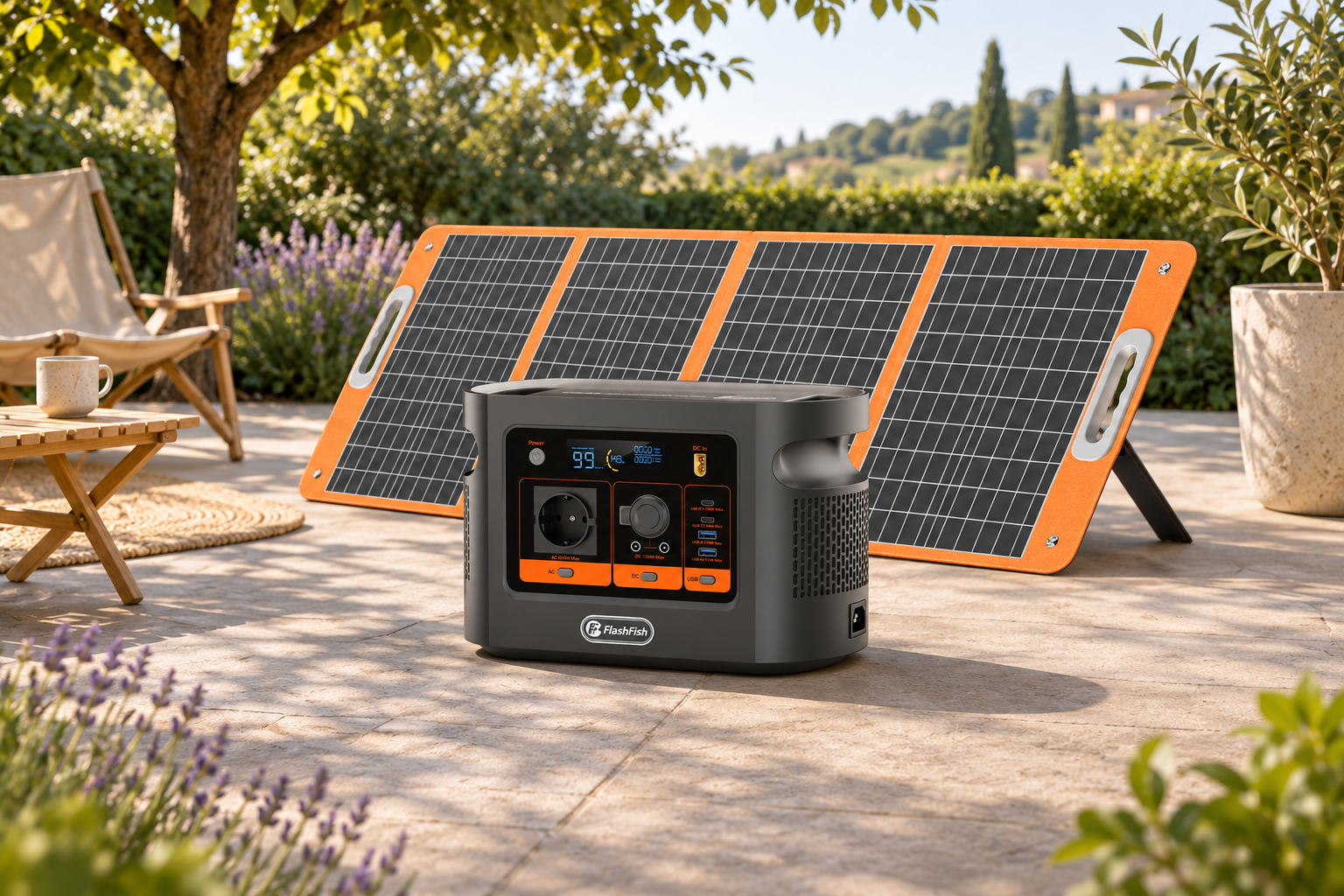
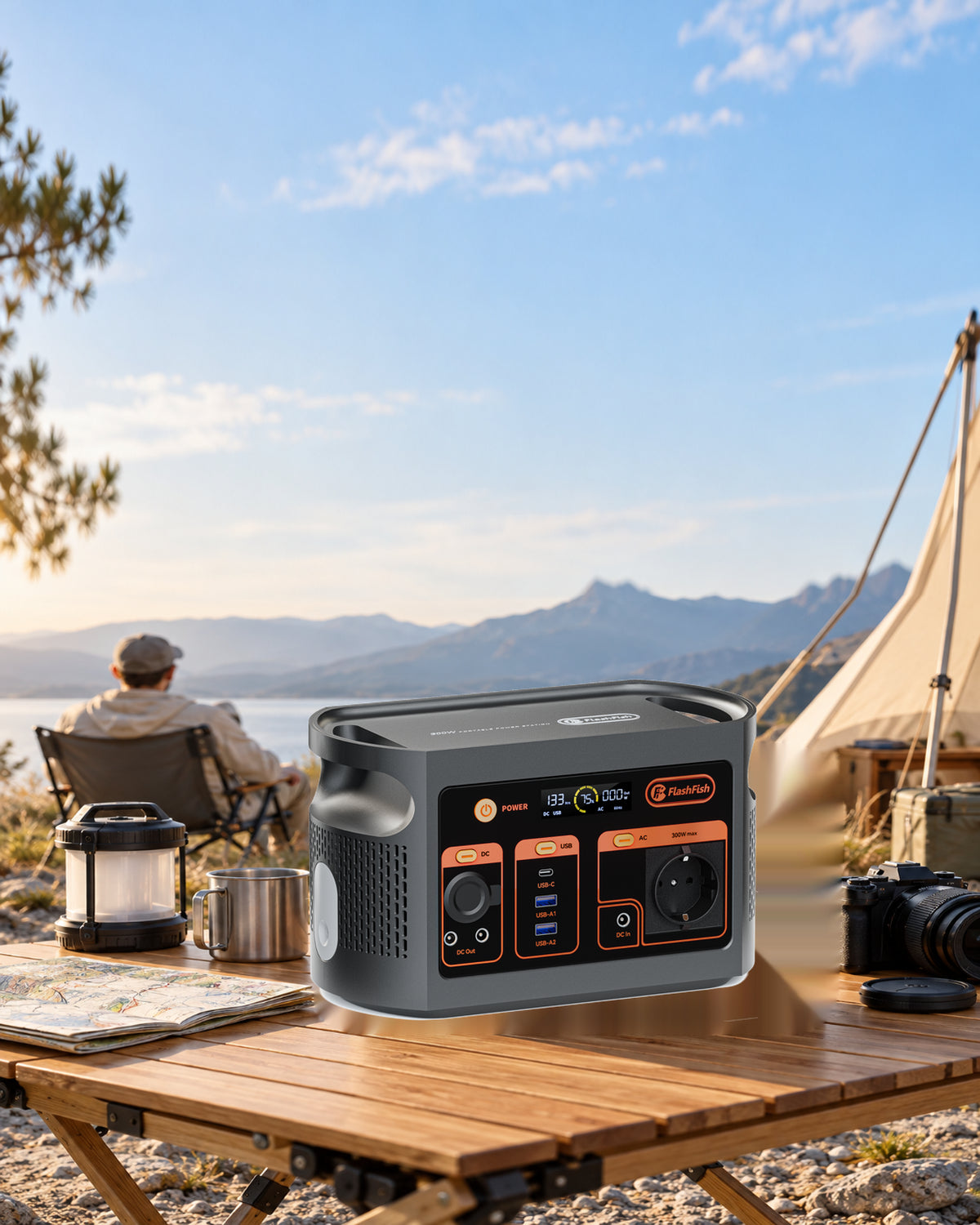
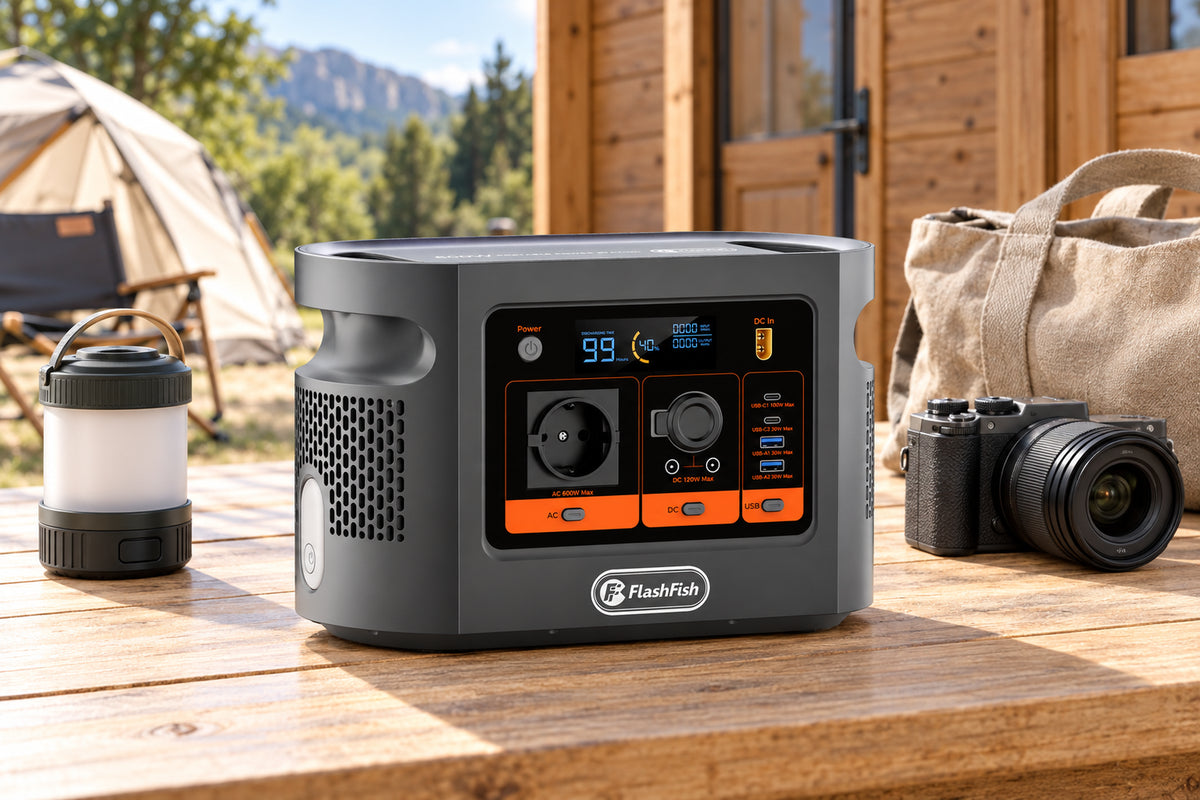
| You need the laptop away from an outlet | Check the E103 output specifications against your laptop charger’s label and the intended power route. The E103 lists 300 W rated AC and 179.2 Wh nominal battery capacity. Peak output describes a short-duration limit and nominal capacity alone cannot tell you laptop runtime. |
If packing the station, use the charger and cable required by your laptop, check the regional output label and follow the station’s placement and ventilation instructions.
Frequently asked questions
Does seeing a file on the laptop confirm I can read it on the Kobo?
Open it on the Kobo after import. For a travel document, check the page or section you actually need.
Will a title I copied this way appear on another Kobo?
Kobo says this import is local to the device you used.
What if a book needs a separate borrowing or account workflow?
Follow the instructions from the book provider and confirm access before departure. This checklist covers permitted, unprotected PDF and EPUB files.
Before you leave
Do the offline opening check first. If you also need portable laptop power, find your E103 manual and compare it with the charger label before packing.
FlashFish Miles prepared this checklist from Kobo’s transfer guidance and FlashFish model documentation. No device-pair or runtime test was performed.



Yorum yazın
Bu site hCaptcha ile korunuyor. Ayrıca bu site için hCaptcha Gizlilik Politikası ve Hizmet Şartları geçerlidir.