
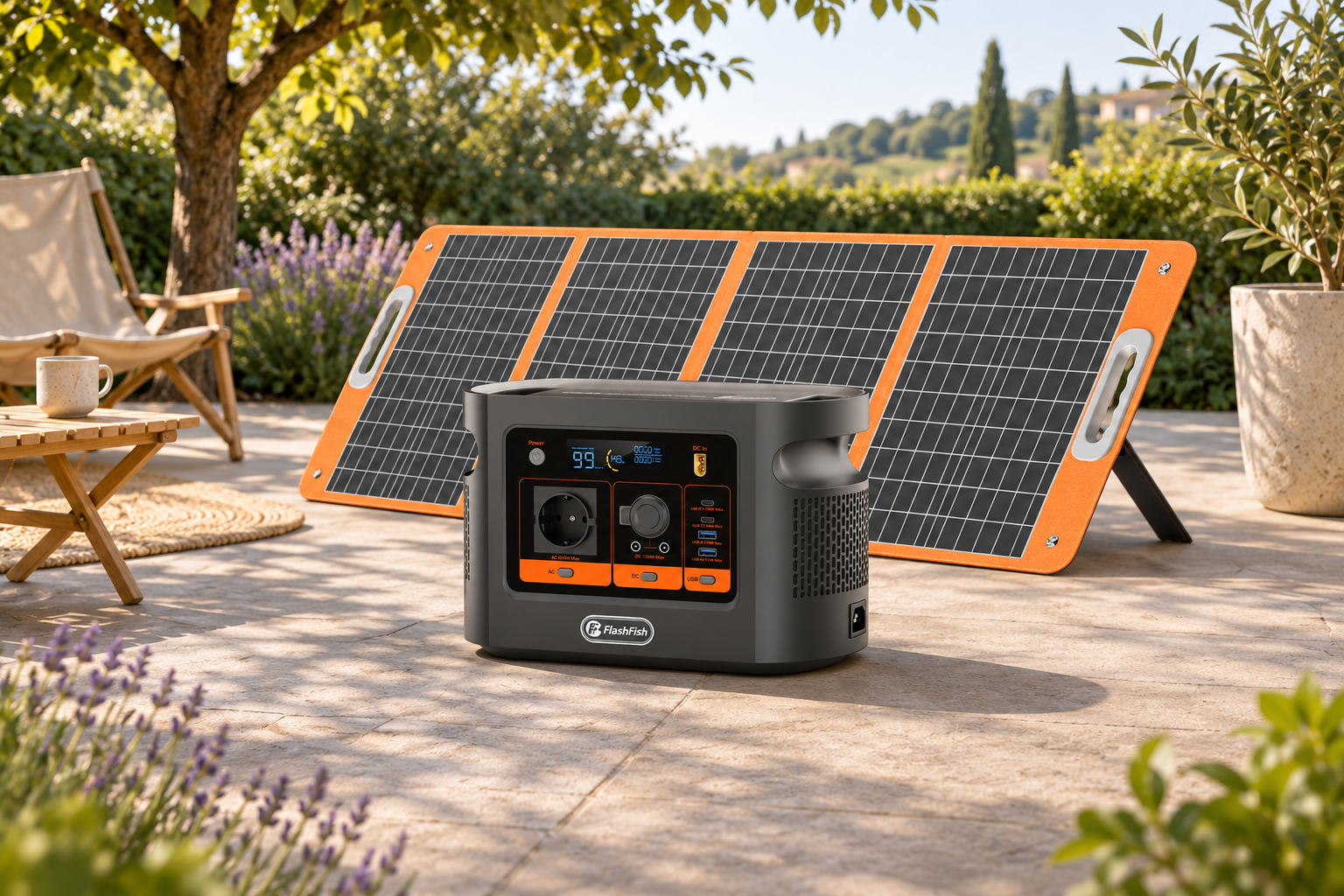


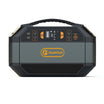

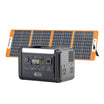
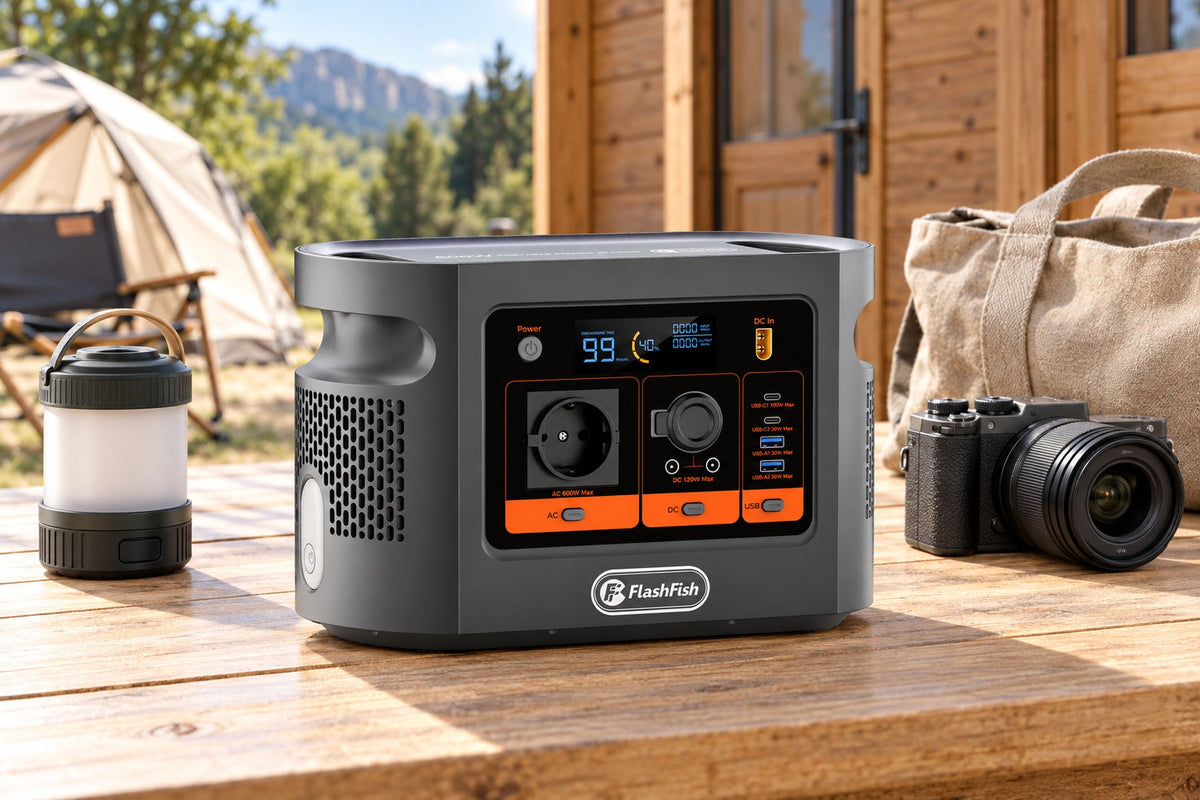
Before planned building power work, shut down the NAS while mains power is still available. Give the storage administrator time to finish or reschedule jobs, then confirm the unit is fully off before handing over to the building team. If you own a FlashFish E106B, keep it separate from that shutdown plan. This checklist does not establish that the station can take over a running NAS.
Agree who can take the storage service offline
Record the cutoff time, who can authorise the shutdown and how users will be told when the shares are available again. Work backwards from the cutoff so there is time to respond if a backup overruns or the NAS is slow to shut down.
| When | What to verify |
|---|---|
| Before shutdown | Ask users to close shared files. Check the last successful backup and check for active replication or maintenance. If a job cannot finish in time, ask the storage owner whether to reschedule the job or the outage. |
| Before handover | Use the NAS's documented shutdown control. Confirm the unit has reached its powered-off state and tell the building contact it is ready. |
| After the all-clear | Let the storage administrator restore service. Check the expected volume and share status, open a known file from an authorised client and confirm the next backup is scheduled. |
Know what fully off looks like
On the DS224+, the blue POWER light flashes during shutdown. In the powered-off state, both the POWER and STATUS indicators are off. The Synology DS224+ manual, System Modes and LED Indicators, distinguishes that state from hibernation, when the POWER light stays on. For another model, use its own indicator table. If shutdown runs past the agreed cutoff, contact the storage administrator and building contact before handing over.
Decide separately what the E106B is for
The European E106B specifications list 600 W rated AC output and 384 Wh nominal battery energy. Those ratings do not establish transfer behaviour, NAS shutdown signalling, or a working match with the NAS power adapter. If you're planning a separate, non-critical load while the building is offline, check that device's label, power supply and instructions against the station specifications before deciding which output to use.
What if people still need a file during the outage?
Ask the data owner whether authorised users can get an approved read-only copy before the window. If the service itself must remain available, raise that requirement with whoever owns its backup-power and recovery plan before booking the outage.
FlashFish Miles based this checklist on Synology's documented DS224+ shutdown states and the published E106B ratings. No NAS transfer or recovery was tested. If the station is also being considered for separate equipment, review the E106B EU output specifications before choosing a connection.




Залишити коментар
Цей сайт захищено за допомогою hCaptcha. Застосовуються Політика конфіденційності та Умови надання послуг hCaptcha.