















Short answer: start with the device label, not the product headline. Estimate runtime by dividing the power station's watt-hour capacity by the watts your device actually draws, then reduce the result for inverter loss, standby draw, battery age, temperature and safety margin. Treat the answer as a planning range, not a promise.
Why runtime guesses mislead buyers
A portable power station is not a magic box of "hours." It is a battery with a rated capacity, output limits and conversion losses. Two devices that both look small can draw very different power, and the same device may draw more at startup than during normal operation.
The reliable habit is simple: read the device label, check whether the load is AC, USB or DC, then compare the load against the station's capacity and continuous-output rating. This is more useful than asking whether one model can "run a fridge" or "charge everything" without knowing the actual appliance.
The four numbers that decide runtime
| Number | Where to find it | Why it matters | What can go wrong |
|---|---|---|---|
| Battery capacity in Wh | Power station specification | Sets the rough energy budget | Rated Wh is not the same as delivered AC runtime |
| Device watts | Device label, charger label or manual | Shows how fast the battery is used | Some labels show maximum input, not average draw |
| Continuous output | Power station AC, USB or DC output spec | Decides whether the station can support the load | Peak watts are short bursts, not a normal running limit |
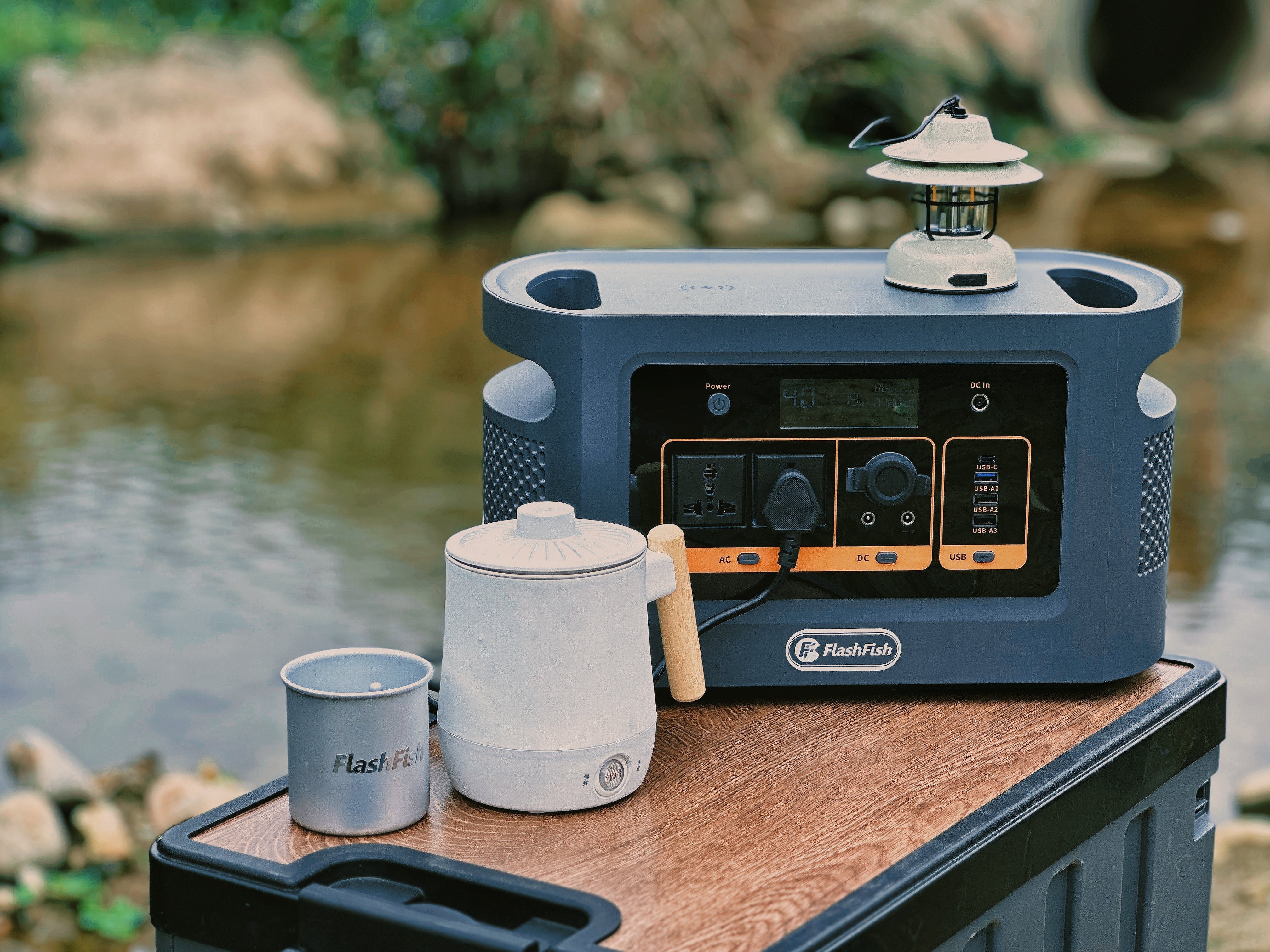
| Output path | AC socket, USB-C, USB-A or DC port | AC loads need inverter conversion; USB/DC may be more direct | Shared ports and standby modes can change the result |
The practical runtime method
- List every device. Write down the exact watts or charger rating for each phone, camera charger, light, router, laptop or appliance.
- Separate must-have loads from nice-to-have loads. Runtime planning fails when every device becomes "essential."
- Use the paper formula. Planning hours before losses = power station Wh divided by device watts.
- Add a margin. Reduce the paper estimate for inverter loss, standby use, temperature, cable/charger loss and battery ageing.
- Check the output limit. If the load is above the continuous-output rating, the runtime calculation is irrelevant because the station is not the right fit.
- Check startup demand. Compressors, pumps and power tools may need more power when starting than when running.
Example: the label-based way to think
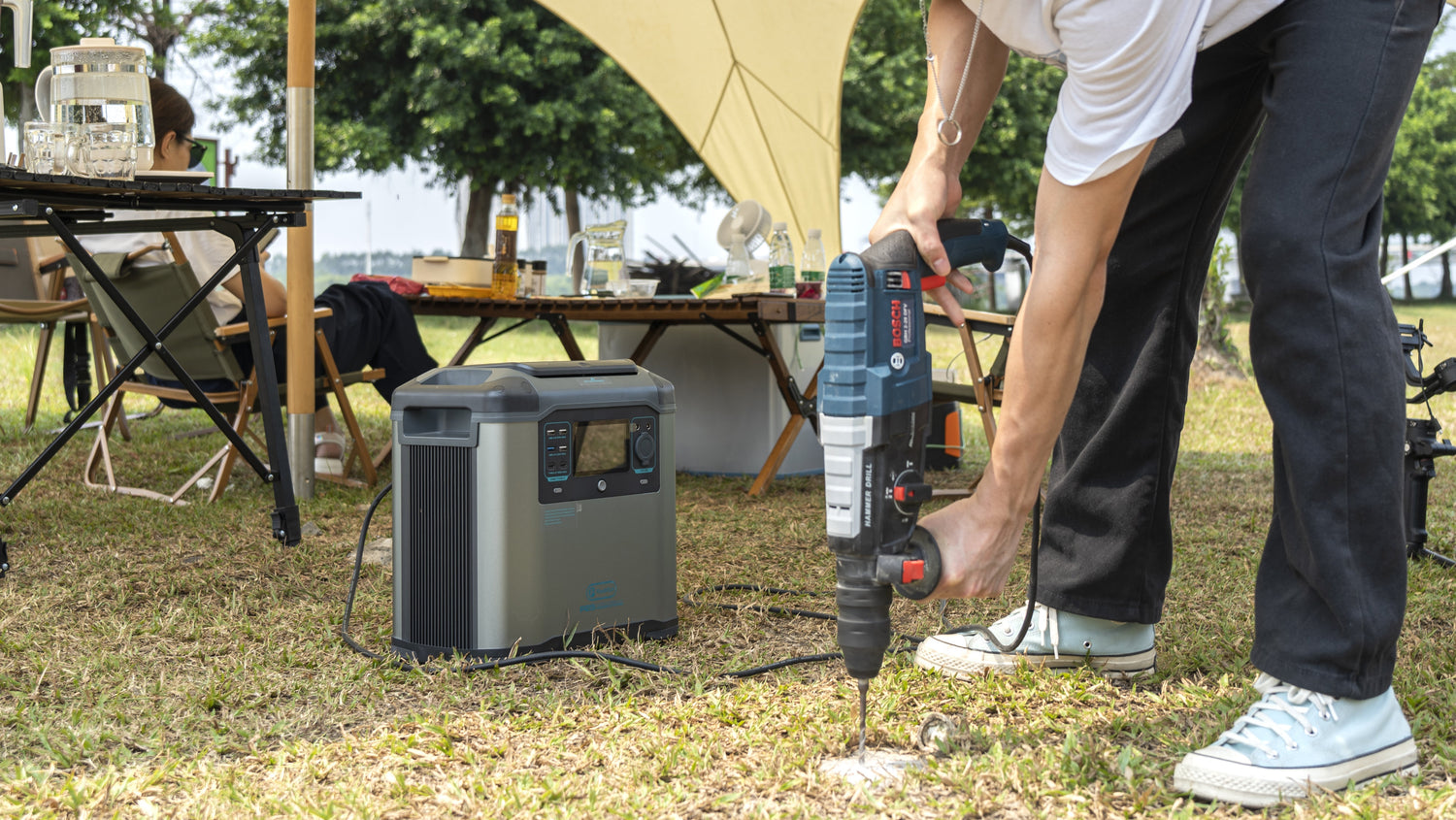
If a camping light or charger label shows a low watt draw, the Wh calculation may show that a compact station can cover it with margin. If a kettle, heater, coffee machine, drill or compressor shows a high watt draw, the first question is not runtime. The first question is whether the station's continuous output and the device's startup behavior fit at all.
The U.S. Department of Energy explains that an inverter converts DC electricity into AC electricity. That conversion step is useful, but it is another reason AC runtime should not be treated as a perfect Wh divided by watts result. For USB devices, check the USB-C or USB-A output rating instead of assuming the AC socket is the best path.
Common runtime mistakes
- Using peak output as if it were continuous output.
- Dividing Wh by watts and publishing the result as a fixed number of hours.
- Ignoring inverter loss and standby drain.
- Assuming all fridges, cool boxes, laptops or camera chargers draw the same power.
- Running several devices at once without checking shared output limits.
- Using extension leads or cable reels without checking current ratings and heat warning signs.
FlashFish product context
Use these FlashFish models as examples of how to read specs, not as fixed runtime promises. The right choice depends on your device labels and the margin you need.
| Model | Manual-derived facts | Good planning role | Do not assume |
|---|---|---|---|
| E200 | 151Wh, 200W modified sine AC output, 400W peak, 40W max solar/DC charging, 1.85kg | Light device charging, cameras, phones and small lights where its output type fits | Pure sine AC output, high-watt appliances or fixed runtimes |
| E103 | 179.2Wh, 300W pure sine AC output, 90W max DC input, 60W USB-C, 3.0kg | Compact USB-C and small AC load planning when 300W is enough | Battery chemistry or peak output; the product database does not provide those values |
| T1200S | 768Wh LiFePO4, 1200W pure sine AC output, 2400W peak, 400W solar input, 100W USB-C, 12.45kg | Mid-capacity selected loads where you need more output headroom than compact stations | Every-circuit residence backup, health-critical continuity or fixed appliance runtime |
| T2000 | 1536Wh LiFePO4, 2000W pure sine AC output, 4000W peak, 600W solar input, 100W USB-C, 19.2kg | Larger selected-load planning where output and capacity headroom matter | Every-circuit home backup, fixed runtime or universal appliance compatibility |
When FlashFish fits
- You can list the devices and read their watts before buying.
- You want a portable station matched to selected loads rather than a vague "backup everything" plan.
- You are comparing compact, mid-size and larger models by capacity, output, weight and ports.
- You accept that runtime estimates need a margin.
When it does not fit
- The equipment is medical, safety-critical or legally regulated and needs a provider-approved continuity plan.
- The appliance label is missing and the load cannot be checked safely.
- The device may exceed continuous output or startup demand.
- The plan depends on fixed hours instead of a tested backup method.
Runtime checklist before you buy
- Device list written down.
- Watts checked from labels or manuals.
- AC, USB and DC paths separated.
- Continuous output checked, not only peak output.
- Efficiency and standby margin added.
- Critical-load fallback identified.
- Cables, plugs and extension leads checked for ratings and heat signs.
Frequently asked questions
What is the simplest runtime formula?
Use power station Wh divided by device watts, then reduce the result for losses and margin. It is a planning estimate, not a fixed runtime promise.
Why is rated Wh not the same as usable runtime?
Some energy is lost in conversion, standby use, chargers, cables and real operating conditions. AC loads also pass through an inverter.
Should I use AC or USB-C when both are available?
Use the output path that matches the device safely and efficiently. For many phones and laptops, USB-C can avoid using the AC inverter, but the USB-C watt rating must fit the device.
Can I estimate runtime for a fridge or compressor?
Only after checking the specific appliance label and startup behavior. Do not use a generic fridge runtime claim for food-safety or critical planning.
Does a larger power station always mean the best choice?
No. Larger capacity helps when the load needs it, but weight, output path, budget, charging plan and portability still matter.
Sources and evidence notes
- FlashFish product-source bundle, accessed 9 July 2026, supports manual-derived FlashFish product facts and blank-field boundaries.
- 2026-07-07 Shopify discovery cache and 2026-07-09 Shopify Ping support FlashFish.EU store identity, active product URLs and current scope.
- U.S. Department of Energy inverter basics, accessed 9 July 2026, supports DC-to-AC inverter context.
- Camping and Caravanning Club campsite electricity guide, accessed 9 July 2026, supports campsite cable and hook-up load discipline.
- Electrical Safety First overloading sockets guidance, accessed 9 July 2026, supports extension-lead and socket overload cautions.
Soft next step: compare your device list with the FlashFish portable power station collection and choose the smallest model that still leaves realistic margin.




Leave a comment
This site is protected by hCaptcha and the hCaptcha Privacy Policy and Terms of Service apply.