















Solar Panel Input Limits: Match Volts, Amps and Watts
Short answer: match a solar panel to a portable power station in five steps: keep the panel inside the station's accepted voltage window, stay within its current and power ceilings, use the approved connector and polarity, then plan for real sunlight rather than the panel's nameplate watts. A matching watt number by itself is not proof of compatibility.
This matters because the charging chain is limited by its narrowest point. A larger panel cannot force a station to accept more than its input electronics allow, while the wrong voltage, wiring or connector can make a setup unsuitable even when the watt figures look reasonable.
The five-limit solar match
| Limit | Question to answer | Why it changes the decision |
|---|---|---|
| Voltage window | Is the panel's specified output inside the station's allowed solar/DC input range? | Outside the allowed range is a stop condition, not a performance compromise. |
| Current ceiling | Does the approved setup stay within the station's input-current limit? | The station cannot use unlimited current simply because more panel area is available. |
| Power ceiling | What is the station's maximum accepted solar/DC input power? | This caps how much panel output the station can use at a given moment. |
| Connector and polarity | Is the exact cable or adapter approved for both products? | A plug that physically fits does not prove electrical compatibility. |
| Real sunlight | What output is realistic for the location, season, angle and shade? | Panel nameplate power is not a fixed field result or recharge promise. |
Use volts, amps and watts together
The basic relationship is power (W) = voltage (V) x current (A). It is useful for reading specifications, but it is not permission to design an improvised panel array. Use the exact ranges and configurations in the station and panel manuals.
For example, the manual-derived FlashFish database records the compact E200 with an 11-24V solar/DC input and a 40W maximum. It records T1200S with a 12-50V, 10A, 400W maximum solar input, and T2000 with a 12-80V, 10A, 600W maximum. These are different input envelopes, even though all three products can be described broadly as solar-chargeable portable power stations.
Product-specific examples: what the limits mean
| Product | Manual-derived solar/input facts | Practical interpretation |
|---|---|---|
| FlashFish E200 | 11-24V input; 40W maximum solar/DC input. | A 60W or 100W panel label does not turn E200 into a 60W or 100W receiver. Confirm the approved cable and full electrical match. |
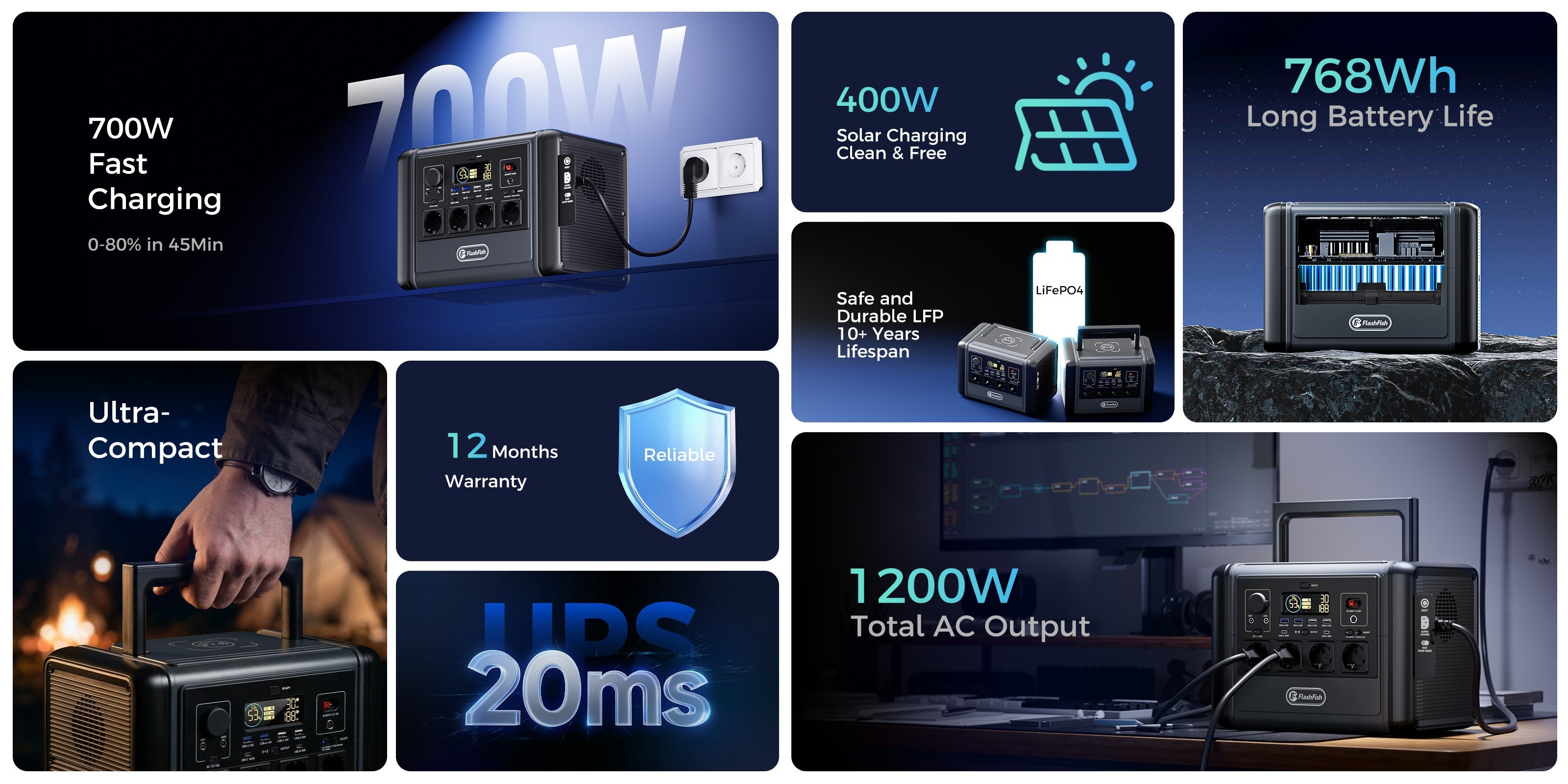
| FlashFish T1200S | 12-50V, 10A, 400W maximum solar input. | There is more input headroom, but voltage, current, connector and approved configuration still matter. |
| FlashFish T2000 | 12-80V, 10A, 600W maximum solar input. | The larger power ceiling is not a target that must be reached; choose a supported setup for the actual recharge plan. |
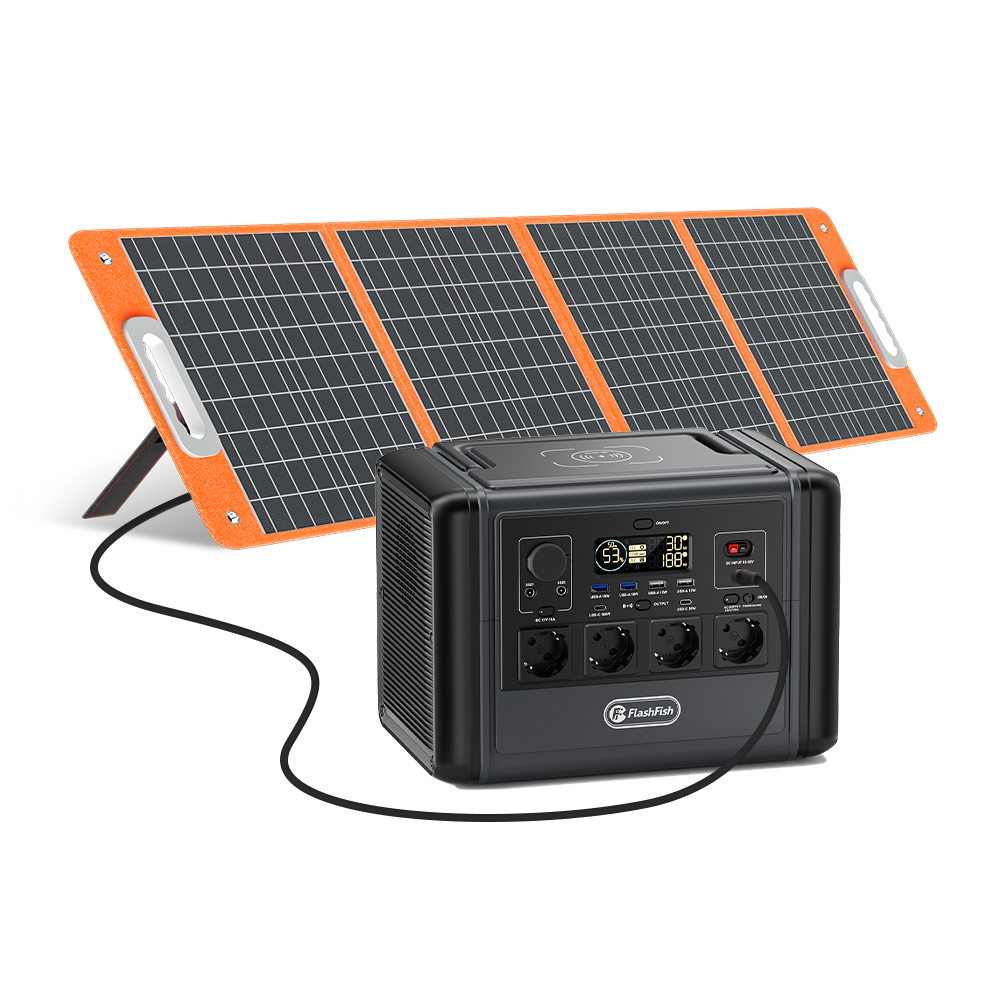
| FlashFish TSP60 | 60W rated, 18V, 3.34A in the product-source bundle. | Useful as a compact panel example, but actual output varies and station-side limits still apply. |
| FlashFish TSP100 | 100W rated, 18V, 5.6A in the product-source bundle. | Higher nameplate power can offer more potential input only when the receiving station and cable are approved for it. |
These rows are a specification-reading exercise, not a universal compatibility declaration. Manuals can differ by market or revision, and an editor should verify the original manual supplied with the exact EU product before publication.
Why rated panel watts are not a recharge promise
The European Commission's Photovoltaic Geographical Information System (PVGIS) provides solar-radiation and photovoltaic-performance data by location and over time. That is the right mental model: available solar energy changes with geography, season, hour and weather. The FlashFish TSP60 and TSP100 manuals likewise note that conversion depends on direct-sun angle, temperature, weather and charging time.
Shade on part of a foldable panel, a poor angle, hot panel temperature, cable losses and the station's own input ceiling can all reduce accepted power. Therefore, do not convert a panel's rated watts into a fixed recharge time without a defined location, conditions, system losses and measured station input.
A safe pre-purchase checklist
- Find the exact station model and manual revision.
- Write down its solar/DC voltage range, maximum current and maximum power.
- Write down the panel's rated voltage, current and power from its manual or label.
- Confirm the manufacturer-approved cable, connector and polarity; do not rely on physical fit.
- Check whether the proposed number and arrangement of panels is explicitly supported.
- Use PVGIS or a comparable official solar-resource tool to understand seasonal variability.
- Plan a slower-weather fallback instead of promising a fixed daily recharge.
- Inspect cables and connectors before each use and keep the charging setup dry and ventilated.
Common solar-input mistakes
- Comparing only panel watts with station watts.
- Treating the station's maximum input as a certain charging rate.
- Assuming a connector adapter makes two products electrically compatible.
- Combining panels without checking how the configuration changes voltage and current.
- Placing a panel in partial shade and expecting nameplate output.
- Using damaged, improvised or tightly coiled leads.
- Leaving the station in direct sun because the panel needs sunlight; the panel and battery unit do not need the same placement.
When FlashFish fits - and when it does not
FlashFish can fit when the station manual, panel specifications and approved cable form a documented match. TSP60 or TSP100 may be relevant for buyers who value a foldable panel, while T1200S and T2000 provide progressively larger manual-derived solar-input ceilings than E200.
FlashFish does not fit a setup merely because an adapter is available, and a larger station is unnecessary when a smaller supported panel-and-load plan meets the need. If the manual does not clearly approve the proposed configuration, pause and ask FlashFish support rather than experimenting.
Safety note
Do not open the station, modify the battery, reverse polarity, splice cables or improvise series/parallel panel wiring. Keep plugs and leads dry and undamaged. Electrical Safety First recommends replacing damaged extension leads and fully unwinding cable drums to reduce overheating risk. The relevant product manual remains the controlling source for the charging connection.
FAQ
What is a portable power station solar input limit?
It is the set of voltage, current and power boundaries that the station can accept from a solar source. A panel's rated watts alone do not prove compatibility; the connector and the station manual must also match.
Can I connect a 100W panel to a 40W solar input?
Do not decide from wattage alone. The station voltage window, current limit, connector and manufacturer instructions must all match. Even when approved, a 40W input ceiling means the station cannot use the panel's full 100W rating.
Why does a solar panel rarely deliver its full rated watts?
Rated power is measured under defined test conditions. Real output varies with solar radiation, cloud, shade, panel angle, temperature, cable losses and the receiving device's input limit.
Does a connector that fits prove a solar panel is compatible?
No. A physically fitting plug does not prove correct polarity, voltage, current or wiring. Use the approved cable and the compatibility instructions for the exact station and panel.
Should I combine solar panels to reach the station's maximum input?
Only use a configuration explicitly allowed by the manufacturer. Combining panels changes electrical values and can exceed an input limit, so do not improvise series or parallel wiring.
Sources and further reading
- FlashFish product-source bundle, accessed 2026-07-01: manual-derived E200, T1200S, T2000, TSP60 and TSP100 input and panel specifications. Original-manual verification remains required before publication.
- EU Shopify discovery cache, generated 2026-06-30: ACTIVE status and live Europe-store URLs for all linked products.
- European Commission Joint Research Centre: PVGIS online tool, accessed 2026-07-01 for location and time-dependent solar-resource context.
- European Commission JRC: PVGIS FAQ, accessed 2026-07-01 for rated-power test-condition context.
- Electrical Safety First: extensions and leads, accessed 2026-07-01 for cable inspection and cable-drum precautions.
Read the whole charging chain before buying more panel watts.




Leave a comment
This site is protected by hCaptcha and the hCaptcha Privacy Policy and Terms of Service apply.