















Short answer: a portable power station’s percentage is an estimate, not a direct reading of litres left in a tank. The estimate can change when a load pulls battery voltage down, when the battery rests and voltage recovers, or when temperature changes battery behaviour. A movement on the display does not by itself prove a fault.
The useful question is not “Did the number move?” but “Does the change repeat under the same conditions, and is it accompanied by heat, odour, swelling, leakage, an error code or an unexpected shutdown?” Use the LOAD check below to separate a normal estimate correction from a pattern worth escalating.
Why the estimate moves
A battery-management system can measure quantities such as voltage, current and temperature, while a fuel-gauge function estimates state of charge. Analog Devices explains that battery capacity and charge estimation vary with conditions including temperature and load. Texas Instruments likewise notes that dynamic loads make a simple voltage reading a poor stand-alone indicator.
| What you see | Plausible explanation | What to check next |
|---|---|---|
| Percentage falls soon after a high-watt load starts | Load-related voltage drop and a revised state-of-charge estimate | Record load watts, starting percentage, temperature and whether the reading settles |
| Percentage rises after the load stops | Voltage recovery during rest and estimator correction | Leave the unit safely at rest as the manual permits, then record the stable reading |
| Reading changes more in cold conditions | Temperature changes battery behaviour and available capacity | Check the exact model’s operating and charging limits; do not warm it with an improvised heater |
| Reading jumps after charging or storage | The estimator may be updating from new current, voltage or rest information | Follow only the model-specific gauge or calibration guidance |
| Reading falls with a shutdown or error | Load, temperature, low charge or a protection response may be involved | Disconnect the load, record the code and follow the manual before one supervised retry |
The LOAD check: a repeatable owner test
L — Label the load
Write down the connected appliance, its nameplate watts, any startup behaviour and whether other outputs are active. Capacity in watt-hours and AC output in watts answer different questions; plenty of charge remaining does not make an oversized appliance compatible.
O — Observe before, during and after
- Record the starting percentage with the station in a stable, permitted environment.
- Start one known, compatible load and record displayed input/output watts and percentage.
- Stop the load if the station becomes unusually hot, smells abnormal, reports an error or behaves unpredictably.
- After the load is removed, allow the unit to rest only as the manual permits and record the settled reading.
This is an observation log, not a capacity test. Do not deliberately overload or deeply discharge the station.
A — Account for temperature and rest
Compare like with like. A reading taken immediately after charging, outdoors in winter or under a heavy load is not directly comparable with one taken after a long indoor rest. Record ambient conditions rather than assuming the gauge changed for no reason.
D — Document the pattern
Repeat only with a safe, compatible load under similar conditions. If the movement is consistent and the station otherwise behaves normally, the log gives useful context. If the jump grows, appears at light load, causes shutdowns or occurs with physical warning signs, stop experimenting and send the log to support.
What not to do
- Do not repeatedly force the battery to 0% in the hope of “fixing” the gauge unless the exact manual or manufacturer support tells you to do so.
- Do not assume one percentage point equals the same usable energy at every temperature and load.
- Do not keep resetting after repeated protection events.
- Do not open, modify, puncture or externally heat the battery enclosure.
- Do not use a percentage correction as proof of a claimed runtime or remaining capacity.
When to stop using the station
Health Canada’s lithium-ion safety guidance recommends following manufacturer instructions and not using batteries that are damaged or modified. Stop use and seek the manufacturer’s or an appropriate local service route if you see swelling, deformation, leakage, smoke, unusual heat, a burning or chemical odour, liquid exposure, impact damage, repeated unexplained shutdowns or recurring error codes.
If the unit is hot, smoking or leaking, prioritise people and local emergency guidance. Do not handle it merely to complete the LOAD log.
Where FlashFish fits—and where this guide stops
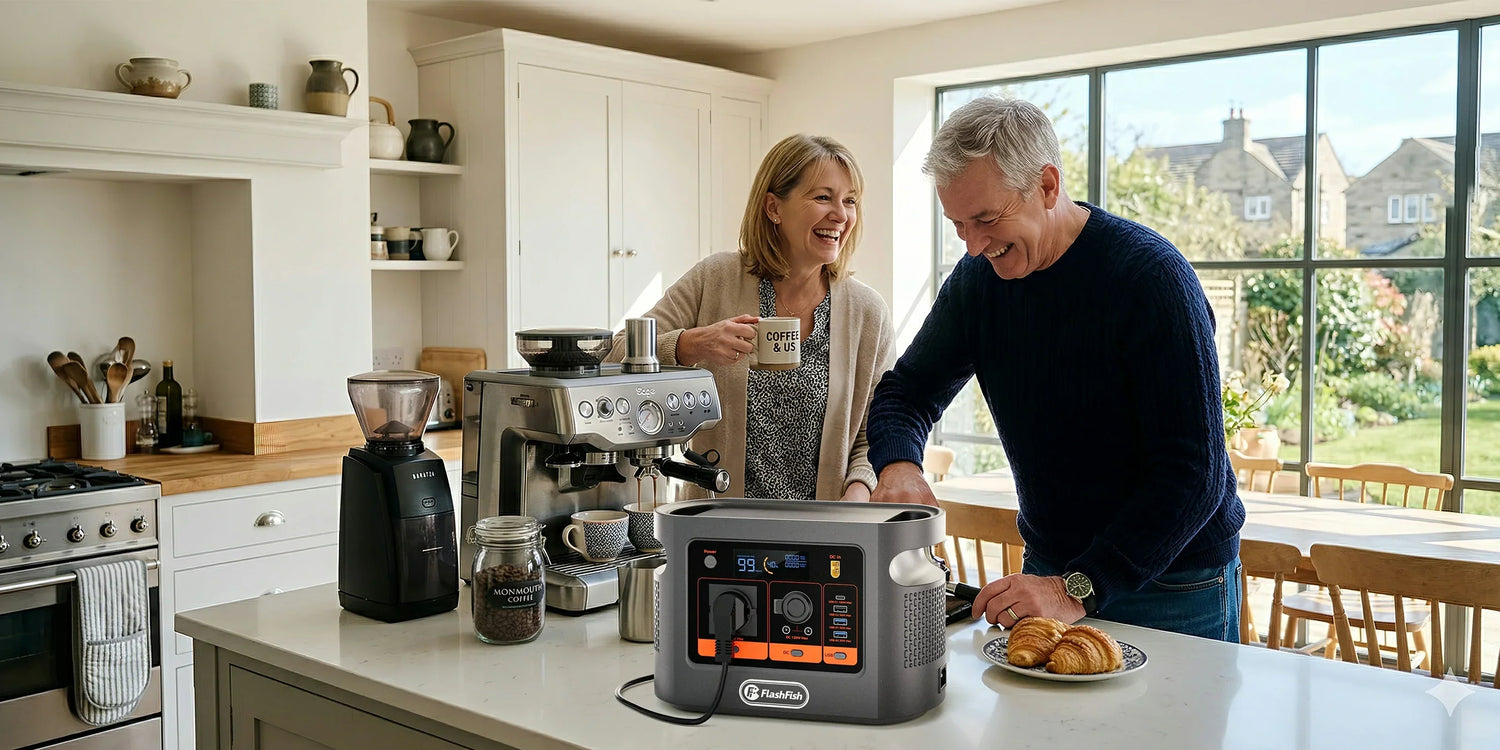
This method can help an owner document behaviour on a FlashFish or another portable power station without pretending that every model uses the same gauge. The image on this article shows a FlashFish E106B display as visual context only. The FlashFish product database does not provide the E106B fuel-gauge algorithm, a universal acceptable jump or a do-it-yourself recalibration procedure.
Browse FlashFish portable power stations by verified capacity, rated output, input limits, ports and weight—not by treating a display percentage as a lab measurement.
Frequently asked questions
Why does the battery percentage drop when I switch on a large appliance?
A large load can pull voltage down while the station is working. The estimator may revise the displayed percentage using voltage, current, temperature and model-specific logic.
Why can the percentage rise after I turn the load off?
Battery voltage can recover after a load is removed, so the estimator may revise its estimate. A repeatable large or erratic change deserves model-specific support.
Does a changing percentage prove the battery is faulty?
No. Load, temperature, rest time and estimation method can affect the display. Physical damage, abnormal heat or odour, repeated shutdowns or a worsening pattern are more concerning.
Should I fully drain the station to recalibrate it?
Do not improvise a full-discharge routine. Follow the exact manual or a support instruction because battery chemistry and gauge-learning procedures differ.
Can cold weather change the displayed percentage?
Yes. Temperature affects battery behaviour and available capacity and may influence the estimate. Charge and operate only inside the exact manual limits.
What should I record before contacting support?
Record the model, ambient conditions, starting percentage, load, displayed watts, elapsed time, error code and percentage after a safe rest.
Sources and evidence boundaries
- Analog Devices: battery fuel gauges — engineering explanation of state-of-charge estimation.
- Texas Instruments: dedicated fuel-gauge technical article — dynamic-load and voltage limitations.
- Health Canada: lithium-ion battery safety — damage and abnormal-behaviour boundaries.
Human review note: this is a diagnostic observation framework, not a FlashFish fuel-gauge specification or hands-on capacity test.



Dejar un comentario
Este sitio está protegido por hCaptcha y se aplican la Política de privacidad de hCaptcha y los Términos del servicio.