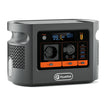
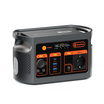

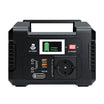
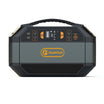




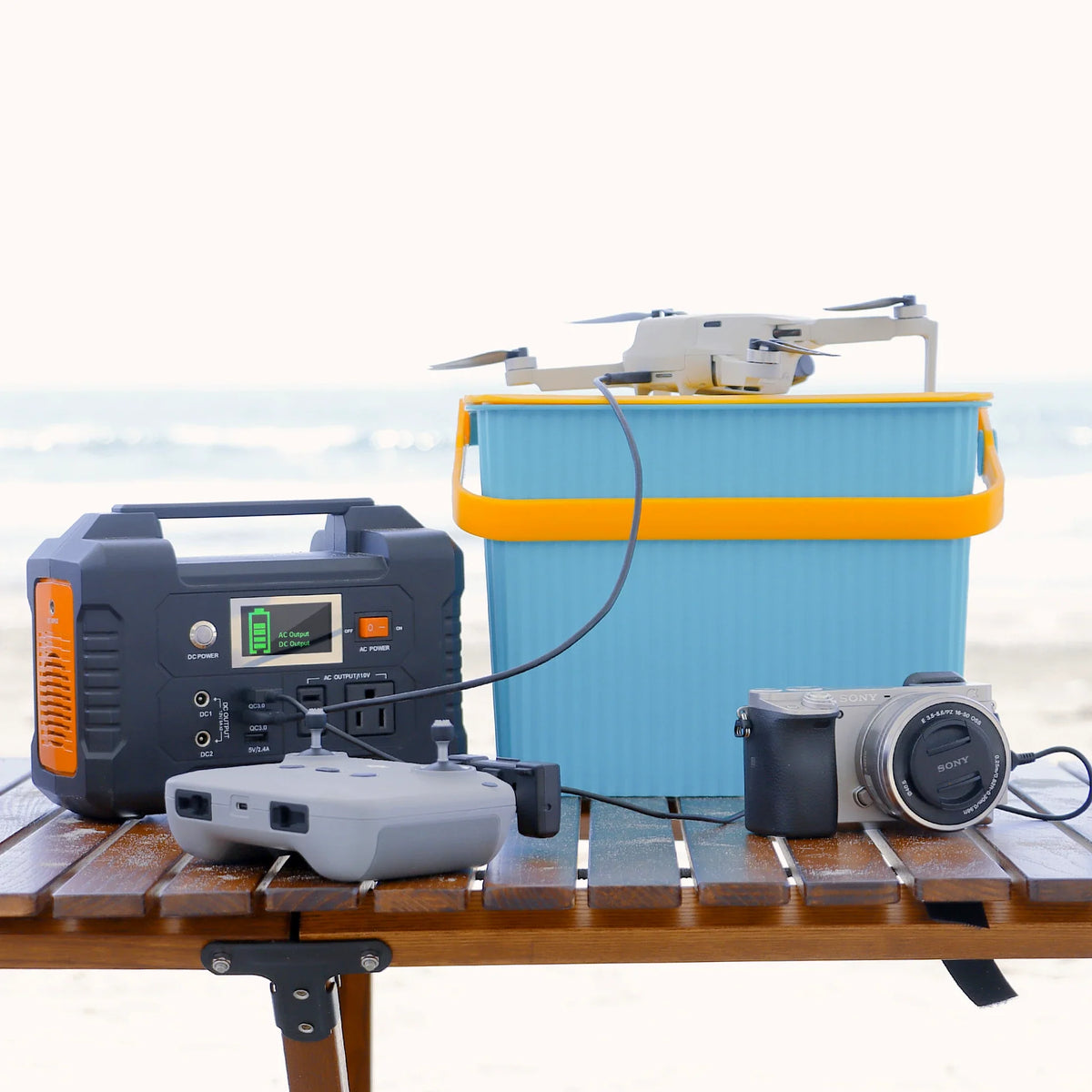
E200 Museum Audio-Guide Charging and Sign-Out Checklist
A museum operations checklist that keeps charging evidence, device custody, content readiness and return inspection as separate decisions.
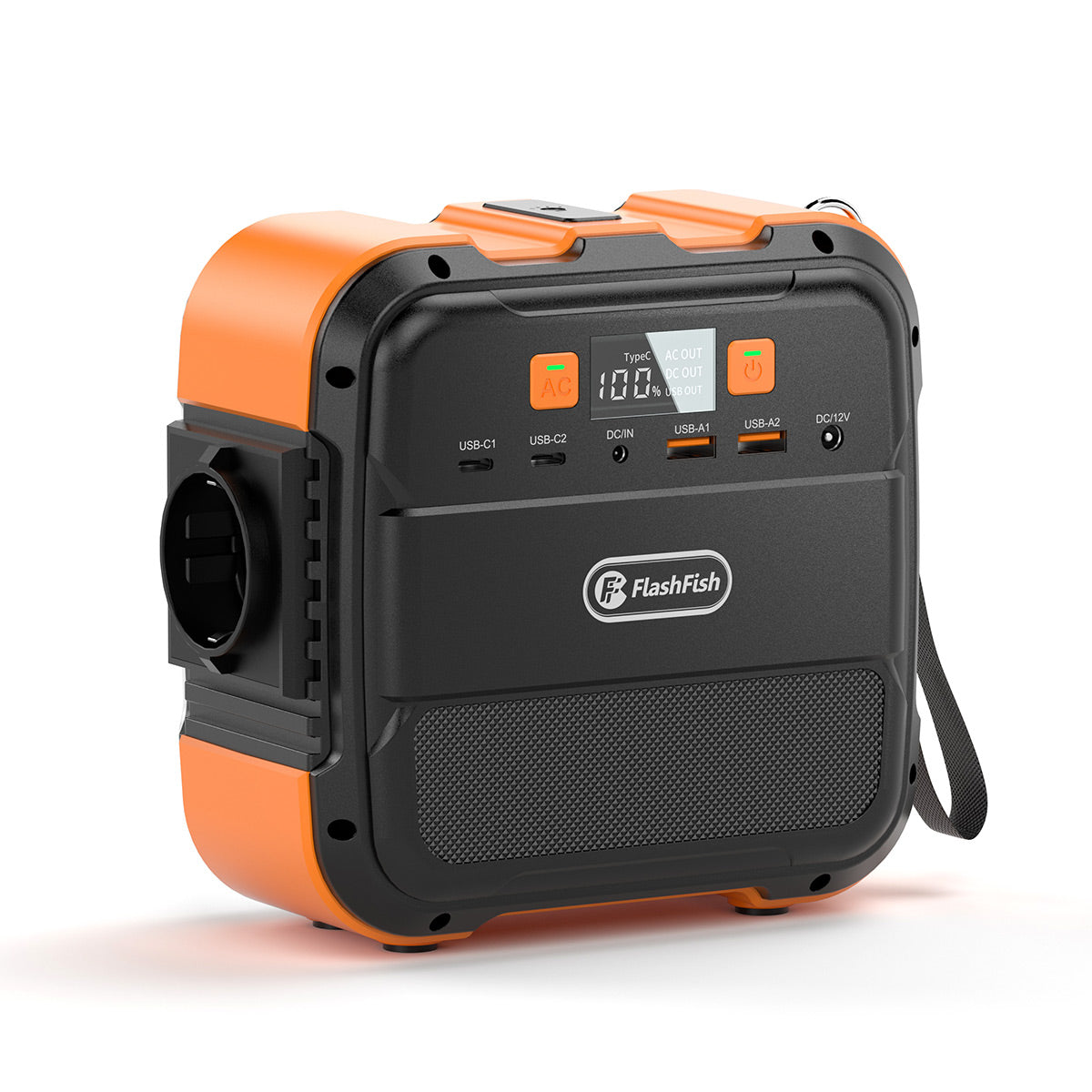
A101 + TSP60 Volunteer Phone-Survey Desk Checklist
A practical checklist for separating phone power, solar recovery, data storage and weather stop decisions in a volunteer field survey.
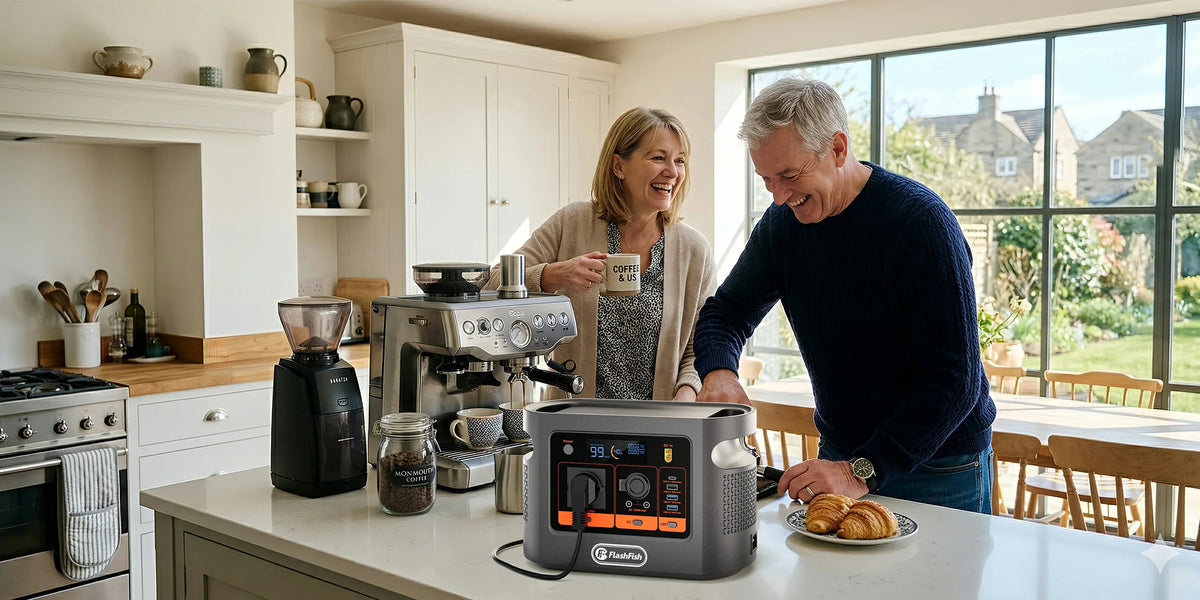
E106B Cassette Digitisation Desk: Power, Audio and File Checklist
A bounded, source-based checklist for planning and verifying a cassette-to-digital desk with the E106B as an optional power source.
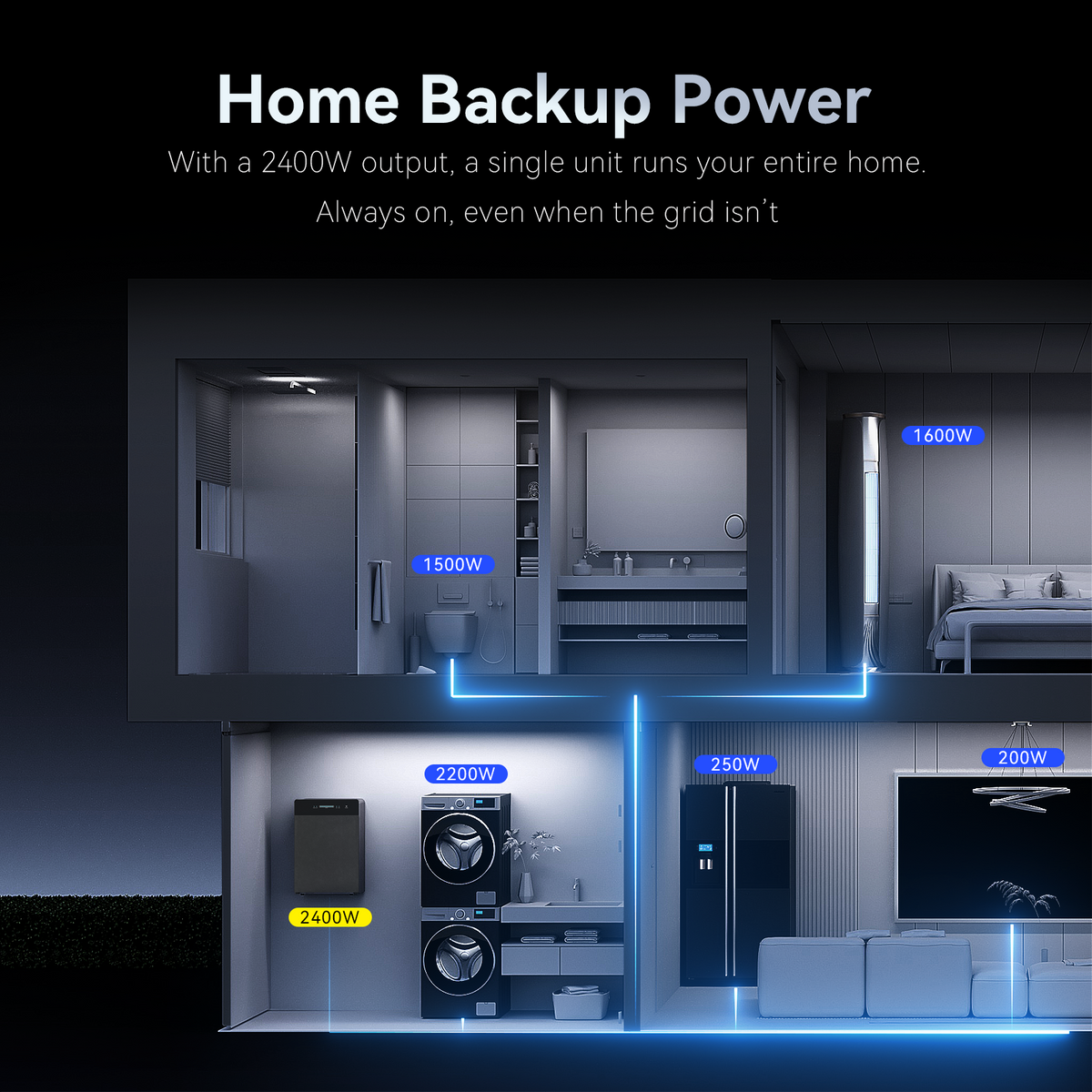
SR5000 Evening-Load Diary Before a Seasonal Settings Review
Record the same evening energy fields across representative days, then hand the diary to the installer or service provider before any seasonal SR5000 settings review.
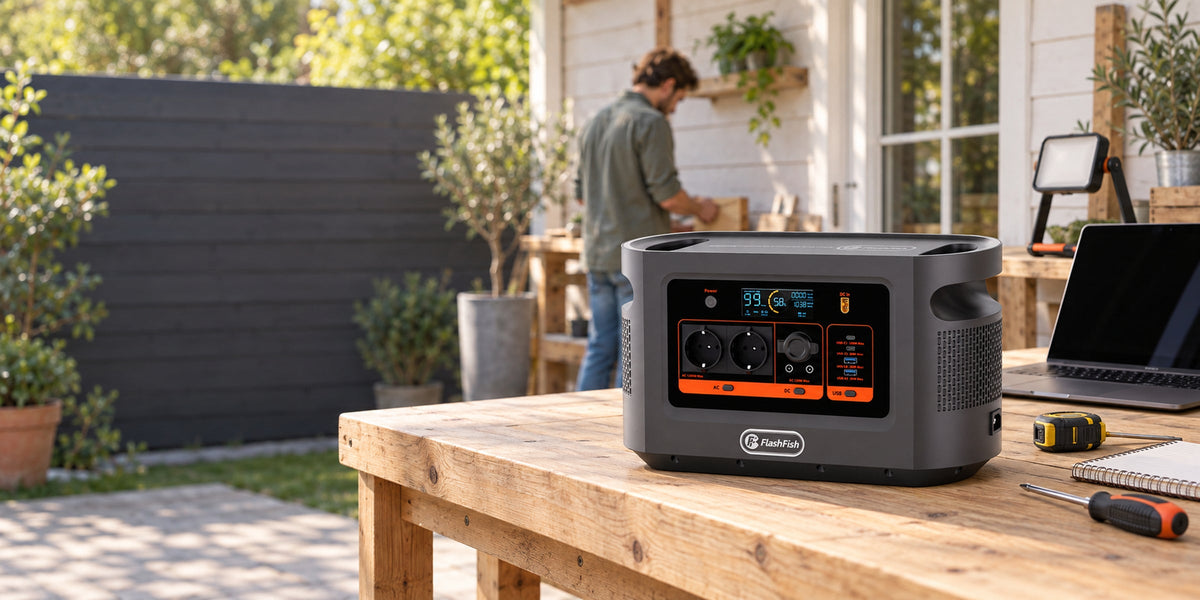
E112B Tablet-Survey Field Desk: Power, Data and Sync Checklist
A reliable tablet-survey desk needs separate power, local-record, backup and sync plans; a charged tablet is not proof that survey data has been saved or handed over.
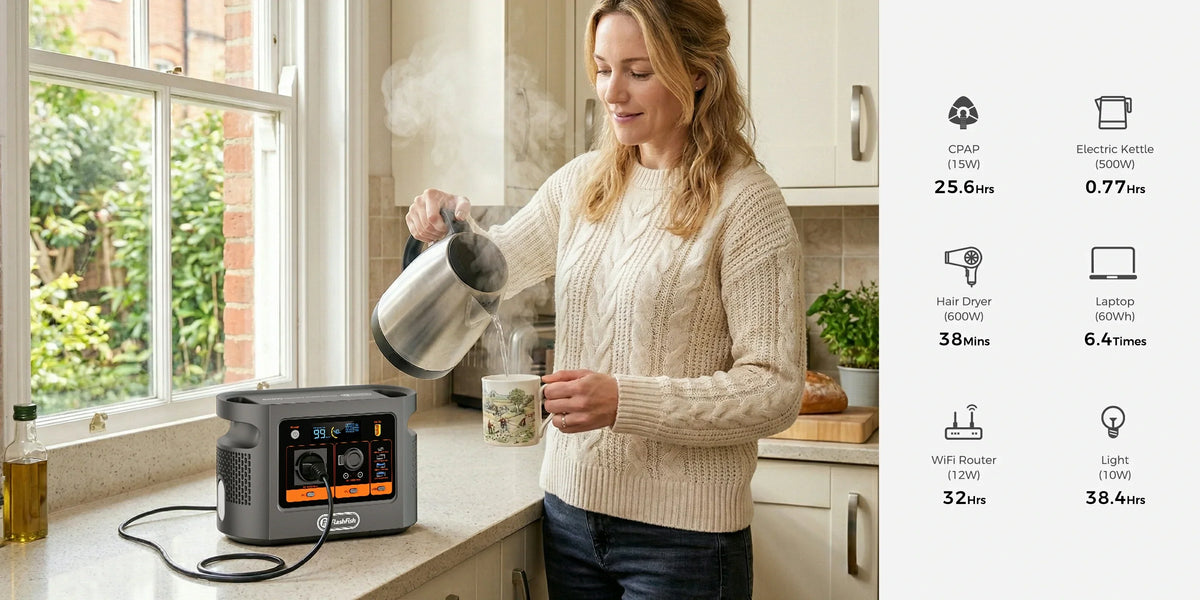
E106B Rehearsal-Room Checklist for a Mixer, Pedalboard and Laptop
A rehearsal chain should be approved as one exact mixer, pedalboard, laptop and cable setup; E106B ratings alone do not prove audio compatibility, low noise or runtime.
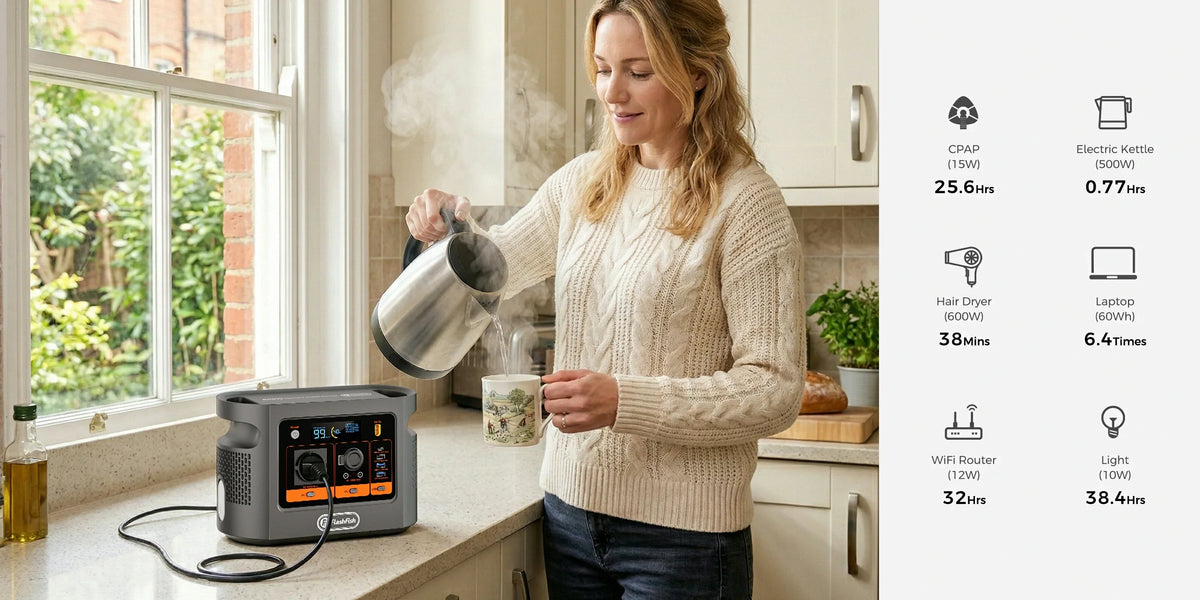
E106B Checklist for a Portable Photo-Scanning Desk
A portable photo-scanning desk works only when power, USB data, file storage and verification are planned as separate paths; E106B does not prove scanner compatibility or file integrity by itself.
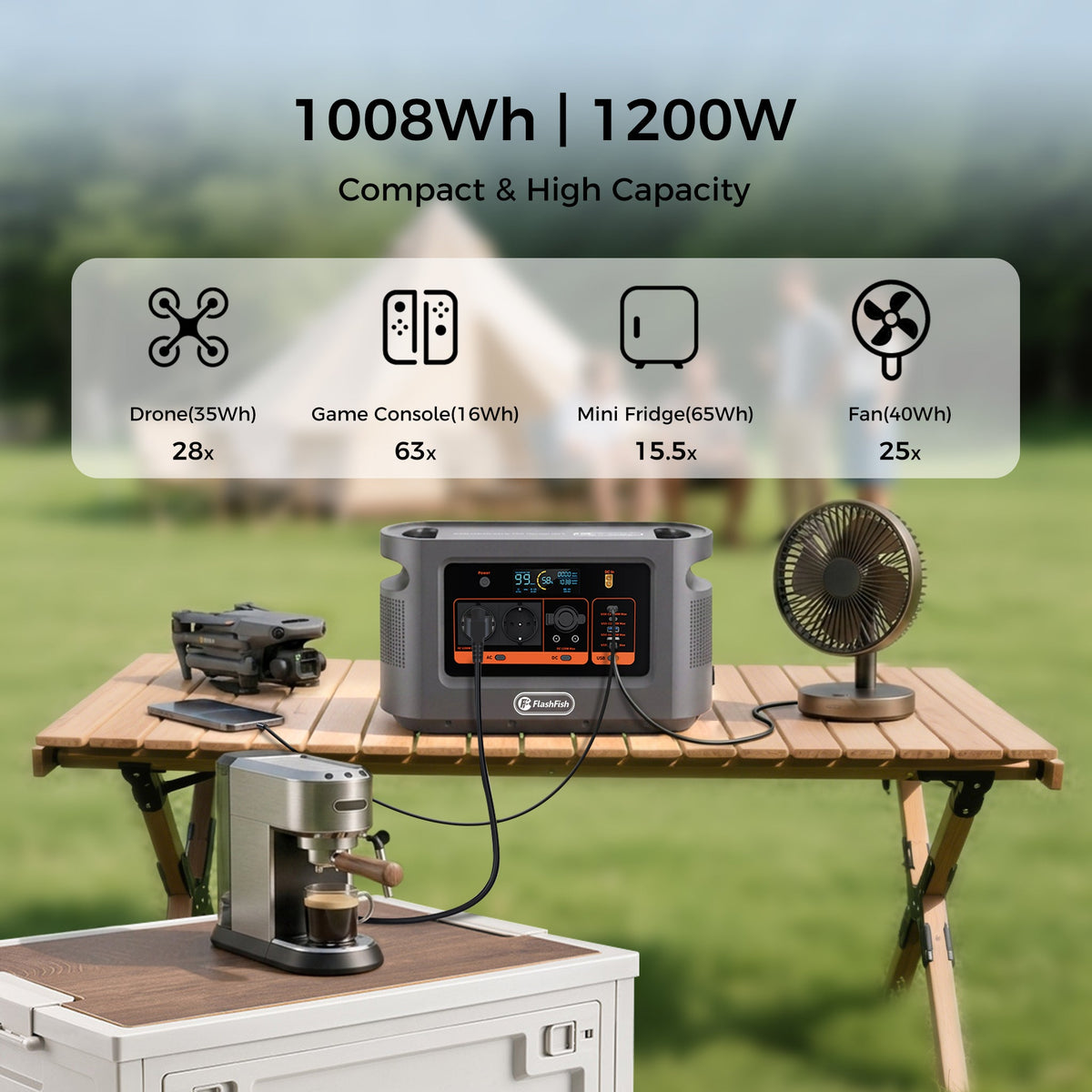
E112B Checklist for a Shared USB Charging Desk
A shared USB desk is a port-allocation problem: verify every device and cable, reserve the documented 100W USB-C output deliberately, and test combinations without assuming an aggregate charging sp...
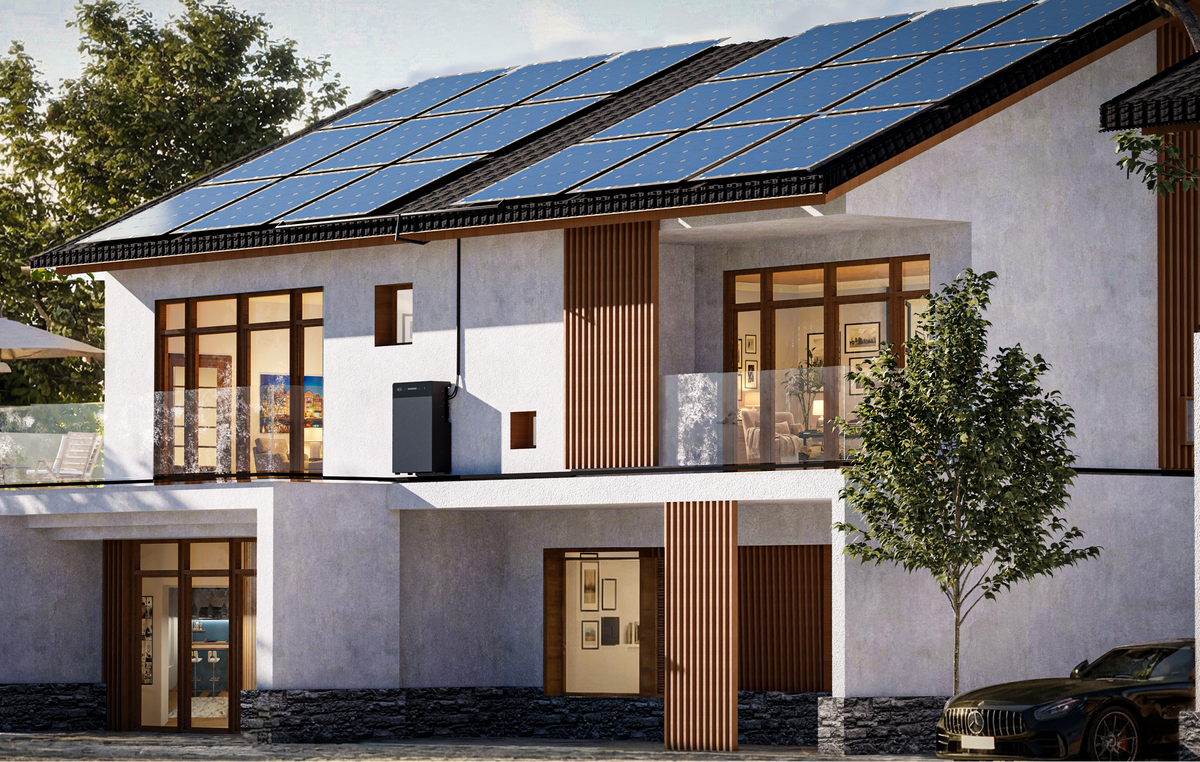
Moving Home With SR5000: A Professional Handover Checklist
A move creates two separate projects: close the existing SR5000 installation safely, then assess the new property without assuming permissions or configuration will transfer.
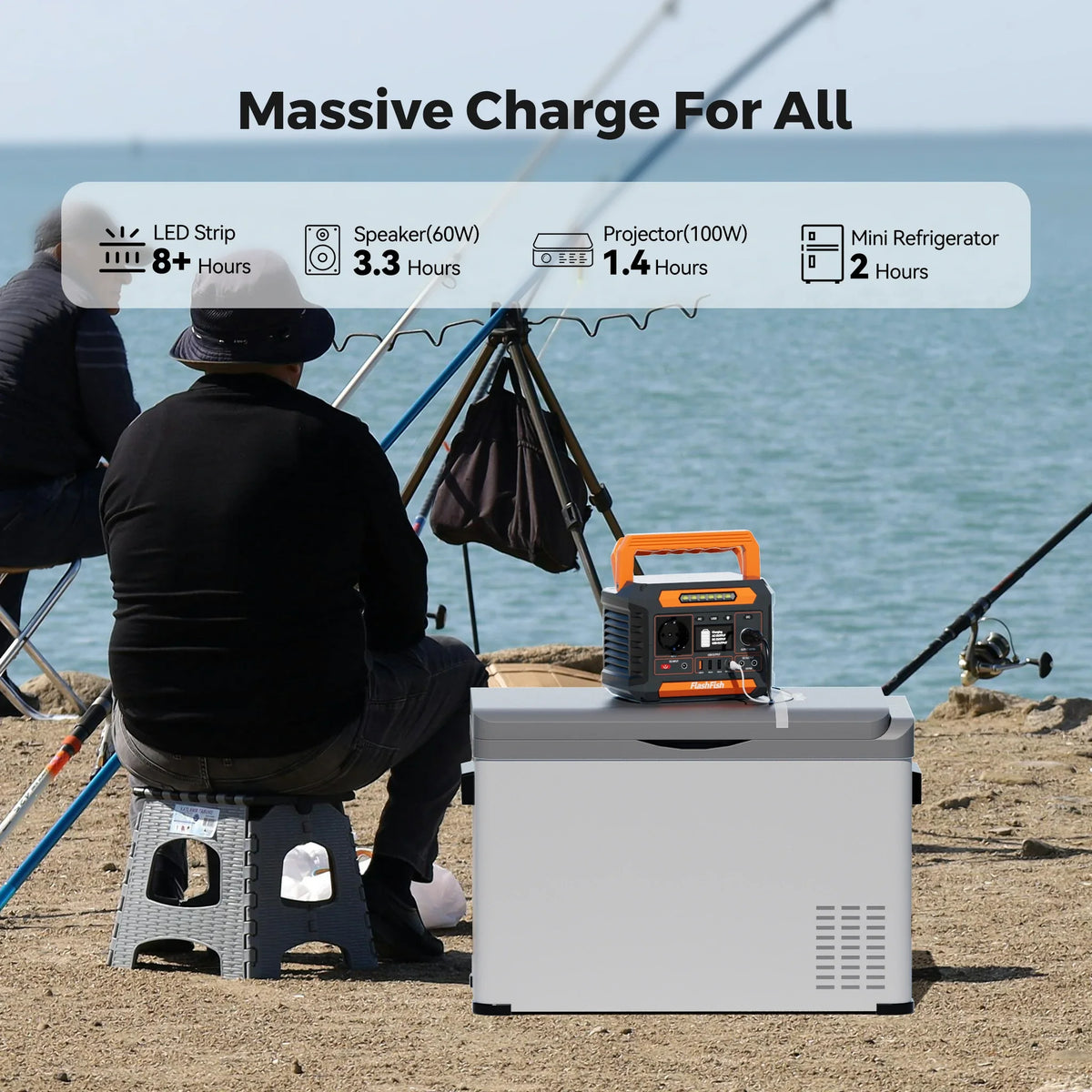
P66A Checklist for a Supervised Phone-Charging Rota
A small supervised rota can work only after each phone-and-cable path is checked separately; P66A port labels do not establish universal fast charging or a shared USB total.
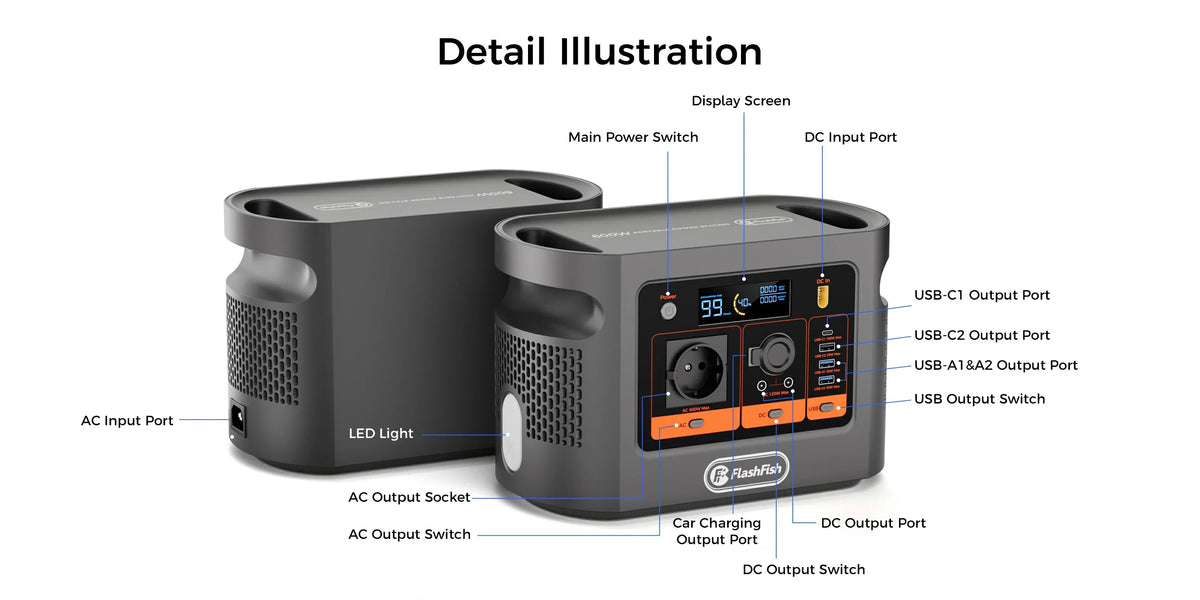
E106B Checklist for a Laptop Interview Recording Chain
Treat recording power, audio data, monitoring and file saving as separate paths. Rehearse the whole interview chain before relying on E106B.
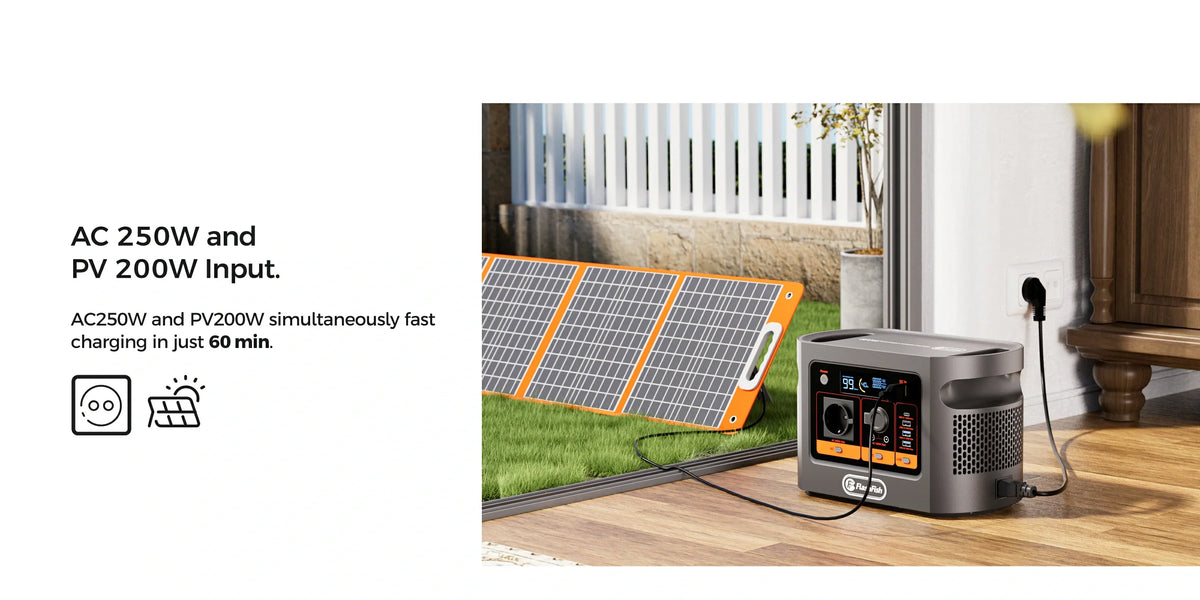
Plan Two E106B Work Sessions Around a Recharge Break
Do not assume a break returns E106B to full. Record the first session, observe the real recharge window and make a fresh decision before session two.
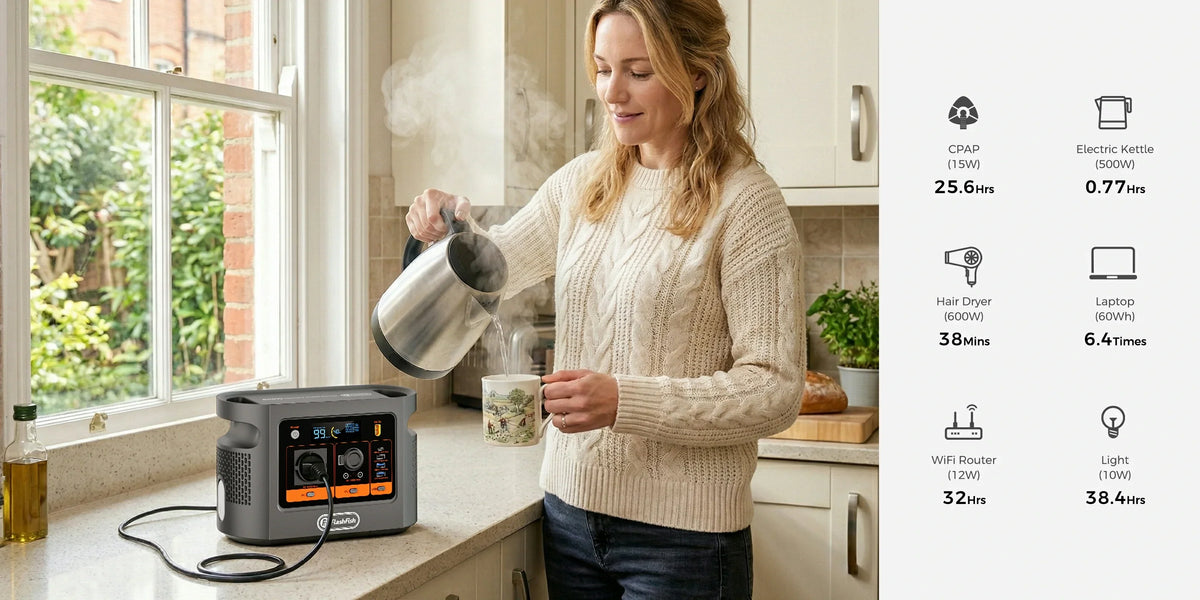
E106B Checklist for a Planned Building Power Shutdown
Treat an announced outage as a manual stop, transfer and restart: verify every load, rehearse the sequence and keep communications-independent fallbacks.
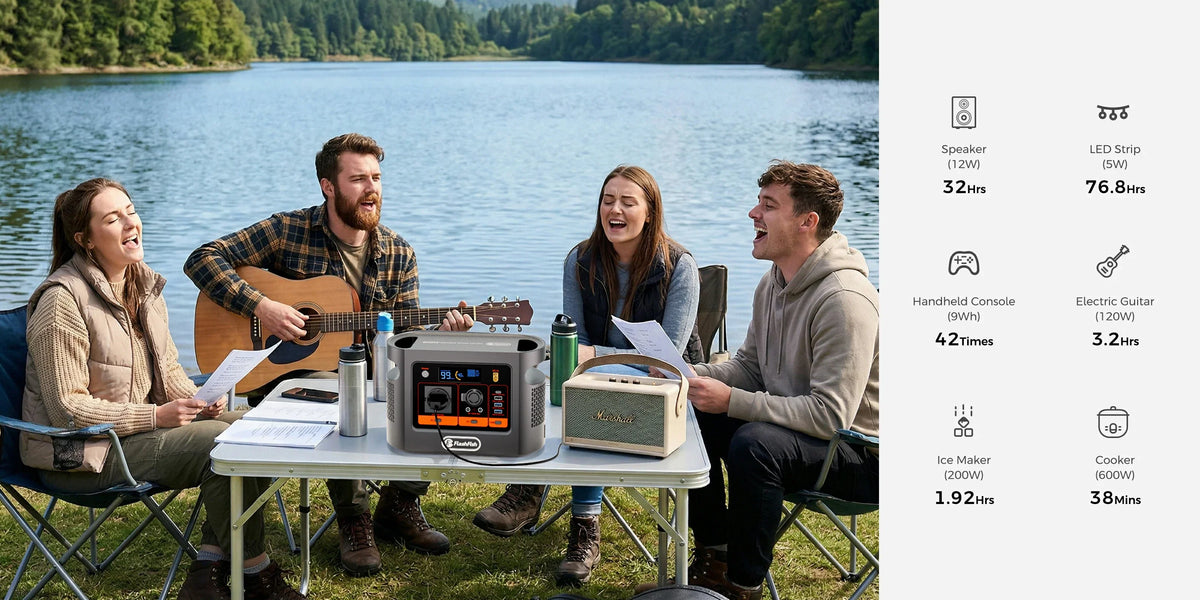
E106B Camping Power for a 12V Cool Box and Devices
Use COOLBOX-PATH-CURRENT-ENERGY-DRY-TEST: verify the cooler's voltage and plug, compare maximum current with the shared DC group, budget measured trip energy, keep connections dry and simulate the ...
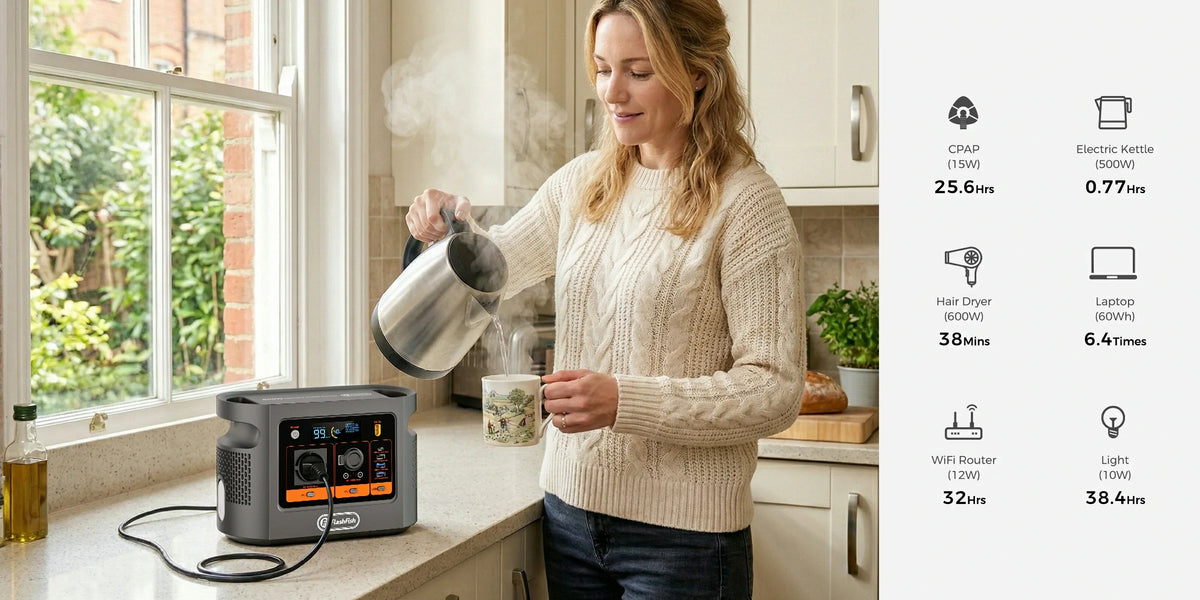
Can E106B Power a Soldering Station and Fume Extractor?
Use LABEL-SUM-FUME-PLACEMENT-TEST: read every input label, total simultaneous watts, keep effective fume control and hot-tool placement as separate gates, then supervise the complete first run.
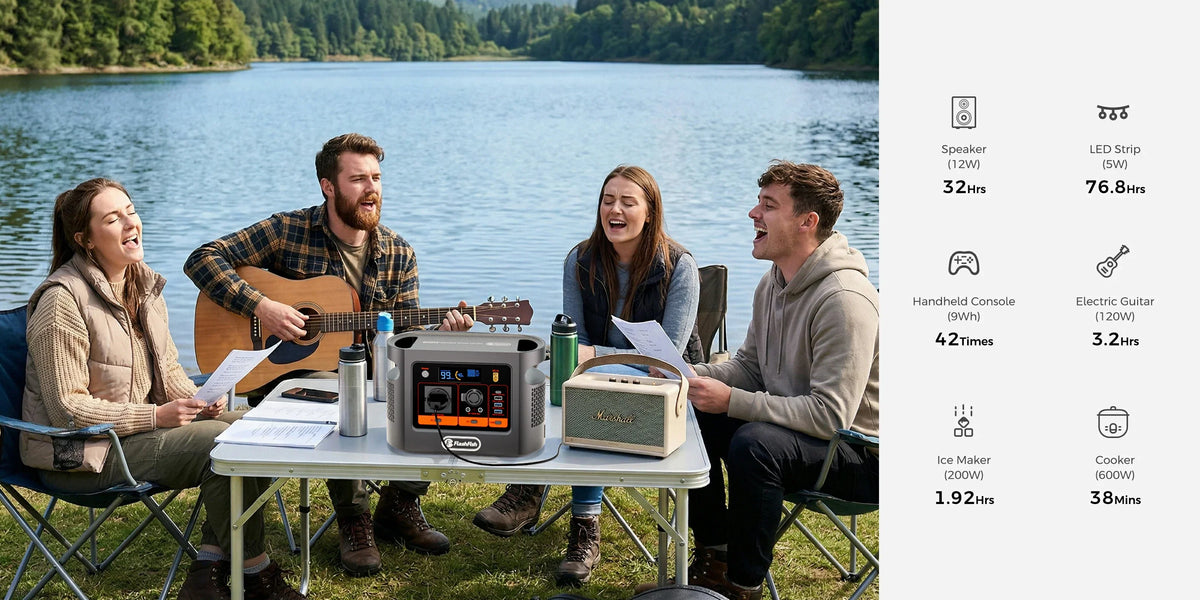
E106B at a Damp Campsite: A Dry-Zone Power Plan
Use DRY-ZONE-RAISE-CABLE-WATCH-STOP: treat dampness as a siting and stop-condition problem, not as permission to assume weather resistance from a cover or campsite connection.
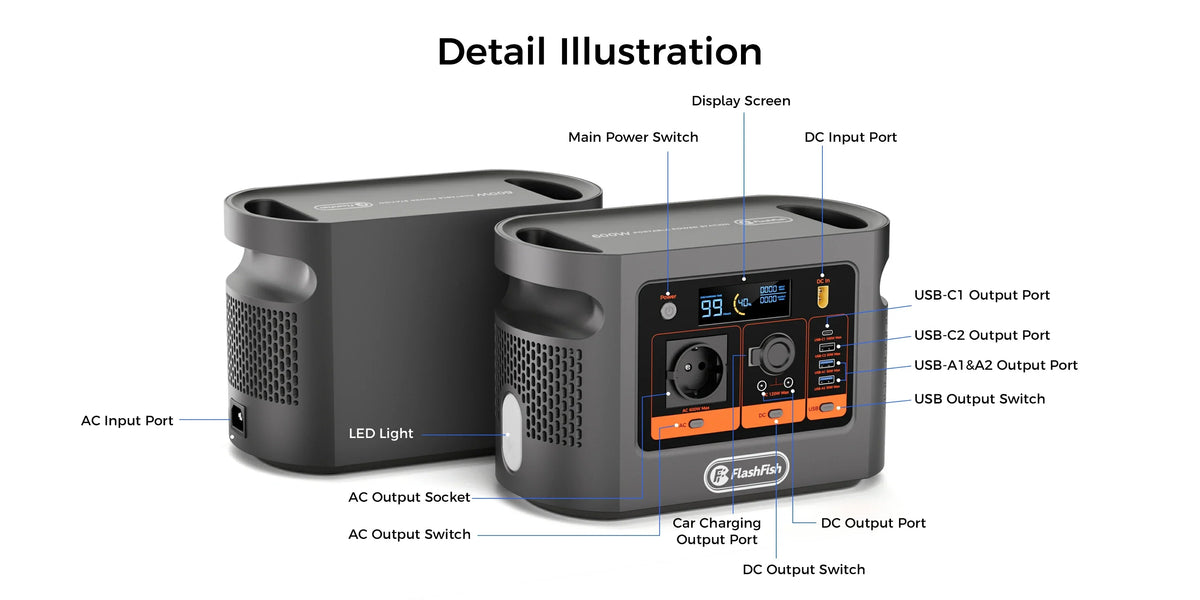
Can E106B Power an Amateur Radio and Laptop?
Use SOURCE-VOLTAGE-CURRENT-RF-LAPTOP: identify the permitted source, verify voltage and maximum current, separate RF and grounding questions, then add the laptop to the complete load sheet.
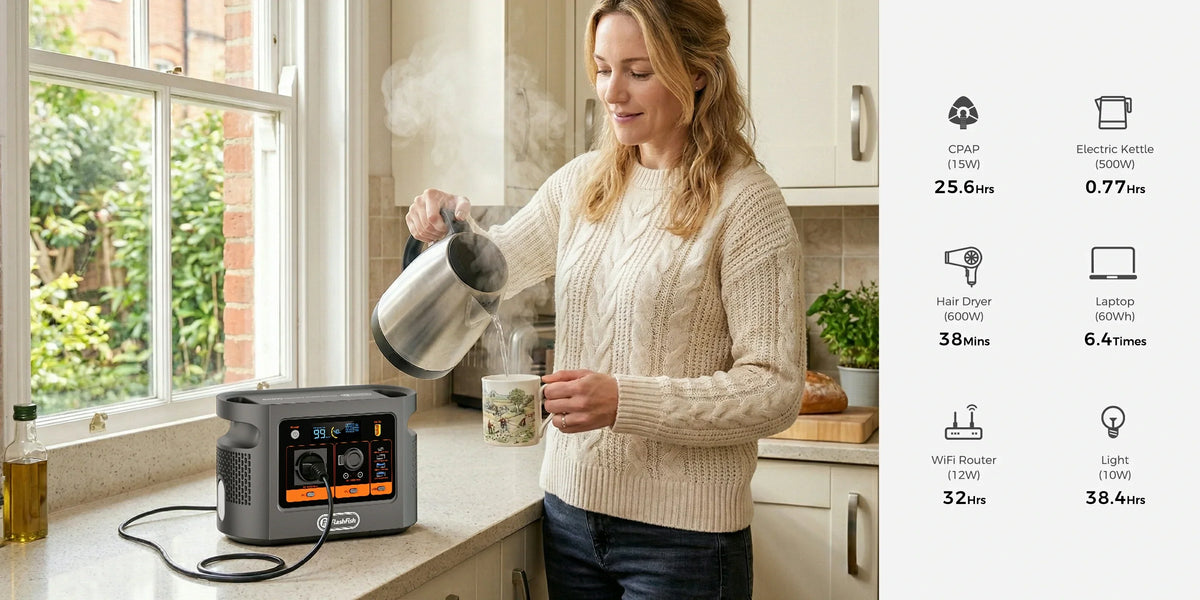
Can FlashFish E106B Run a Portable Sewing Machine?
Use LABEL-MOTOR-CONTROL-LIGHT-TEST: manual permission comes first, then the regional label, motor behaviour, foot-controller path, task light and a supervised scrap-fabric test.
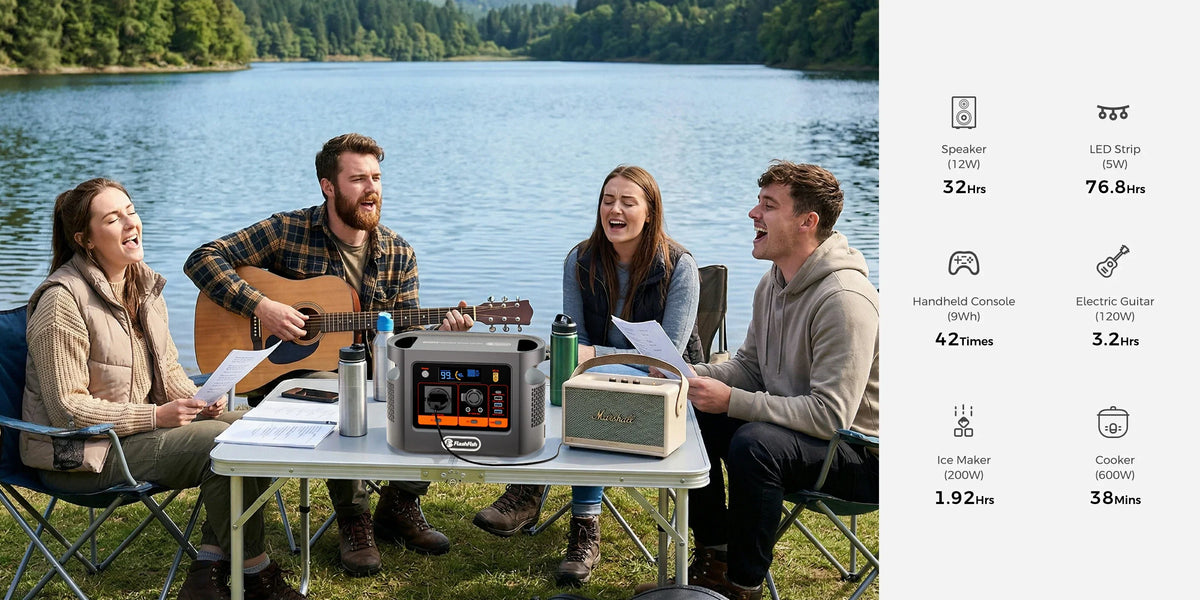
A101, P66A or E106B for Car-Free Camping?
Use CARRY-CHARGE-LOAD: screen live availability first, weigh the complete carried kit, verify each device's charging path, then buy only the energy and AC headroom the trip can justify.
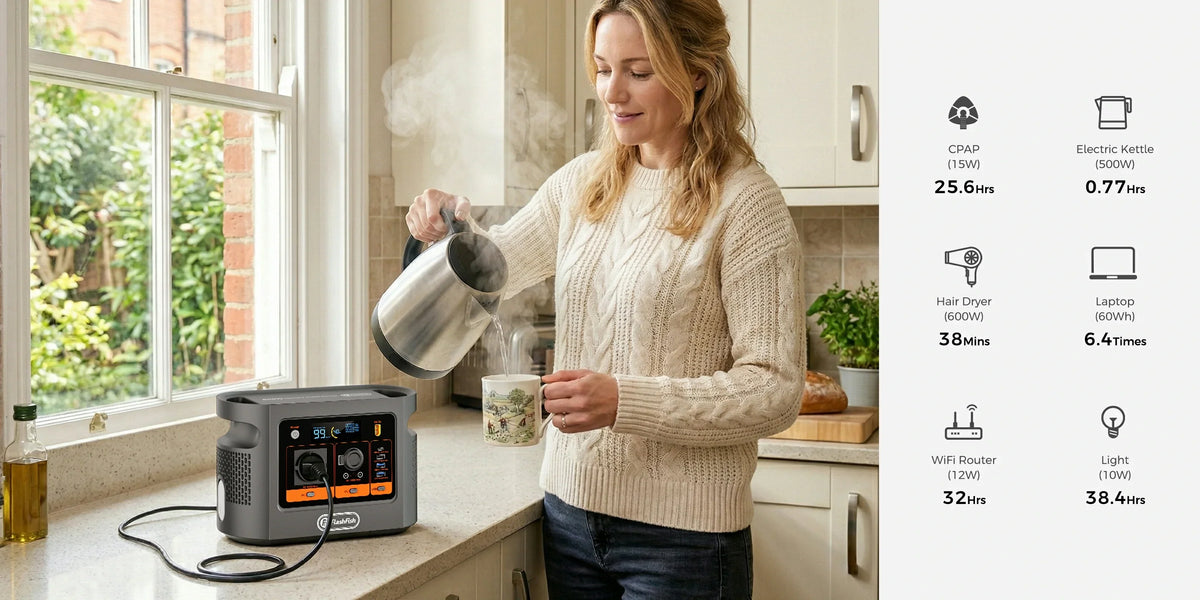
Can E106B Power a Cricut Maker 3 and Laptop?
Use POWER-DATA-HOST-FALLBACK to separate electrical headroom from the adapter, computer, Design Space connection and recovery plan that actually decide whether a craft session can finish.
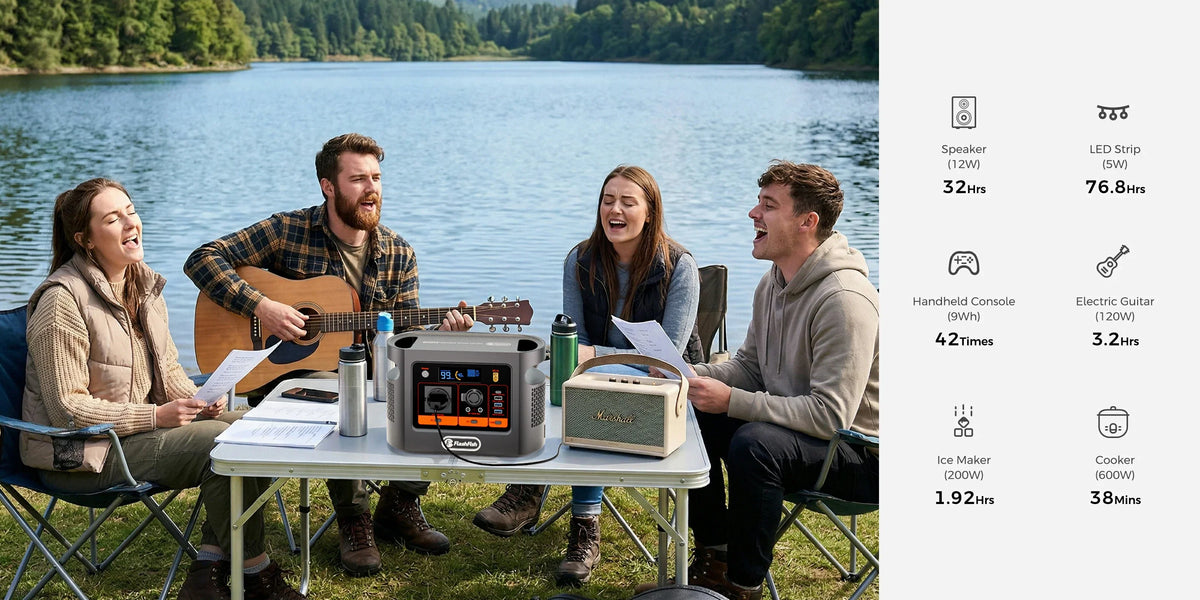
E106B 12V Tyre Inflator: Shared DC Budget Checklist
Use the V-A-T-P method—voltage, maximum amps, total shared DC load and permitted pump time—before treating a 12V plug as a compatible inflator setup.
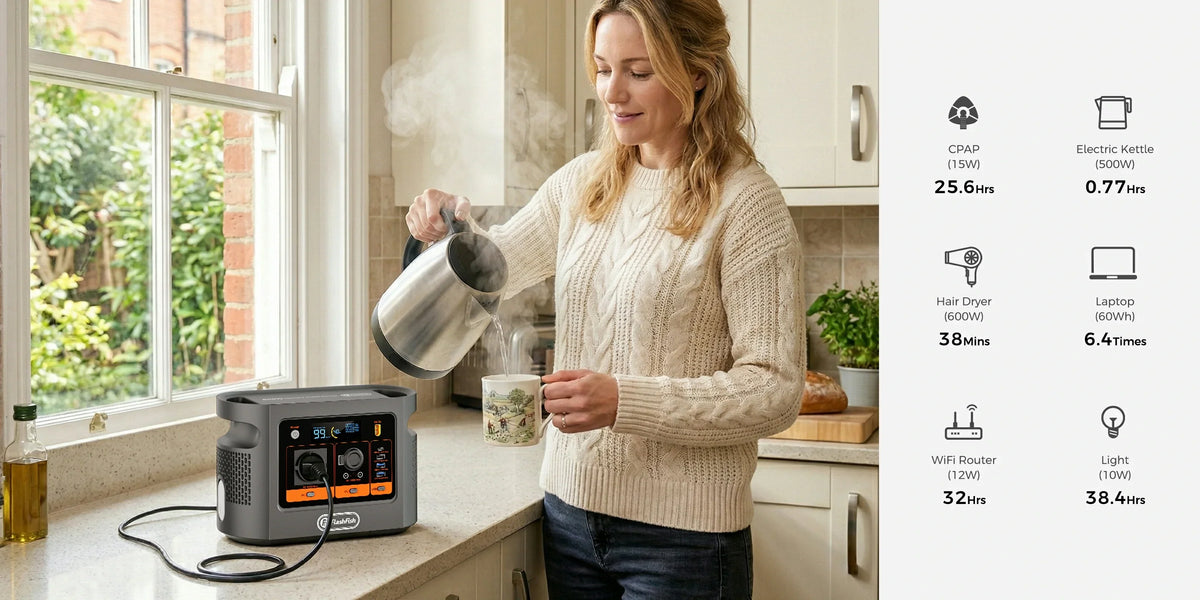
E106B Digital Microscope and Laptop Bench Checklist
Plan the bench as three separate paths—station power, microscope data and inspection evidence—so a working plug does not get mistaken for a proven workflow.

E106B Mobile Barber Power Checklist: Clippers and Light
Plan a mobile barber setup as two power paths plus a continuity plan: clipper, task light and the ability to finish safely if either path fails.
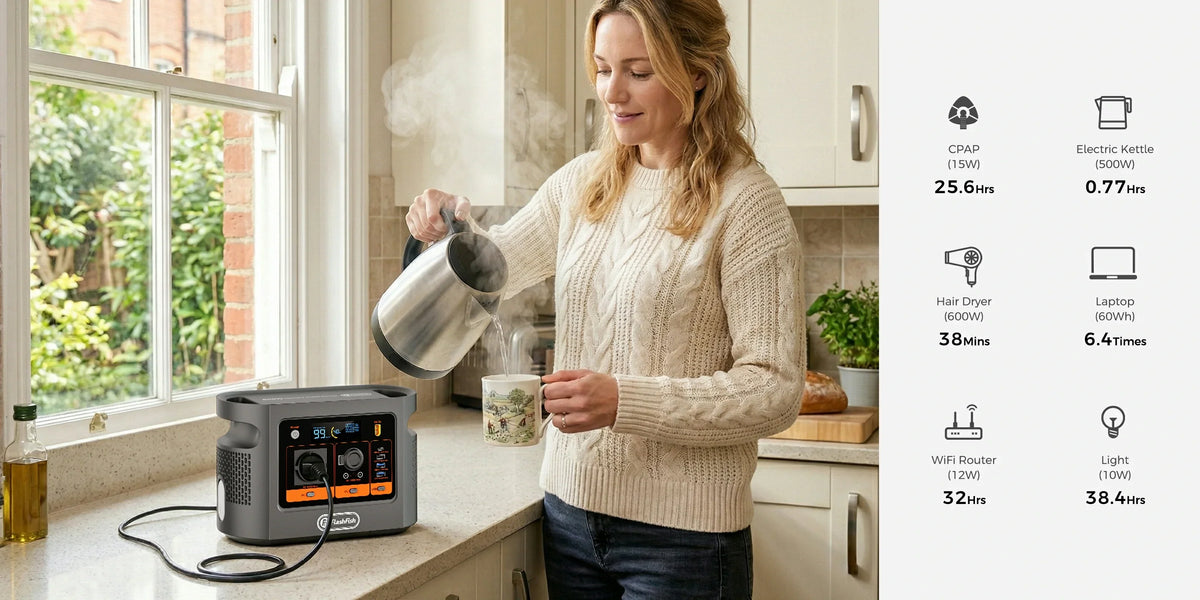
E106B Ticket Scanner and Receipt Printer Event Checklist
A check-in desk is three systems, not one load: scanner power and data, receipt-printer power, and the laptop workflow. Map every path before testing E106B.