















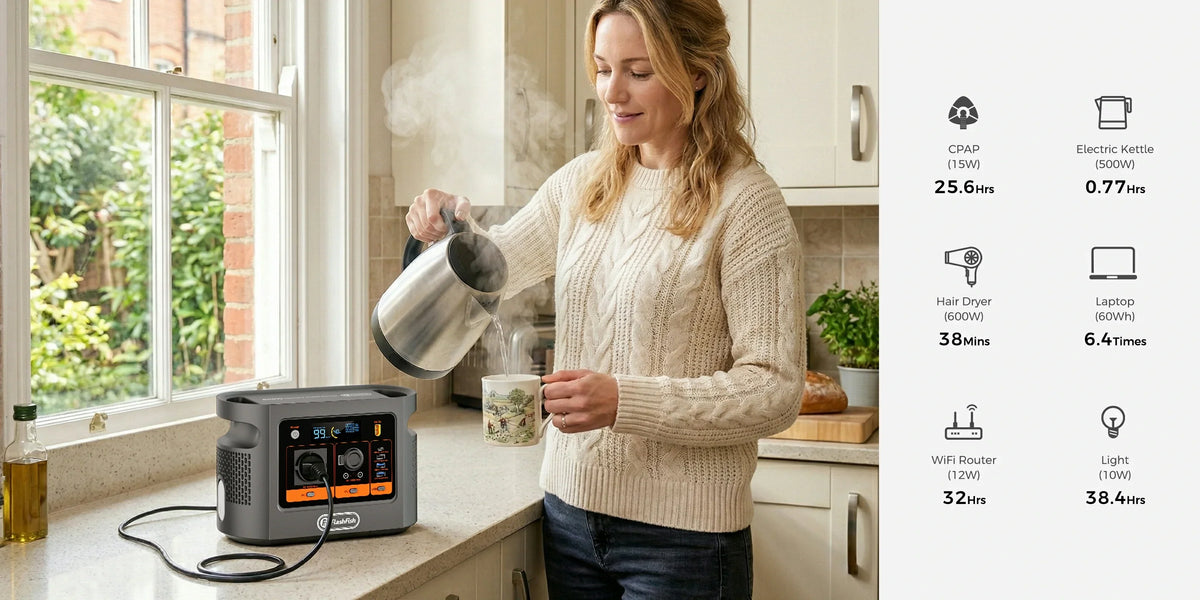
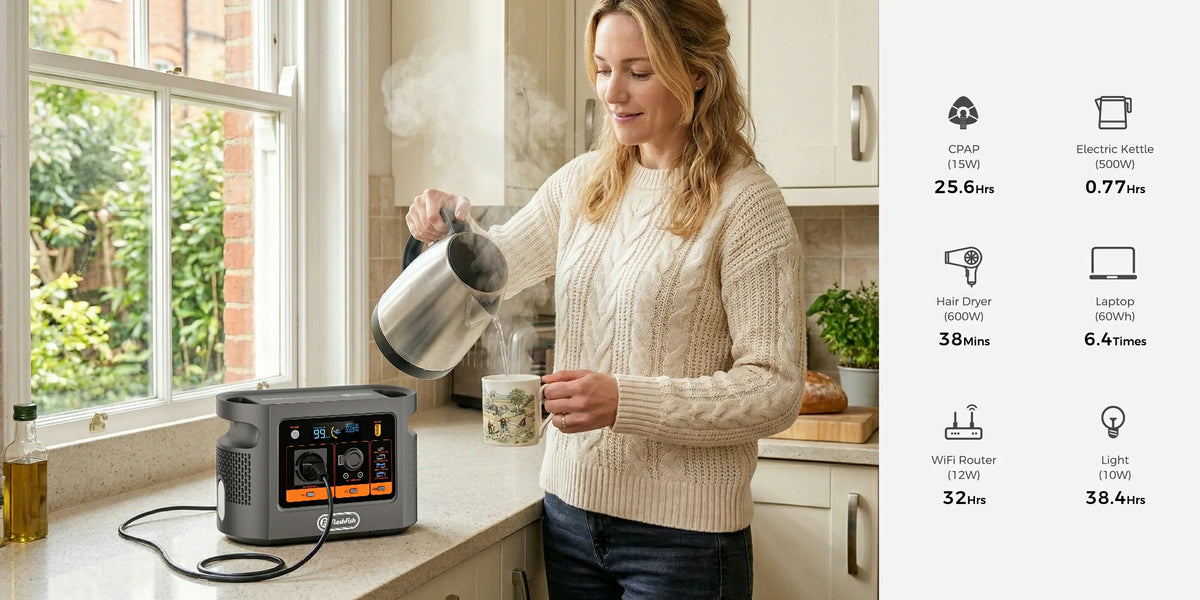
Short answer: FlashFish E106B can be a plausible paper fit for some compact laser-printer and laptop setups because its local record lists 600W continuous pure-sine AC and a separate USB-C output up to 100W. That is not a compatibility result. A printer's published active-printing watts may not be its maximum, laptop charging is negotiated, and a complete cold-start print cycle must be tested with the exact regional equipment.
The useful decision is not whether 361 is lower than 600. It is whether the exact printer, laptop, cables, network gear and print cycle remain stable together with a safe margin.
Use PRINT before connecting anything
PRINT means: Printer and exact suffix, Regional voltage and frequency, Inventory of every simultaneous load, Note unknown transient demand, and Test a complete cycle under supervision. This prevents one catalogue number from becoming an invented compatibility or page-yield promise.
What the evidence actually says
| Item | Verified evidence | Decision boundary |
|---|---|---|
| FlashFish E106B | 384Wh nominal capacity; 600W continuous pure-sine AC; USB-C1 up to 100W; approximately 5.2kg | No laser-printer test, peak-output value, delivered AC energy or UPS result in the authoritative local record |
| HP LaserJet M110w example | 361W active printing, 2.3W ready; 220-240V and 50-60Hz regional supply range | HP says consumption values are typically based on a 115V device; 361W is not stated as a maximum |
| Laptop path | E106B offers a documented 100W USB-C PD source | The laptop and cable must support a matching profile; connector shape alone proves nothing |
Three concrete setup examples
- Printer only: an exact HP M110w may look comfortable against a 600W continuous ceiling using the published 361W active-printing figure. The margin is only a screen because the figure is not a maximum and is not an E106B measurement.
- Printer plus USB-C laptop: keep the printer on AC and use E106B USB-C1 only when the laptop and cable support the required PD profile. Record the station display during warm-up, printing and laptop charging; do not add labels and call the sum a measured result.
- Printer, laptop and network gear: include the router, hotspot, display, external drive and any phone charger. A setup that starts successfully once can still fail during a later print or charge-state change, so test the real duty pattern rather than a single idle moment.
The PRINT worksheet
| Check | What to record | Stop condition |
|---|---|---|
| Printer identity | Full model suffix, region, voltage, frequency and supplied cable | Label or manual does not match the delivered printer |
| Printer demand | Published operating values and an observed complete cold-start print cycle | No maximum evidence and the station overloads, resets or becomes unstable |
| Laptop path | USB-C PD profile or original AC-adapter input | Cable, source and laptop profile cannot be matched |
| Other loads | Router, display, storage, lighting and phone charging | Any load is omitted from the simultaneous plan |
| Test log | Battery percentage, displayed watts, print pages, temperature and interruptions | Heat, smell, damage, repeated protection events or incomplete shutdown |
Why printer watts need more care than laptop watts
A laser printer uses a heated fuser during printing. The HP figure is useful evidence for one operating state, but it is not permission to assume every second of every print cycle stays at that level. A laptop, by contrast, can change its draw with battery state and workload while USB PD negotiates among supported profiles. Both loads vary, but they vary for different reasons.
Keep the printer on the single AC outlet and avoid adding an unneeded power strip. If an extension is unavoidable, use one correctly rated, undamaged lead, fully unwind any reel and never daisy-chain extensions.
When E106B fits
- The exact printer's regional label matches the E106B outlet and its documented operating demand leaves a measured margin during a full cycle.
- The laptop has a verified USB-C PD path within the 100W source profile, or its original adapter is counted as an AC load.
- The whole setup is supervised, dry, ventilated and used as a temporary mobile-office power source rather than an untested continuity system.
When E106B does not fit
- The printer documentation gives no credible power evidence, the regional voltage or frequency is unclear, or the delivered plug requires an improvised adapter.
- The complete setup approaches the output limit, trips protection, restarts the printer, interrupts jobs or shows heat, smell, damaged cables or repeated faults.
- You need formally validated print continuity, a tested UPS transfer, a fixed page count or unattended operation. This draft supplies none of those proofs.
What to test before a real event or outage
- Start with the printer cold and the laptop at the battery state expected in use.
- Connect only the verified cables and select the intended laptop charging path.
- Print a representative multi-page document, not only a status page.
- Record the station display through warm-up, printing, idle and laptop charge changes.
- Repeat the cycle after the setup has been operating long enough to reveal heat or duty-pattern issues.
- Save work and shut every device down normally before switching off E106B.
FAQ
Can E106B run a laser printer?
A compact printer example can sit below E106B's 600W continuous AC ceiling on paper, but the exact regional printer, unknown transient demand and full print cycle still require verification.
Can I run the printer and charge a laptop at the same time?
Possibly, but verify the printer AC input, the laptop's actual USB-C or adapter path, every other load and the station's total behaviour during a real print cycle.
Does a 361W active-printing figure mean the printer never draws more?
No. HP's figure is an active-printing value for a named model and its source says consumption values are typically based on a 115V device; it is not a published maximum.
How many pages can E106B print?
This draft supports no page-count claim. Page yield depends on printer duty pattern, warm-up cycles, laptop and network loads, conversion losses, battery state and test conditions.
Can E106B act as a UPS for a printer and laptop?
This article does not establish UPS or seamless transfer behaviour. Save work, use normal shutdown procedures and test only within the product instructions.
Sources and evidence limits
- FlashFish E106B Europe page and the manual-derived local E106B record, checked 3 October 2026.
- HP LaserJet M110w official specifications, used only for the named printer example and its regional caveat.
- USB-IF Power Delivery overview, used for negotiated-power logic.
- Electrical Safety First extension-lead guidance, used for inspection, load and daisy-chain boundaries.
No printer, laptop, cable or E106B was tested for this draft. Check E106B only after your PRINT worksheet is complete. Ask FlashFish Europe for the current E106B regional manual.



Dejar un comentario
Este sitio está protegido por hCaptcha y se aplican la Política de privacidad de hCaptcha y los Términos del servicio.