




Plan three separate paths: laptop power, camera data and saved teaching material. E103 can be evaluated as a power source for an existing document-camera desk. It does not establish camera recognition, software support or a saved recording. Confirm the working lesson workflow before changing its power supply.
Define one camera and laptop arrangement
The example is an ELMO MX-1 with its supplied USB 3.0 micro-B-to-type-A lead and a Lenovo ThinkPad X13 Gen 4 Intel. The MX-1 manual, Connecting to a computer section describes computer bus power and image transfer over that cable. Lenovo's May 2025 PSREF, pages 1 and 4 lists USB-A connections and 45W or 65W USB-C adapter offerings depending on country. Identify the actual laptop configuration and adapter rather than assuming every X13 is identical.
The camera manual describes Image Mate 4 saving images and video to a computer. Its historical Windows 10 requirements do not establish current Windows 11 support. Verify the installed software and OS with ELMO. This example uses the computer path; the optional MX-1 CONNECT BOX is a different display arrangement.
Keep power, picture and storage checks separate
| Path | Record before the lesson | Completion check |
|---|---|---|
| Station to laptop | Exact adapter or accepted USB-C profile, cable and laptop configuration. | The laptop reports the intended supply without a charging warning. |
| Camera to laptop | MX-1, supplied data cable, computer USB port, OS and application version. | The application recognises the correct camera and shows the intended page. |
| Application to lesson file | Destination folder, recording format and filename. | Finish recording and reopen the saved output. |
| Saved file to teaching fallback | A separate permitted copy or alternative lesson material. | Open the copy without depending on the live camera session. |
What E103 contributes
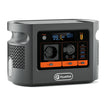
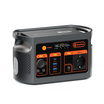
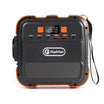
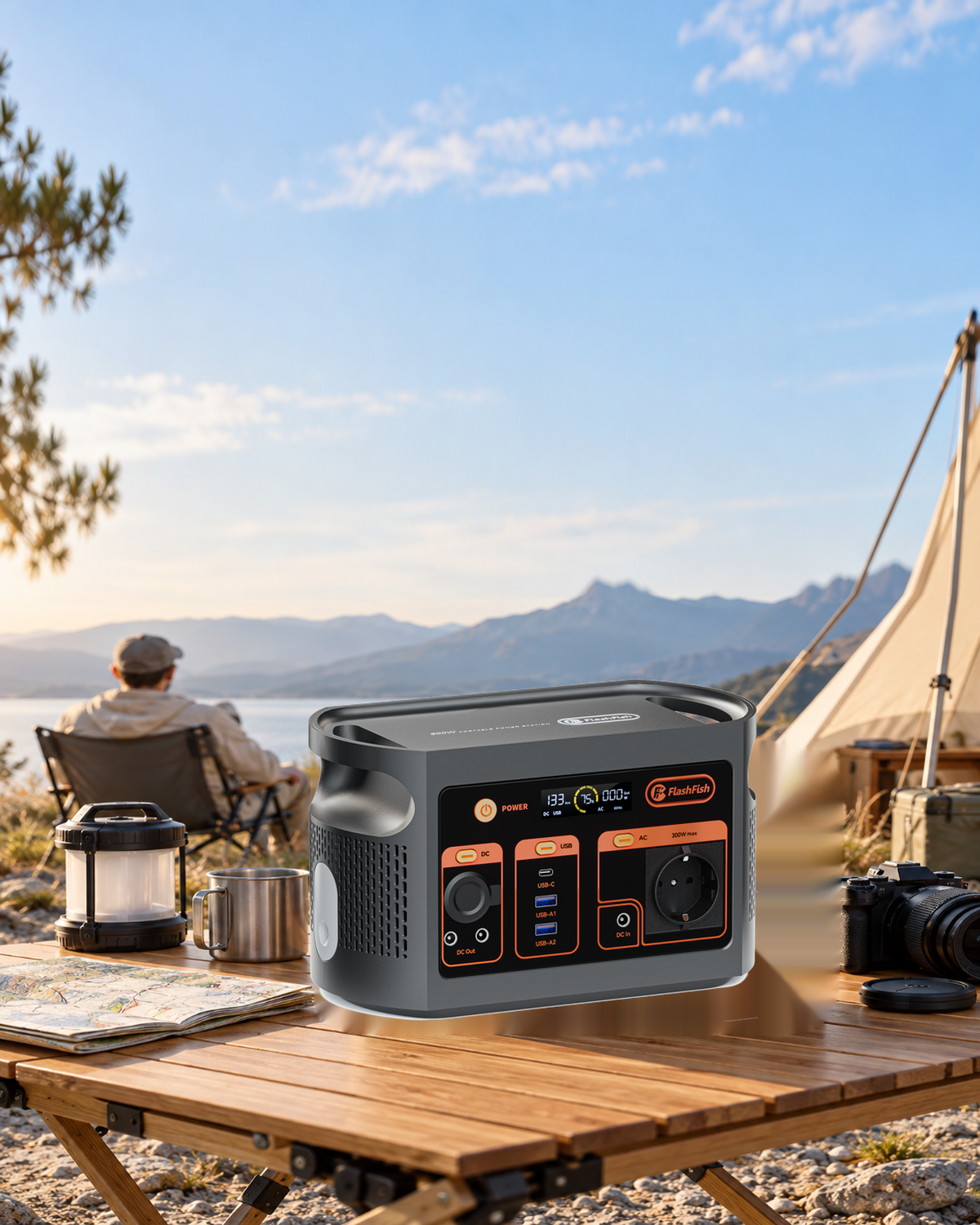
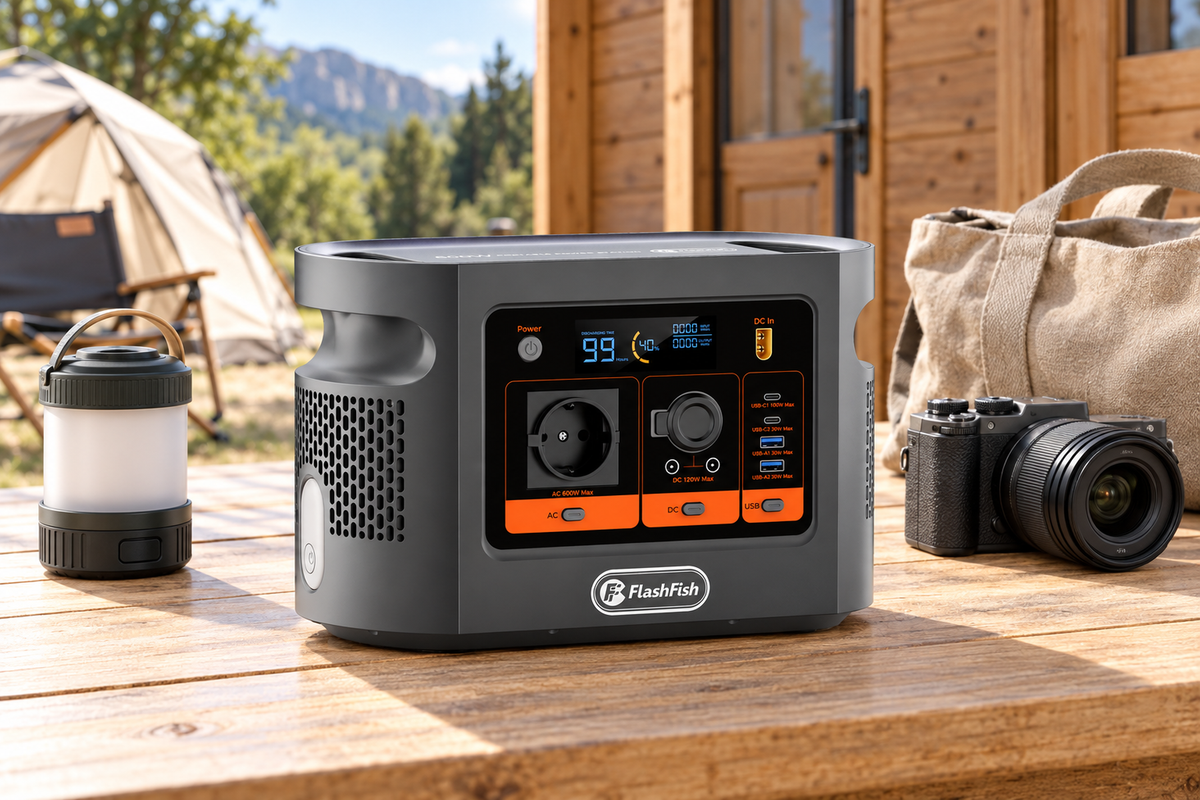
E103 has 179.2Wh nominal battery energy,300W continuous AC output,600W peak AC output and one USB-C output up to 60W. check E103 against the laptop power route after collecting the equipment labels. Use the matching E103 230V manual and regional unit label for operating instructions. Peak output is not an allowance for a continuous load above 300W.
A verified 45W laptop input path can be screened against the 60W USB-C ceiling, but its accepted voltage/current profiles and cable still matter. The 65W adapter option is a separate case. For an AC adapter path, verify its input requirements and actual combined load against the station instructions. Adapter output ratings and nominal station Wh are not measurements of this complete desk or its duration.
Run a short rehearsal before teaching
- Confirm current software support and a working camera-to-computer connection using the established equipment arrangement.
- Record the laptop power path. Keep ventilation and cable placement consistent with the device manuals, on a dry, stable desk.
- Capture a short non-sensitive page, finish saving and reopen the result. Check that it contains the intended material.
- Keep the fallback copy or alternative lesson accessible. Avoid making a live session the only copy of the teaching material.
- End capture and save work before closing the application and following each device's shutdown instructions. Do not disconnect the camera cable during operation.
Three cases that change the plan
- Camera absent from the application: resolve the supported USB/software path before buying more station capacity.
- Laptop has the 65W adapter option: do not describe the E103 60W port as an equivalent full-rate source.
- Preview works but the output file is missing: fix the save destination and permission issue before the lesson.
Questions before the next step
Can I connect the document camera to the station USB port for the lesson image?
The documented MX-1 computer workflow needs the computer connection. A station power output does not establish a USB video-host function. Keep the supplied camera data cable connected to the laptop.
Does a live preview mean the recording has been saved?
No. Finish the recording in the chosen application, note its destination and reopen the saved file. A preview window alone does not establish a usable lesson file.
Can the 60W USB-C label replace the laptop adapter check?
No. Identify the actual laptop configuration, accepted input profiles and cable. A configuration supplied with a 65W adapter must not be treated as a documented full-rate match to a 60W port.
Does the old camera manual prove current software support?
No. Its historical system requirements are a starting point. Obtain current support information for the installed operating system and application version before relying on the desk.
What if the lesson must continue when the desk stops?
Keep a separately saved lesson copy or another teaching method available. No uninterrupted operation or session duration is established for this combination.
Next step
review E103 after confirming the lesson desk requirements.
By FlashFish Miles. Method: documentation-based guidance from FlashFish and the linked primary sources, checked 9 November 2026. No complete setup or return shipment was tested. The featured product illustration is not a record of this task.




Commenta
Questo sito è protetto da hCaptcha e applica le Norme sulla privacy e i Termini di servizio di hCaptcha.