
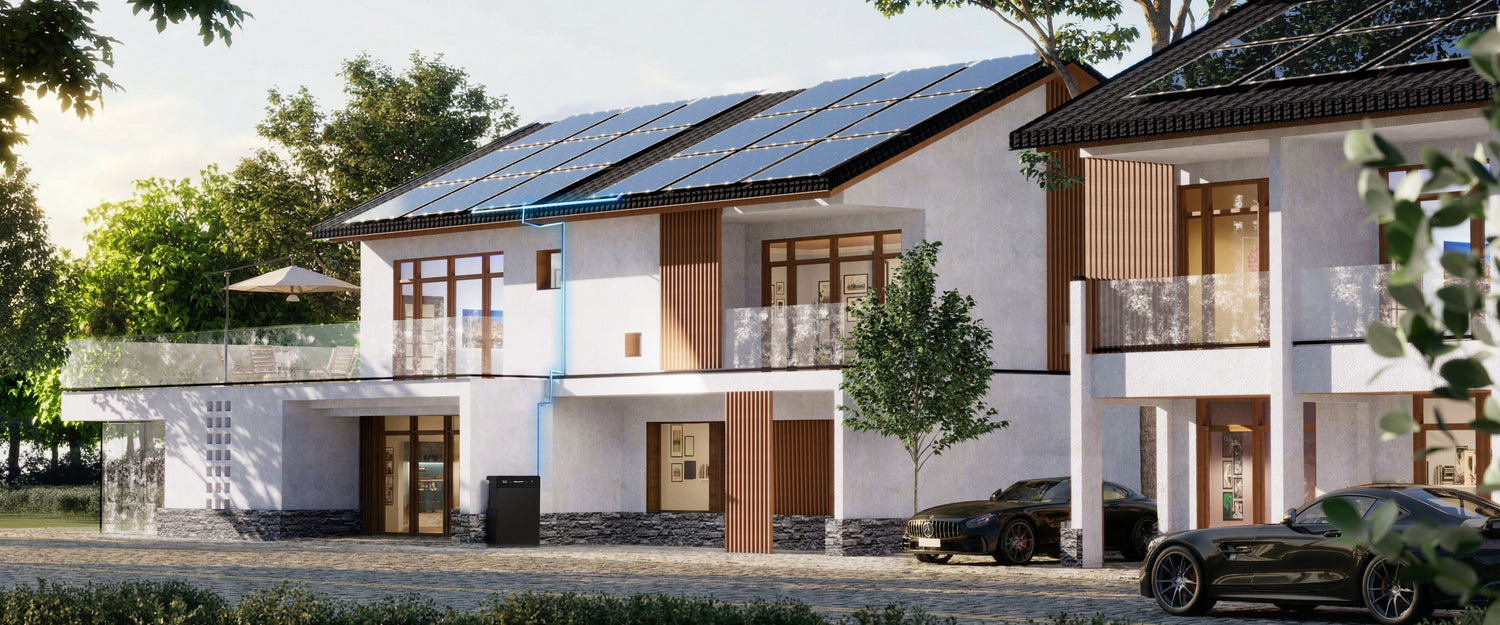
Short answer: an SR5000 monthly log should record the same app or meter fields over the same time window, plus solar conditions, load changes, placement checks, alerts and service actions. Its purpose is not to prove savings from one screenshot. It is to build comparable evidence for decisions, support and maintenance.
The FlashFish product-source bundle records SR5000 at 5120Wh, 2400W rated off-grid AC output, up to 2000W PV input, 59kg and smart app control. Those specifications define the product class. A useful owner record explains how one installed system behaves over time without confusing app values, solar variability or household changes with an assured product outcome.
A monthly record that can be compared
| Field | Record | Why it matters |
|---|---|---|
| Time window and app version | Start/end dates, time zone, firmware/app version where visible | Different date ranges or software views can make two screenshots incomparable |
| Energy readings | PV input, load, import/export, charge/discharge or state-of-charge fields only where defined | Units and field definitions must match before totals are compared |
| Solar context | Location, month, orientation, new shade, dirt/snow and major weather pattern | PVGIS shows location and month materially affect solar estimates |
| Load changes | New appliance, holiday, home-office pattern, tariff schedule or outage | A household change can look like a battery change |
| Physical/site check | Clearance, visible cable/connector condition, water exposure, obstruction or movement | Evidence supports safe escalation; it is not an invitation to open the unit |
| Alerts and actions | Exact code, time, operating state, support case and authorised action | A timeline is more useful than “it failed once” |
Use TRACE, not a screenshot diary
T — Time window
Choose a stable cadence, such as the same calendar month or the same four-week window, and save the time zone. A daily screenshot from June cannot be compared with a monthly export from July. If the app changes its reporting method, start a new comparison series rather than blending incompatible fields.
R — Readings and units
Record the label, number and unit exactly. Do not rename instantaneous kW as monthly kWh, or state of charge as energy delivered. If the current app documentation does not define a field, mark it “definition pending” and ask support before using it in a conclusion.
A — Abnormal events
For an alert, record the code, time, battery percentage, whether PV/grid/off-grid interfaces were active, the visible environment and what changed immediately beforehand. Do not open the unit or reset repeatedly. The product-source record retains grounding, clearance and qualified-technician maintenance boundaries.
C — Conditions and changes
European Commission JRC PVGIS provides location-specific monthly and hourly PV estimates and includes irradiation and system-loss context. Use it as a baseline, not as proof of what one balcony should deliver. Record new shade, panel movement, dirt, snow, construction, long absences and large load changes.
SolarPower Europe notes that balcony/plug-in PV arrangements and standards vary across Europe. The log should therefore name the country and any local installer/grid/permission change without claiming one rule applies everywhere.
E — Escalation and evidence
Save the order number, model/SKU, serial, current manual, app screenshots/exports, support case and technician report. The FlashFish Europe warranty page currently lists five years for eligible SR5000 purchases from this site, but coverage and remedy depend on the current terms, channel, condition and evidence.
Blank monthly SR5000 log
| Record | Your entry |
|---|---|
| Month, location and time zone | ________________ |
| App/firmware version | ________________ |
| PV/load/import/export fields and units | ________________ |
| Start/end state of charge and selected schedule | ________________ |
| Shade/weather/site changes | ________________ |
| New or removed household loads | ________________ |
| Visible clearance/cable/connector check | ________________ |
| Alerts, support case and authorised action | ________________ |
How to interpret three common patterns
| Pattern | First comparison | Do not conclude yet |
|---|---|---|
| Lower monthly PV input | Month, weather, shade, panel position, soiling/snow and PVGIS baseline | Battery fault or lost capacity |
| Different evening state of charge | Load timing, schedule, import/export settings and daytime solar | Confirmed degradation or a proven financial change |
| Repeated alert at a similar time | Exact code, active interfaces, load/PV state and site conditions | A DIY diagnosis or permission to open/reset the system |
SR5000 product context and boundaries
The local bundle lists SR5000 as a 5.12kWh LiFePO4 system with 2.4kW rated off-grid AC output, up to 2kW PV input, app communication, integrated heating and 59kg weight. The same record requires grounding, at least 150mm heat-dissipation clearance and qualified-technician maintenance. It also records user-confirmed ordinary-user installation, but that does not cancel manual, local electrical, building or grid requirements.
The database does not provide the operating-temperature range or integrated-heating activation thresholds in a reliable readable form for this article, so the log must not invent them. Use the exact current Europe manual and support guidance.
When SR5000 fits
- The 5.12kWh fixed-storage class matches a measured self-consumption or selected-backup objective.
- The location can retain grounding, clearance, access and local-rule requirements.
- The owner can record consistent data and involve support/qualified technicians for abnormalities.
- Solar variability and household-load changes are accepted rather than treated as a product promise.
When SR5000 does not fit
- The buyer needs a carryable camping power station rather than a 59kg fixed-storage system.
- The decision depends on an assured bill reduction, payback date or monthly solar harvest.
- Permission, grid, grounding, placement or service access cannot be resolved.
- The owner expects an app screenshot to replace electrical review or fault diagnosis.
Review the current FlashFish SR5000 Europe product page and exact manual before purchase, configuration or service work.
Frequently asked questions
Why keep a monthly SR5000 log?
It makes changes easier to explain and gives support or a technician a timeline of readings, conditions, alerts and actions.
Which numbers should I record?
Record only clearly defined app or meter fields, with the units and time window.
Does one low-solar month prove a fault?
No. Location, season, shade, weather, orientation, loads and losses can change the result.
Does the log replace maintenance?
No. It is an evidence record. Electrical work, internal inspection and maintenance follow the manual and qualified service route.
Can the log prove savings?
No. Savings depend on tariffs, rules, load timing, system configuration and costs.
What should I do after an alert?
Record the exact code, time and operating state without opening the unit, then follow the manual and support/technician route.
Sources and evidence boundaries
- FlashFish Europe: SR5000, Europe warranty page and local product-source bundle — product facts, support evidence and manual boundaries.
- European Commission JRC: PVGIS manual — location, month, irradiation and system-loss context.
- SolarPower Europe: Plug-in Solar PV — balcony-PV growth, standards and cross-country variation.
Human review note: this is an owner evidence template, not a measured savings report, installation approval, fault diagnosis or warranty decision.



Оставить комментарий
Этот веб-сайт защищается hCaptcha. Применяются Политика конфиденциальности и Условия использования hCaptcha.