
Wait to start the BIOS update until you can meet the laptop maker’s power requirements. If the E106B is the only supply at hand and you cannot confirm the setup for this update, arrange a suitable outlet or ask your IT team about timing before you start.
Check the laptop’s instructions first
The Dell Latitude 7390 2-in-1 owner’s manual calls for a fully charged laptop battery, a power outlet and the AC adapter plugged in before attempting a BIOS update. This example concerns that exact model’s Windows BIOS instructions. Look up the equivalent instructions for your own machine and follow your organisation’s process on a managed laptop.
Make the decision before opening the updater
- Match the update instructions to the exact laptop model and confirm that the required internal battery charge is reached.
- Confirm the specified adapter and a power arrangement that meets the laptop maker’s requirements for the update. If either is uncertain, leave the updater closed.
- Pick a time and location where you can keep the laptop connected as instructed throughout the process. Ask IT to arrange the update if it is time-sensitive and the setup is uncertain.
What the station ratings tell you
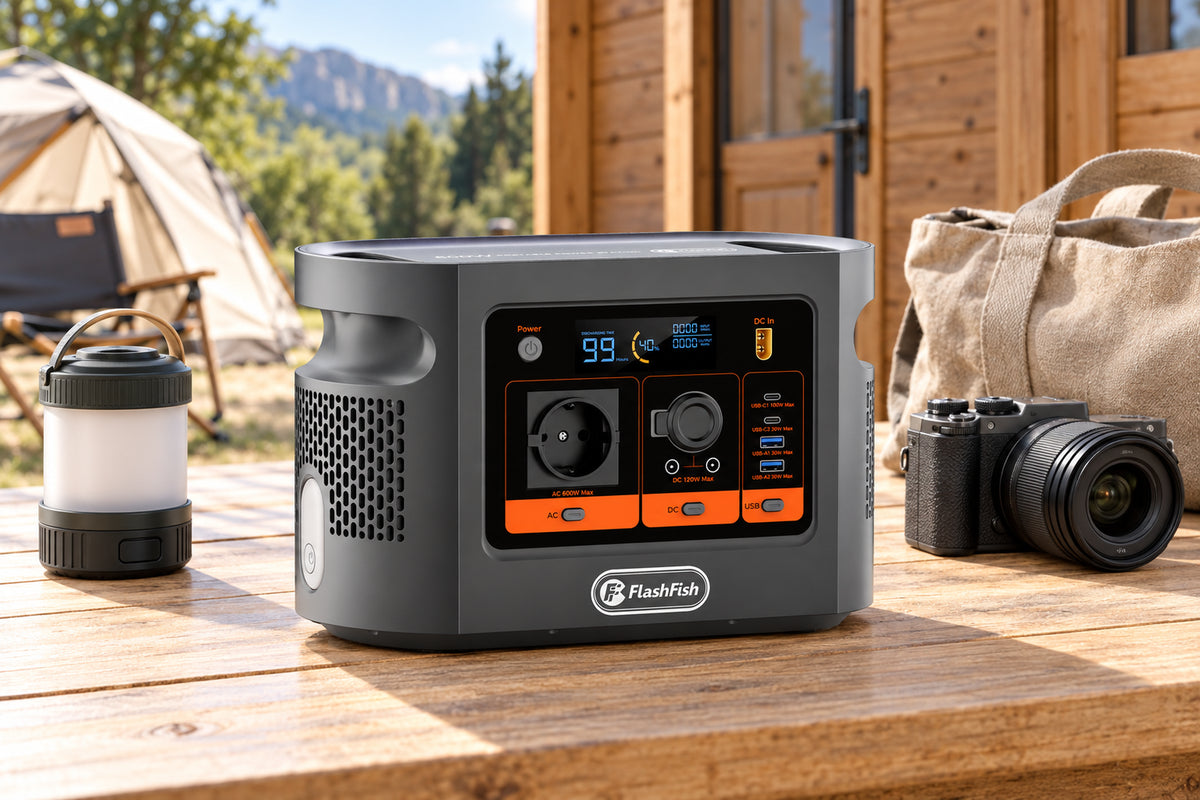
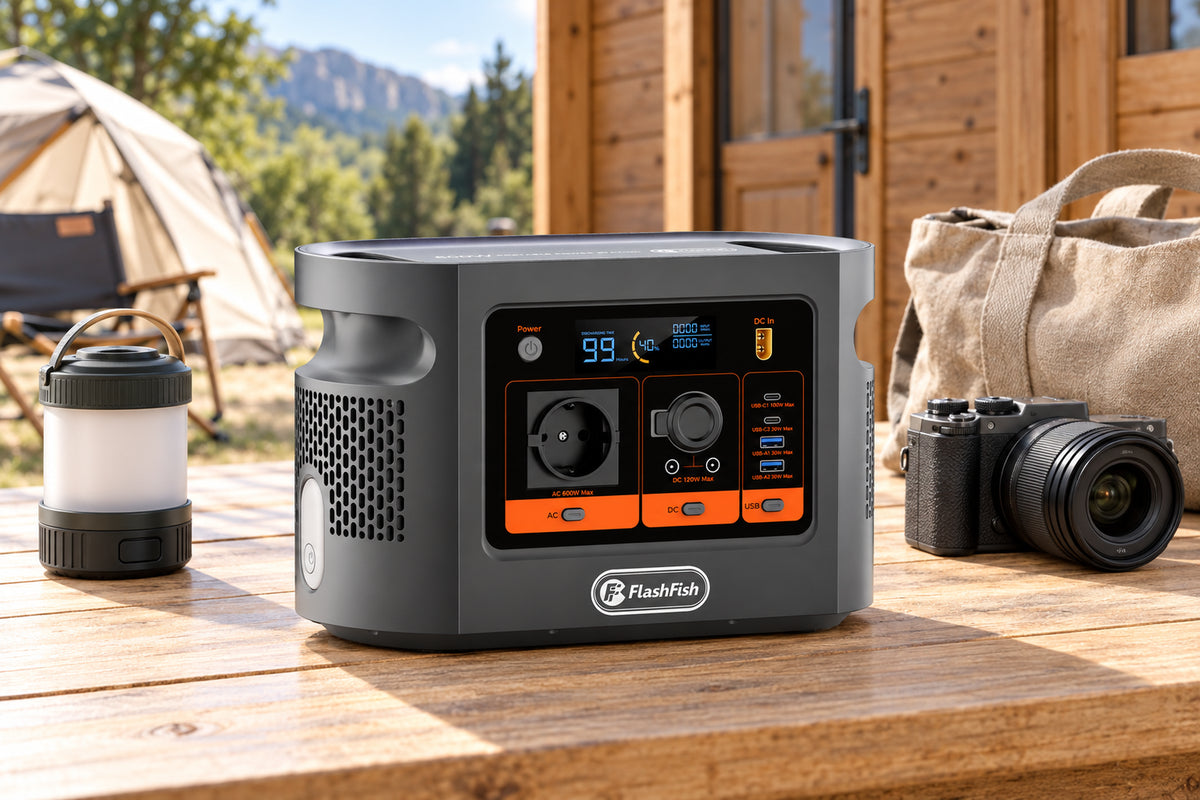
The E106B is rated at 384Wh nominal capacity and 600W continuous AC output. Those figures describe capacity and sustained output. They cannot establish uninterrupted delivery during this update or the time available from the station. For everyday charging decisions, Check the E106B power specifications and compare the regional station and adapter labels and manuals.
Questions before you start
Does a charging icon mean I can start?
It shows the laptop is charging. Check the required battery level and power arrangement in the update instructions before starting.
Can I use a USB-C connection for this Dell example?
The cited instructions require the AC adapter. Use the update instructions for your exact laptop before considering a different power arrangement.
What if the laptop is managed by my employer?
Ask IT to confirm the update window and required preparation before starting.
Method and next step
FlashFish Miles used the linked Dell manual and the E106B specifications. No BIOS update or laptop power setup was tested.
Set the update location first. Review the E106B for ordinary laptop work separately if you also need portable power for regular tasks.




Оставить комментарий
Этот веб-сайт защищается hCaptcha. Применяются Политика конфиденциальности и Условия использования hCaptcha.