

















Short answer: E103 can deliver up to 60W from its USB-C port, so it may charge laptops that accept a compatible USB-C Power Delivery profile at 60W or less. A laptop that expects 65W, 90W or more may charge slowly, warn about a low-power adapter or not charge during heavy use. Check the laptop and charger labels before the trip.
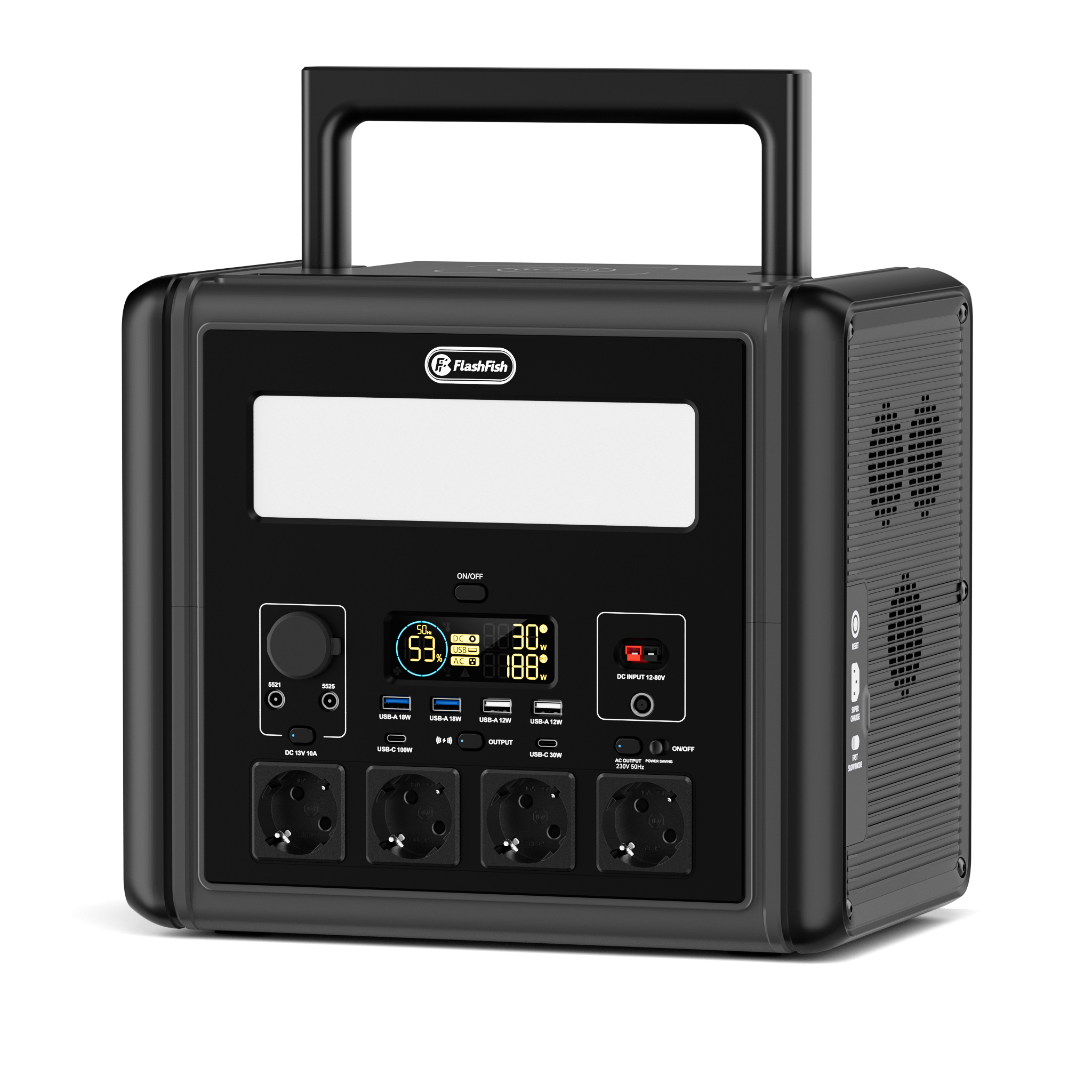
E103 facts that matter for laptop charging
| Specification | E103 database value | Why it matters |
|---|---|---|
| Capacity | 179.2Wh | Supports an energy estimate after losses |
| USB-C maximum | 60W | Direct USB-C laptop charging must fit this limit and profile |
| Continuous AC output | 300W | Allows the laptop's normal AC charger when within the rating |
| Weight | 3kg | Relevant to campsite carry planning |
| Battery chemistry / peak output | Database does not provide these values | They are not needed to decide basic USB-C compatibility |
USB-C watts are only one part of compatibility
A USB-C connector does not prove that two devices negotiate the same charging profile. Check that the laptop accepts charging over USB-C, note its requested watts, and use a cable rated for the required power. Some USB-C ports on laptops are data-only.
The FlashFish E103 database record lists USB-C output profiles up to 20V and 60W. If the laptop's normal adapter is above 60W, direct charging may still support light work on some models, but that must be confirmed by the laptop manufacturer.
Direct USB-C or the laptop AC charger?
| Method | Use when | Limit to check |
|---|---|---|
| Direct USB-C | Laptop accepts compatible USB-C PD at 60W or less | E103 port profile, laptop requirement and cable rating |
| Original AC charger | Laptop needs more than 60W USB-C or uses a proprietary connector | Charger input must remain within 300W continuous AC output |
| Neither | Charger, cable or laptop requirement is unclear or damaged | Confirm with the manufacturer before use |
Pre-trip compatibility checklist
- Confirm the laptop supports charging through the exact USB-C port you plan to use.
- Read the original charger output watts and supported voltage profiles.
- Use a USB-C cable rated for at least 60W and the required profile.
- Test charging while the laptop is doing your normal work, not only while asleep.
- Check whether the battery percentage rises, stays level or falls under load.
- If using the AC charger, read its input watts and keep all connected AC loads within 300W.
- Store the station and connections in a dry, ventilated position.
How to estimate laptop operating time
Do not divide 179.2Wh by the charger label and present the result as exact. The charger may not draw its maximum continuously, while conversion losses, laptop workload, battery state, display brightness and temperature all change the result.
A useful method is to measure or estimate average laptop watts, then calculate 179.2Wh × a conservative planning factor ÷ average watts. Direct USB-C and AC charging can have different conversion losses.
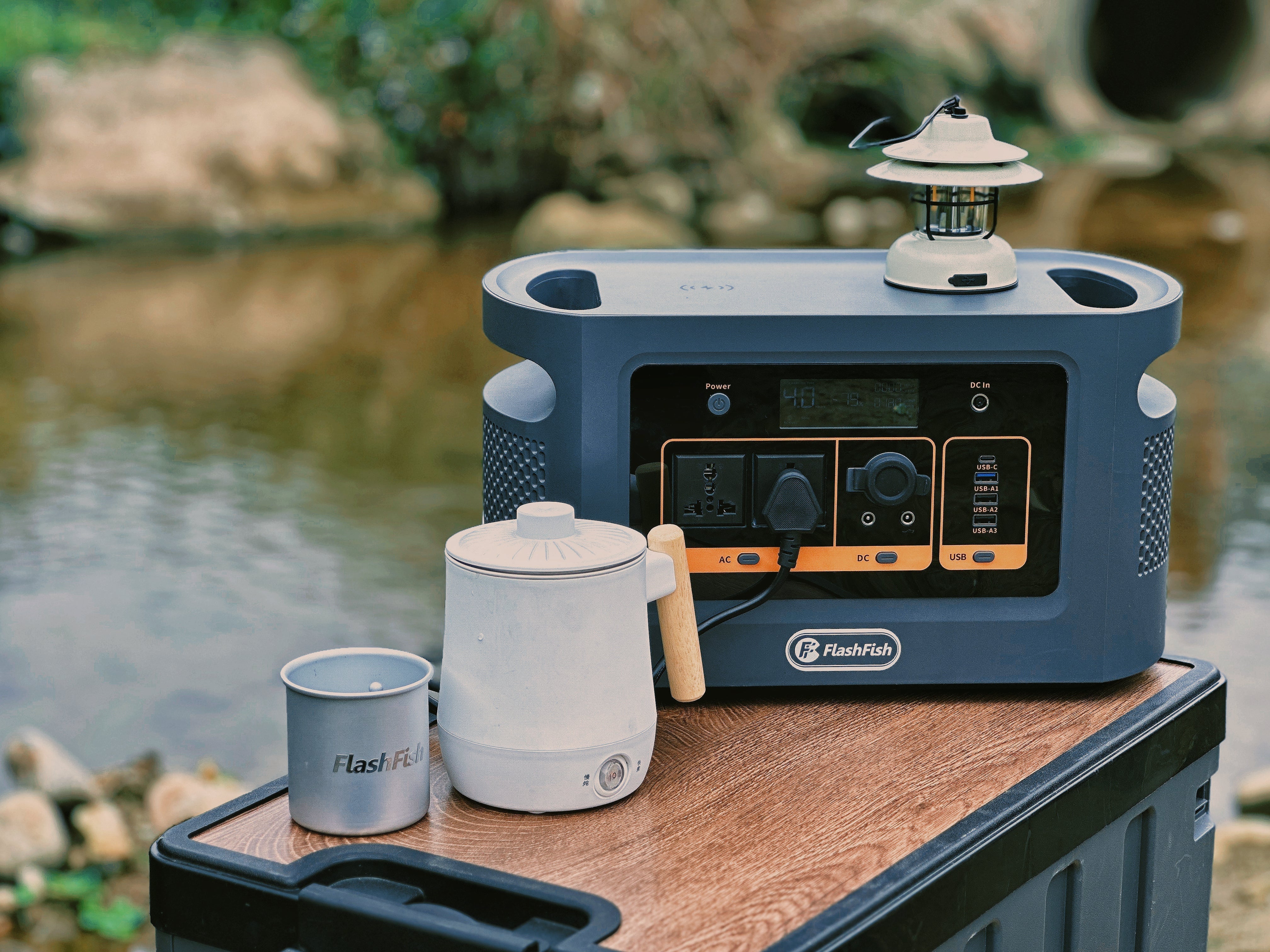
Camping setup advice
- Download work, maps and tickets before leaving reliable internet access.
- Reduce screen brightness and close heavy applications when energy matters.
- Keep the station away from rain, condensation, tent entrances and loose soil.
- Inspect plugs and cables before each use and avoid chained extensions.
- Keep a separate phone reserve instead of using all capacity on the laptop.
When E103 fits and when it does not
Good fit: a laptop that accepts 60W-or-lower USB-C charging, or a normal AC charger comfortably within the 300W continuous limit, combined with a modest campsite workload.
Not a good fit: a workstation laptop that needs substantially more power under load, an unsupported USB-C profile, damaged cables, wet conditions or a requirement for an exact operating duration.
Common mistakes
- Assuming every USB-C port supports charging.
- Using a cable rated below the needed power.
- Testing only with the laptop shut down.
- Confusing charger maximum watts with average laptop consumption.
- Ignoring other devices connected to E103 at the same time.
Frequently asked questions
Can E103 charge a 65W USB-C laptop?
Possibly at a lower negotiated power, but not universally. Check whether the laptop accepts a 60W source and how it behaves under your workload.
Will a 100W USB-C cable make E103 output 100W?
No. The cable rating does not raise the E103 port maximum above 60W.
Can I use the laptop's original AC charger?
Yes when its input and all other AC loads remain within the E103 300W continuous output and the charger is in good condition.
How many laptop charges will 179.2Wh provide?
There is no single answer. Laptop battery Wh, starting charge, workload and conversion losses all matter.
Should I charge the laptop while using it?
You can test this, but active use raises demand. If the laptop draws more than the negotiated USB-C power, its battery may charge slowly or continue to discharge.
Sources and evidence notes
- FlashFish product-source bundle, accessed 3 July 2026, for E103 facts and explicit missing fields.
- Electrical Safety First: extension leads, cable reels and block adaptors, accessed 3 July 2026, for plug, cable and connected-load precautions.



Yorum yazın
Tüm yorumlar yayınlanmadan önce incelenir.
Bu site hCaptcha ile korunuyor. Ayrıca bu site için hCaptcha Gizlilik Politikası ve Hizmet Şartları geçerlidir.