
















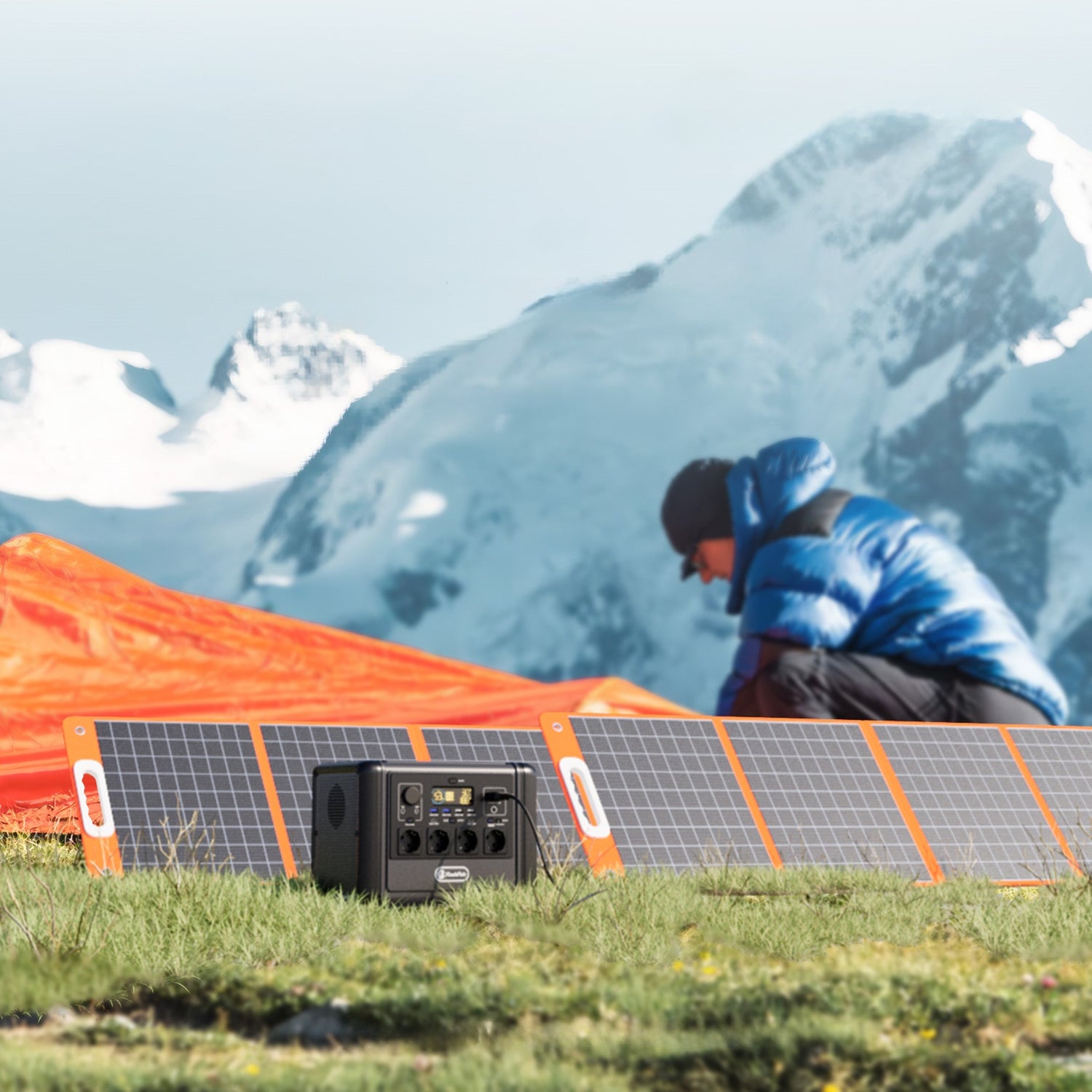
Short answer: place the TSP100 where its front receives direct sunlight, scan for shadows that move across the panel, keep it dry and stable, then adjust orientation while watching the connected station's input. Treat the 100W label as a rating, not a field result. Do not promise a charge time or a fixed shade-loss percentage.
This is a setup and observation guide, not a measured panel test. No TSP100 output, shade loss or T1200S charge time was tested for this article. Weather, season, location, panel temperature, cable loss and battery charging state all affect the number shown by a station.
Know what the TSP100 specifications do and do not say
The FlashFish product database lists the TSP100 as a 100W monocrystalline foldable panel with 18V/5.6A DC output, up to 65W USB-C output and up to 18W USB-A output. It weighs 2.8kg and measures 415 x 402mm folded and about 1,562.1 x 402mm unfolded.
Those specifications describe the product. They do not say that 100W will reach a power station continuously or that a particular battery will fill in a fixed number of hours. The database does not provide open-circuit voltage or short-circuit current, so this article does not infer them.
Partial shade is a time problem
A site that looks open at 10:00 may be shaded at 14:00. A narrow railing shadow can move across the panel as the sun changes position. At a campsite, a parked vehicle, awning, tree branch or neighbouring tent can create the same issue. A single photograph cannot represent the whole charging window.
The European Commission JRC PVGIS manual shows that solar resource changes with location, month, slope, orientation, horizon and weather. PVGIS can provide useful regional and hourly context, but it cannot see a nearby chair leg or moving vehicle. Make a local shadow map.
| Time | Potential shadow source | Panel observation | Action |
|---|---|---|---|
| Morning | Building edge, hedge or eastern tree | Which panel sections receive direct light? | Move only if the new position remains stable and dry |
| Midday | Railings, cables, roof furniture or the station itself | Are narrow hard shadows crossing active panel area? | Increase separation or rotate the setup |
| Afternoon | Vehicle, awning or western obstacle | Does input fall before useful charging is complete? | Plan one supervised repositioning |
| Cloud change | Not an obstacle shadow | Does the whole scene dim together? | Do not attribute every input change to panel angle |
Shade, heat and dirt affect energy yield
The U.S. Department of Energy distinguishes energy yield from laboratory efficiency and identifies heat, dirt and partial shade as sources of loss. That supports a careful setup process, but it does not supply a universal TSP100 shade-loss number.
Avoid a formula such as "10% shade equals 10% less power." The result can depend on where the shadow falls, panel wiring, light level, station behaviour and time. The useful answer is comparative: under similar weather and battery conditions, does a clearer placement produce a steadier or higher input?
Use a controlled A/B placement check
- Prepare safely. Keep the panel dry, unfolded as instructed, supported on stable ground and clear of paths and vehicle movement.
- Confirm the electrical match. For T1200S, the local database lists a 12-50V, 10A, 400W maximum solar/DC input. Confirm the current cable, connector, polarity and approved manual before connection.
- Stabilise the battery state. Compare positions while the station is in a similar charging state and not near a control limit that may reduce input.
- Record position A. Note time, weather, visible shade, approximate orientation and the station input after it settles.
- Change one variable. Move or rotate the panel without changing the cable, station load or observation interval.
- Record position B. Note the same fields and keep the better stable position if it also meets safety and access needs.
- Repeat later. Check again when the sun or nearby shade has moved.
The station display is a practical comparator, not laboratory equipment. Small fluctuations may reflect cloud, battery management or display rounding. Look for repeatable differences rather than selecting the highest momentary number.
Orientation: follow the current sun, not a fixed slogan
The TSP100 product guidance says to face the front toward direct sunlight and notes that angle, weather and temperature affect conversion. The Department of Energy design guide also explains that tilt and orientation influence solar collection.
For a portable panel, the best practical position can change during the day. A broad face toward the current sun with minimal shade is a better starting point than copying one angle from a product image. Do not force the supports beyond their intended range or create an unstable sail in wind.
Keep the station in a suitable location too
The panel needs sun; the power station does not need to sit in direct sun beside it. Keep the station dry, ventilated and within its operating instructions. Use an approved cable length and route that avoids trip, crush and water hazards. Do not cover connectors or the station with a material that traps heat.
Do not immerse or wash the panel, step on it, pierce it, disassemble it, place it near heat or connect it directly to an automotive battery. These boundaries come from the FlashFish product database usage notes.
Balcony and campsite placement have different constraints
| Setting | Useful check | Non-negotiable boundary |
|---|---|---|
| Balcony | Map railing, facade and neighbouring-building shadows | Do not hang, fix or place the panel where it can fall or breach building, landlord or local rules |
| Campsite | Map trees, tents, vehicles and afternoon pitch shade | Keep the panel and cable out of roads, shared paths and wet ground |
| Garden | Compare open lawn with wall or hedge shadows | Protect the setup from sprinklers, pets, children and mower routes |
| Vehicle stop | Use a supervised area with an open sun path | Do not block traffic, place equipment on a hot vehicle surface or leave it unsecured |
When TSP100 fits - and when it does not fit
When TSP100 may fit
- You have a stable, dry, supervised area with a useful direct-sun window.
- The station input, cable, connector and polarity match the current approved instructions.
- A 2.8kg folded panel and approximately 1.56m unfolded length fit the transport and setup area.
- You can reposition the panel when moving shade materially reduces input.
- Your energy plan accepts weather-dependent and variable solar charging.
When it does not fit
- The only position remains shaded for most of the useful charging window.
- The setup would be wet, unstable, unattended, in a traffic path or exposed to strong wind.
- The connector, polarity or electrical envelope is unresolved.
- The trip depends on receiving the full 100W rating or meeting a precise charge time.
- The placement requires unsafe hanging, fixed building work or permission that has not been checked.
Review the current TSP100 product page and, when pairing with the T1200S, confirm the exact delivered cable and regional manual. Numerical input compatibility is necessary but not sufficient.
Frequently asked questions
Will partial shade stop a TSP100 from charging?
It may reduce or destabilise input, but the effect depends on the shadow, sunlight, panel position, station and charging state. Compare placements using the station display under similar conditions rather than assuming a fixed percentage.
Should a TSP100 lie flat or face the sun?
The manufacturer guidance says to face the panel front toward direct sunlight. Adjust the supported panel position and compare input; do not use a universal angle for every location and season.
Can the TSP100 produce 100W all day?
No such result should be expected. 100W is the panel rating. Cloud, shade, angle, temperature, cable loss and the connected device can make real input lower and variable.
Can I place the panel behind a window?
Glass, frame shadows and indoor heat can change useful input, and the setup may not match product instructions. Prefer a dry, stable outdoor position with the panel front receiving direct sunlight when safely possible.
Can TSP100 charge T1200S?
The TSP100 DC output and T1200S input envelope are numerically compatible in the local database, but the current connector, cable, polarity and approved manual must also match before connection.
Sources and evidence limits
- FlashFish Europe TSP100 product page - current first-party panel specifications and usage context.
- FlashFish Europe T1200S product page - current first-party station input context.
- European Commission JRC PVGIS manual - location, time, slope, orientation, horizon and weather variability.
- U.S. Department of Energy energy-yield guidance - heat, dirt and shade as real-world yield factors.
- U.S. Department of Energy PV design basics - tilt and orientation principles.
Human review must confirm current product manuals, regional cable compatibility and the placement rules that apply at the exact site.



Leave a comment
This site is protected by hCaptcha and the hCaptcha Privacy Policy and Terms of Service apply.