
















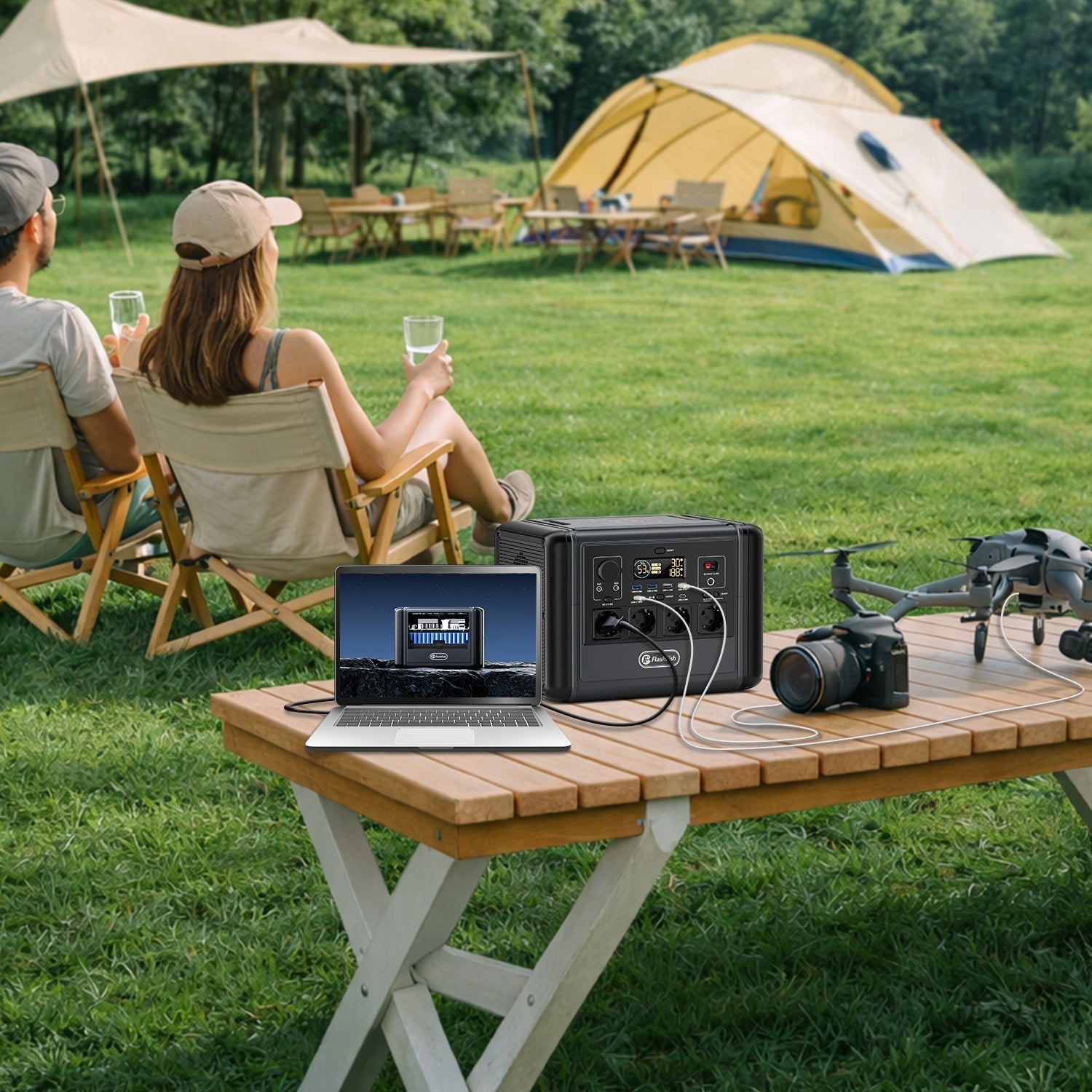
Short answer: size a garden-office power station for selected plug-in loads, not for the building. List the laptop, monitor, router or optical network terminal, task light and essential chargers; read each input label; add devices that may run together; and estimate energy from measured watts. Keep heating, kettles, large printers and fixed wiring outside the plan unless a qualified local professional has designed the electrical system.
A portable power station can keep local equipment powered, but it cannot establish that broadband, mobile networks or upstream provider equipment remain available. No garden office or communications equipment was tested for this article.
Define the job before choosing a battery
“Run my office” is too broad. A garden office may contain a laptop, docking station, two monitors, router, ONT, printer, speaker, desk lamp, heater, kettle and other accessories. These loads have different priorities and very different power demands.
Define a minimum working mode. For many people that means communications, one computer, one display and lighting. Optional devices can be added only after the essential total, startup behaviour, operating time and reserve are understood.
Selected-load worksheet
| Device | Evidence to collect | Planning question | Common boundary |
|---|---|---|---|
| Router | Power adapter input/output label and measured AC watts if available | Does it need AC, USB-C or DC? | Local router power does not establish provider connectivity. |
| ONT or modem | Exact adapter label | Is it separate from the router? | Both devices may need power for a fibre connection. |
| Laptop | Charger input rating and USB-C profile | Can it use direct USB-C or only the AC adapter? | A charger's maximum rating may differ from typical demand. |
| Monitor | Rear label or approved manual | Will one monitor be enough? | Brightness and mode can change demand. |
| Task light | Adapter or lamp input watts | Can a low-power USB light work? | Decorative and area lighting add to the total. |
| Printer | Operating and peak input from the manual | Can printing wait until grid power returns? | Laser printers can have high transient demand. |
| Heater or kettle | Rated input | Can it be excluded? | Resistive heating can consume the energy budget quickly and may exceed output. |
Write down the source of every number. If the device shows volts and amps rather than watts, use the manufacturer documentation or obtain competent help instead of making a casual conversion for an unfamiliar AC appliance. A plug fitting the outlet is not proof of suitability.
Add simultaneous load, then check startup behaviour
Add only devices that may operate at the same time. Compare that total with the station's continuous output and keep practical margin for changing laptop demand, screen brightness and accessory charging. A peak-output figure describes a brief condition; it is not the continuous budget.
Printers, small refrigerators, pumps and other motor or heating loads deserve special attention. Use documented startup or operating information. If the station reports overload, repeatedly shuts down, or a plug or cable becomes hot, stop and investigate rather than repeatedly resetting it.
Estimate operating time without inventing a fixed result
Power in watts tells you whether the station can support the active load. Energy in watt-hours helps estimate how long. A planning formula is:
Estimated hours = usable battery energy in Wh / measured total load in W.
Usable energy is lower than label capacity because the inverter, DC conversion, standby electronics, temperature and device behaviour all affect the result. Use a documented efficiency assumption or a conservative range. Recalculate when a second monitor, printer or other optional device is added.
For example, do not publish “a 768Wh station runs an 80W office for 9.6 hours” as a result. That arithmetic divides label capacity by load without losses or reserve. A better worksheet records the measured load, assumed usable fraction, desired hours and minimum reserve, then confirms the setup during supervised use.
T1200S or T2000 for selected office loads?
| Product fact | T1200S | T2000 | Decision use |
|---|---|---|---|
| Capacity | 768Wh | 1,536Wh | T2000 lists twice the energy capacity before losses. |
| Continuous AC output | 1,200W | 2,000W | Use the selected-load total, not the larger number by default. |
| Peak output | 2,400W | 4,000W | Brief-start context only; not a continuous allowance. |
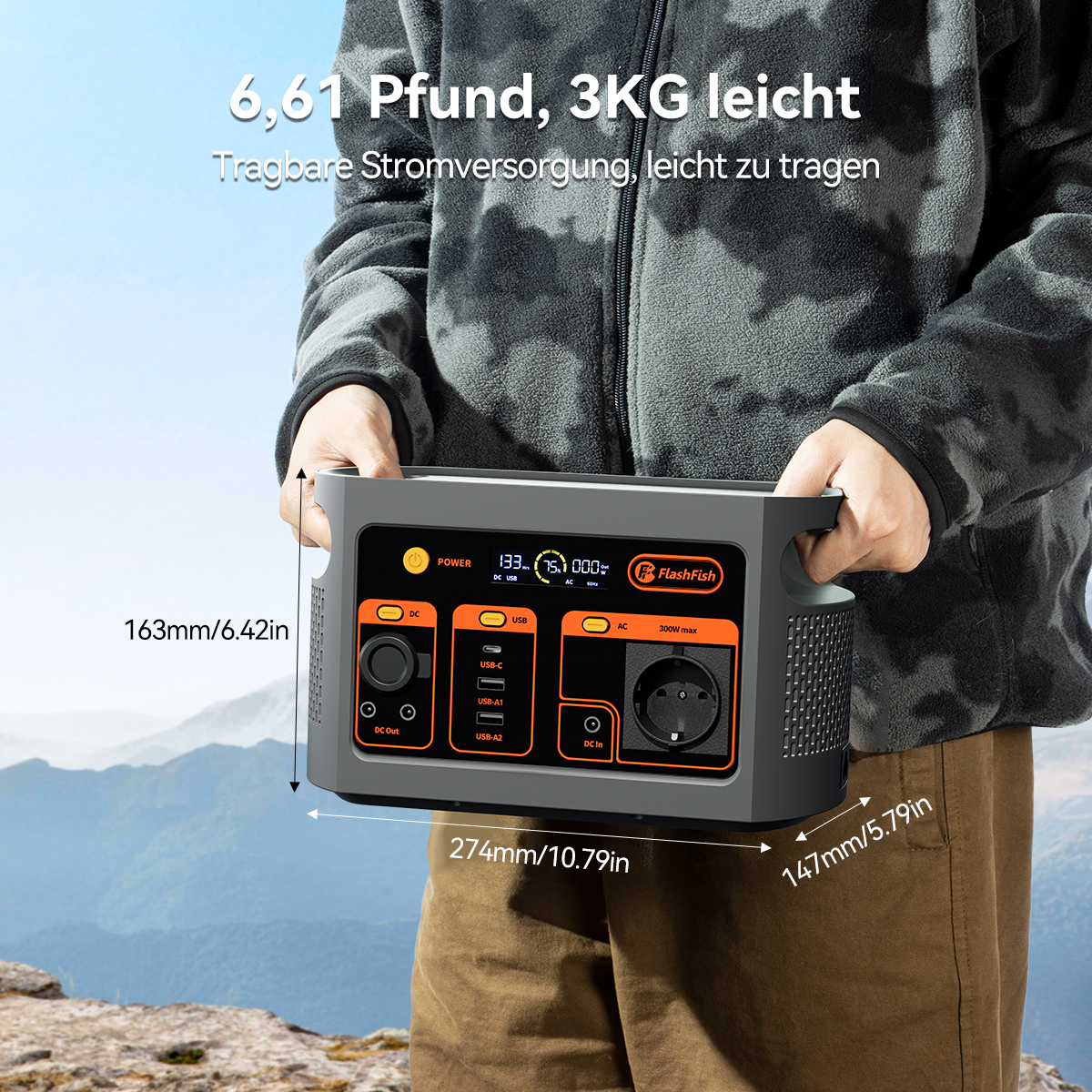
| Weight | 12.45kg | 19.2kg | T1200S is easier to move between house and office. |
| Dimensions | 343 x 212 x 245mm | 344 x 223 x 300mm | Measure a dry, ventilated placement with cable clearance. |
The T1200S may fit a modest laptop, display, network and light plan where 768Wh and 1,200W are sufficient and carrying matters. The T2000 may fit a longer selected-load window or a larger documented device set, but its 19.2kg weight and larger energy budget should not be purchased as substitutes for measuring loads.
The local database contains U.S. voltage and frequency fields for these records. This Europe article therefore omits those values. Confirm the exact regional model label, outlets and manual before connecting equipment.
SAFE garden-office setup
- S - Station stays separate from fixed wiring: connect approved plug-in devices directly or through one suitable extension device. Do not energise building circuits.
- A - Airflow and access: keep ventilation clear and place the unit where controls and disconnects remain reachable.
- F - Floor and cables stay dry: protect the station and connections from rain, condensation, damp floors, door damage and trip routes.
- E - Extension limits are visible: do not daisy chain; fully unwind cable reels; stay within marked ratings and stop for heat or damage.
Electrical Safety First advises using one extension device per socket, avoiding daisy chains, fully unwinding cable reels and not exceeding the accessory rating. If temporary leads become routine, a qualified local electrician should assess suitable fixed sockets and outbuilding requirements.
Plan for service failure as well as power failure
Ofgem advises reporting a power cut to the network operator and making a preparedness plan for household or business circumstances. Powering a router and ONT handles only the equipment on your premises. Street cabinets, provider networks or mobile systems may also be affected.
Keep offline access to essential files, a charged phone, provider contact details and an alternative communications route where work is time-sensitive. A battery is one part of continuity planning, not the complete plan.
When a portable station does not fit
- The intention is to connect to fixed office wiring, a consumer unit or an improvised transfer arrangement.
- The office is damp, unventilated, exposed to freezing or high heat, or cannot keep cables protected.
- The selected loads cannot be identified, exceed continuous output or rely on undocumented startup behaviour.
- The work depends on uninterrupted external internet service.
- Heating and cooking dominate the load plan.
Compare the FlashFish portable power station range only after the selected-load worksheet is complete.
Frequently asked questions
Can a portable power station run a garden office?
It can power selected plug-in loads when their combined input and startup behaviour fit the station. It should not be connected to fixed building wiring.
What loads should I include first?
Start with the router or ONT, laptop, one monitor and task lighting. Add optional printers, speakers or chargers only after checking their labels and the remaining budget.
Will powering the router keep the internet online?
Not necessarily. Local network equipment, street cabinets, the provider network or mobile service may also lose power or connectivity.
Should I choose T1200S or T2000?
T1200S is lighter and may fit a modest selected-load plan. T2000 has twice the listed capacity and higher output, but it is heavier. Use measured loads and required duration to decide.
Sources and evidence limits
- Electrical Safety First extension-device guidance - load, cable reel, daisy-chain and warning-sign boundaries.
- Ofgem power-cut planning - reporting and wider continuity context.
- FlashFish product-source bundle and Europe product pages - T1200S and T2000 facts and live store context.
No office, network or runtime test was performed. Check regional requirements and obtain qualified electrical advice for fixed outbuilding work.




Leave a comment
This site is protected by hCaptcha and the hCaptcha Privacy Policy and Terms of Service apply.