


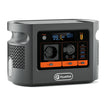
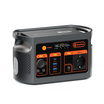

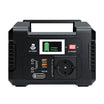
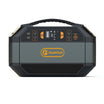
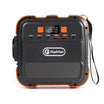


Short answer: treat the rehearsal as one named power-and-audio chain, not as three generic devices. E106B has a documented 600W continuous pure-sine AC output and 384Wh nominal battery capacity, but those numbers do not prove that a mixer, pedalboard and laptop are compatible, quiet or able to run for a particular rehearsal length.
Record the exact chain before choosing an output
| Part | Record from the label or manual | Keep separate |
|---|---|---|
| Mixer | Exact model, approved supply, input voltage, current or watts, connector and polarity | Audio inputs, outputs and gain settings |
| Pedalboard | Every pedal or the approved shared supply, total demand, voltage, polarity and connector | Signal order, patch leads and any isolated outputs |
| Laptop | Exact charger or accepted USB-C profiles, cable capability and expected workload | USB audio, recording software and data storage |
| Distribution | One approved route, marked ratings, cable condition and venue permission | Walkways, public access and emergency disconnect |
What the E106B record establishes
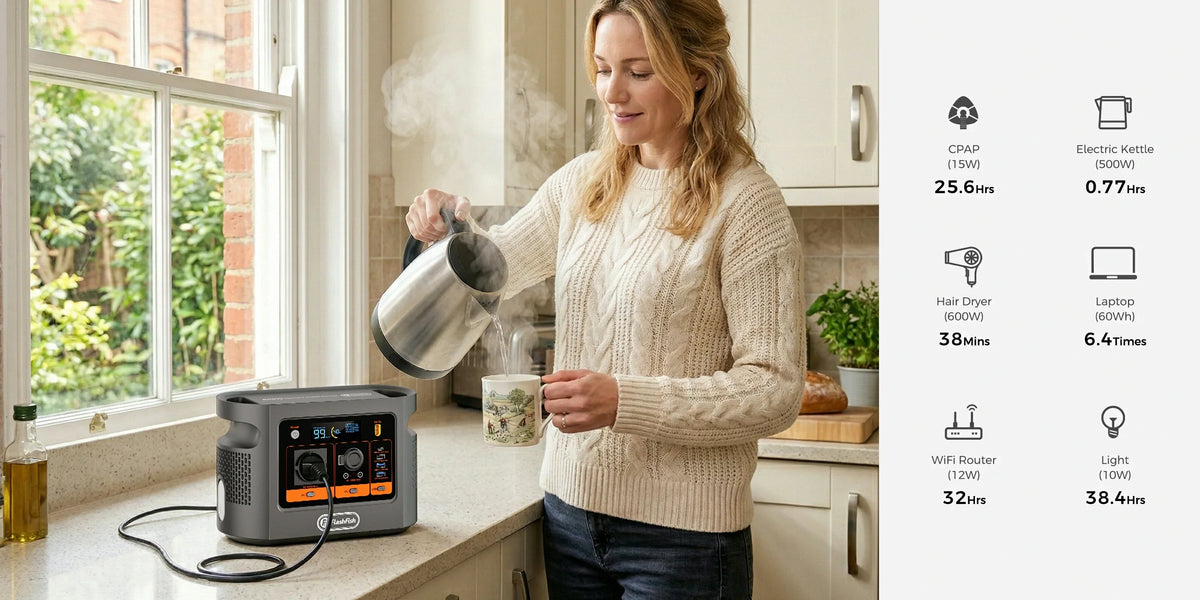
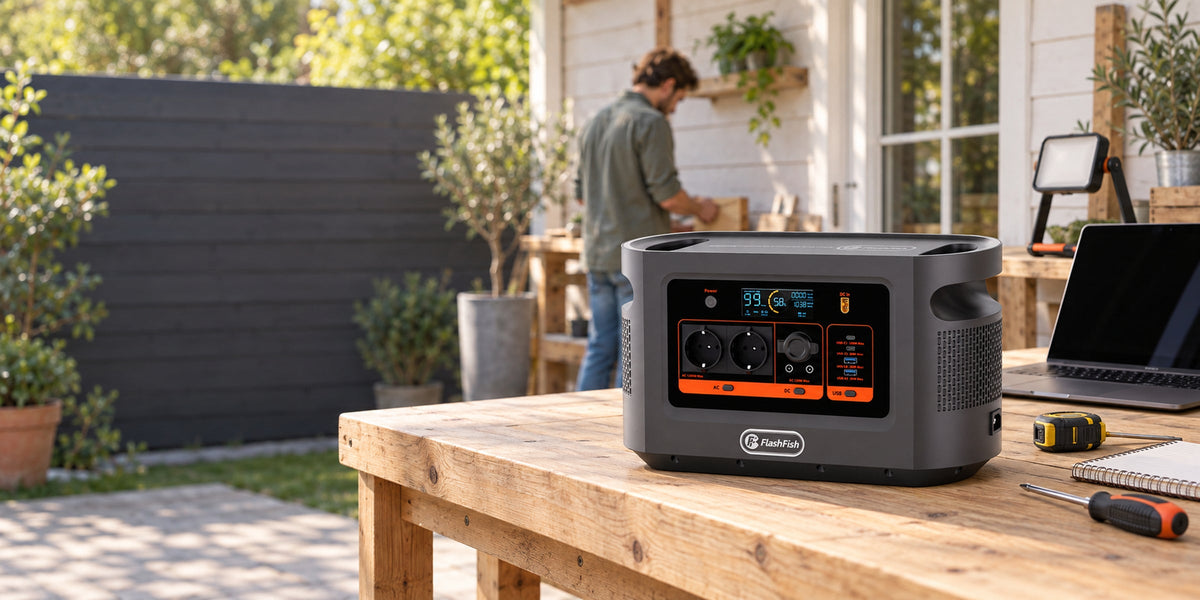
The current E106B Europe page identifies a 384Wh LiFePO4 station with 600W continuous pure-sine AC output. The record also lists one AC outlet and model-specific USB and DC limits. It does not provide peak AC output, measured usable energy, a noise-floor result or approval for any audio device.
- Keep the combined AC load within the documented continuous limit and each device within its own instructions.
- Do not treat a USB-C wattage label as proof that a laptop accepts that path.
- Do not treat pure sine wave as a promise of hum-free or interference-free audio.
Decision-stage next step: after the equipment sheet is complete, Check the current E106B Europe details against the exact chain. If any input, connector, polarity, distribution or venue requirement is unknown, pause the setup rather than filling the gap with an assumption.
Run one controlled rehearsal
- Obtain venue permission and mark a cable route that does not create an access or trip problem.
- Inspect each cable, adapter and connector; remove damaged or uncertain items.
- Start with all audio levels down and power one documented path at a time.
- Confirm the mixer and laptop reach a stable operating state before adding the pedalboard.
- Use the final audio signal order and representative gain, then listen through the actual monitoring path.
- Run the intended software and a representative laptop workload; record resets, warnings and charger behaviour.
- Repeat the shutdown order and confirm the group can disconnect the setup without pulling signal cables or blocking an exit.
Make the noise check comparative
| Check | Hold constant | Record |
|---|---|---|
| Known supply baseline | Instrument, cable, mixer channel, gain and monitor level | Hum, buzz, digital noise and dropouts |
| E106B path | The same signal chain and settings | Any change and the output path in use |
| One-device isolation | Everything except one adapter or device | Whether the symptom follows that change |
| Fallback | A pre-agreed reduced chain | What can continue safely if the full chain fails |
The goal is a repeatable observation, not a claim that the station is electrically or acoustically silent.
Estimate energy without inventing a rehearsal time
Measure the representative average demand of the final working chain. Then divide the energy budget you choose to use by that measured demand, with explicit allowances for conversion losses and a reserve. The 384Wh figure is nominal capacity, not measured delivered AC energy, and printed adapter maxima are not substitutes for measured average demand.
Common mistakes
- Adding adapter maxima and calling the result an accurate runtime load.
- Assuming one pedalboard supply fits every pedal because the plugs look similar.
- Routing power and signal cables without recording which change caused a noise symptom.
- Using an unapproved multi-socket device to solve the single-AC-outlet constraint.
- Letting a successful five-minute start replace a full representative rehearsal and fallback.
The HSE event-electrical guidance highlights layout, power requirements, cable routing, access and emergency needs. It is general UK guidance, not venue approval or a complete assessment for another country.
FAQ
Can E106B run any small mixer and pedalboard?
No. Use the exact labels, manuals and a controlled rehearsal; connector shape alone is not compatibility evidence.
Does pure sine wave mean the setup will be noise-free?
No. Hum, buzz and interference depend on the complete power, signal, grounding, cable and equipment arrangement.
Can the laptop use USB-C?
Only when the laptop and cable accept a matching documented USB Power Delivery path.
How should runtime be estimated?
Use measured average demand, stated loss assumptions and a reserve; do not convert 384Wh into a fixed claim without those inputs.
What ends the test?
Stop for heat, damage, warnings, unstable output, repeated resets, new noise, unsafe routing or a venue instruction to disconnect.
Sources and evidence limits
- FlashFish Europe E106B manual — exact-model documentation paired with the authoritative record; no audio-chain test.
- UK Health and Safety Executive: electrical safety at events — general planning considerations; no E106B or venue approval.
Evidence checked 29 October 2026. This article does not report a hands-on rehearsal or a named technical review.
Choose the fallback before the first song
A defensible plan ends with a reduced chain, a shutdown order and a clear stop rule. Once the exact equipment record is complete, Compare current FlashFish Europe power stations against that evidence rather than buying from wattage alone.



Hinterlasse einen Kommentar
Diese Website ist durch hCaptcha geschützt und es gelten die allgemeinen Geschäftsbedingungen und Datenschutzbestimmungen von hCaptcha.