
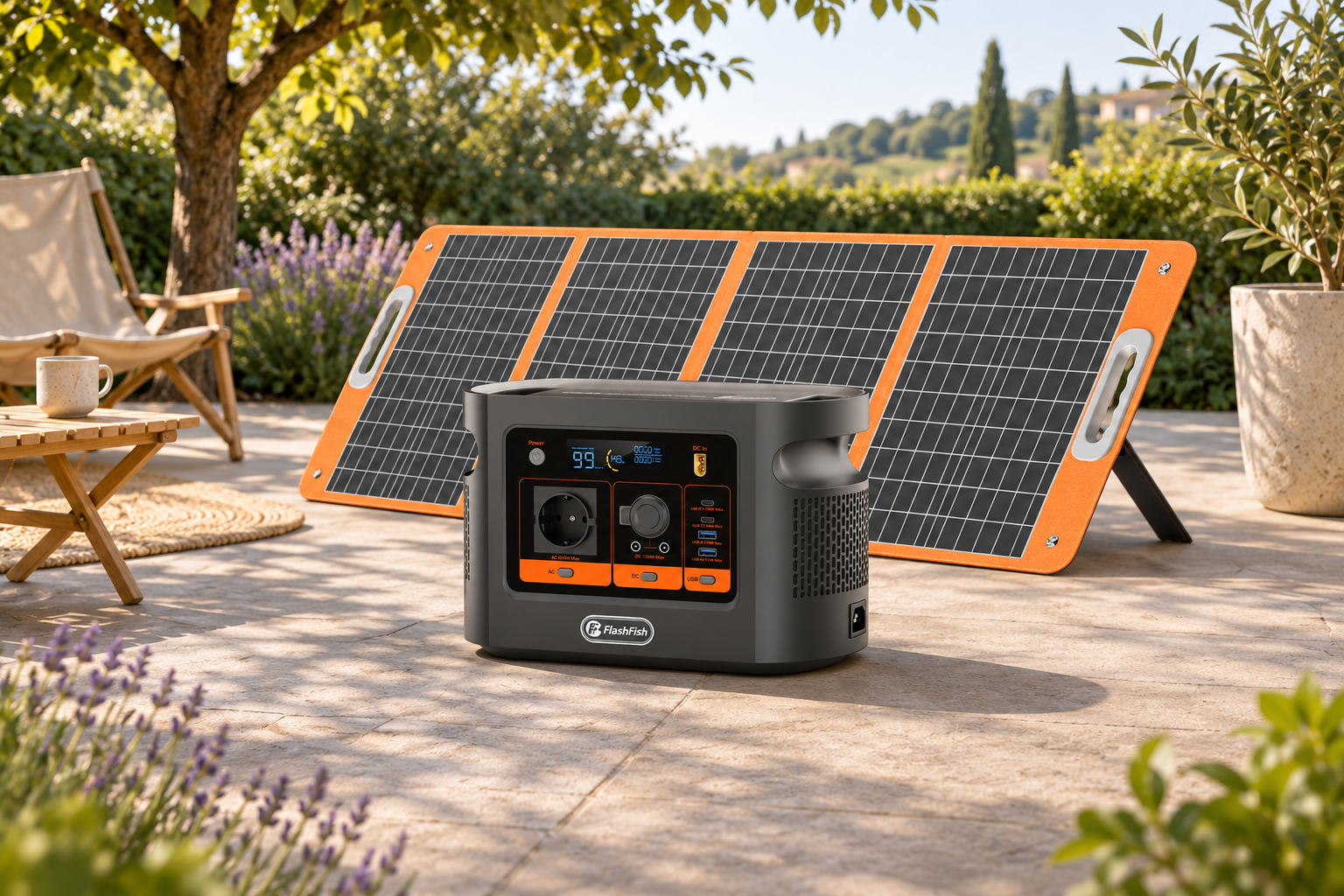


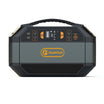

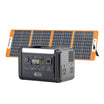
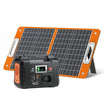

Set up paper check-in before the first volunteer arrives. Give one person the authority to switch the desk to paper, then reserve the available charging time for the device that gets the queue moving again. A FlashFish E200 can be considered for that one task once you have confirmed the device's charging requirements.
Decide what stays on when the desk gets busy
| Desk task | Decision before doors open |
|---|---|
| Check-in tablet | Give it the charging slot if restoring it would clear the queue. Set a switch point in advance, such as when the tablet can no longer complete a check-in. |
| Coordinator phone | Set aside a way to reach the coordinator that does not depend on the tablet. Prioritise the phone if it is the only way to reach the person who can resolve a stalled line. |
| Spare devices | Keep them off the station while the priority task is waiting. Route routine top-ups elsewhere. |
Screen one charging path
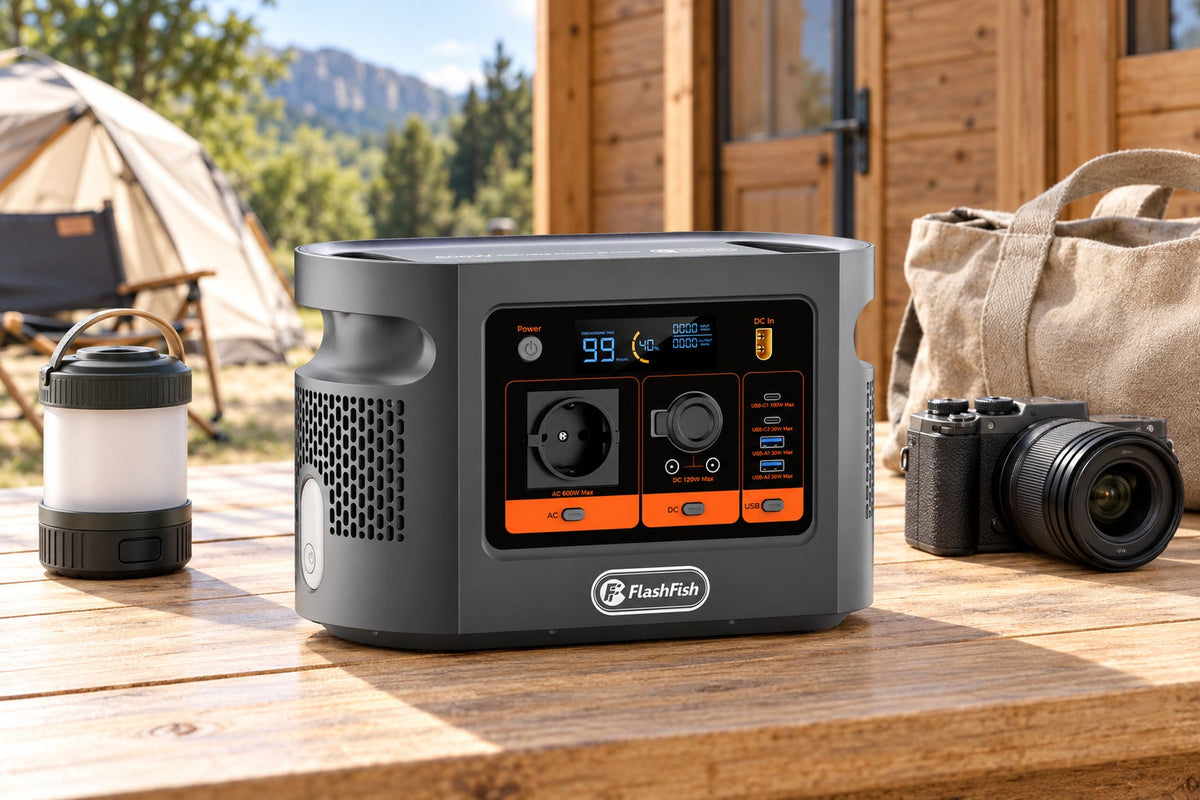
Write down the device and charger models. Find the charger's input label and the device maker's charging instructions. If you plan to use AC, check the E200 EU output specifications. The E200 provides 200 W rated AC output and 400 W peak, with a modified sine wave. Screen against the rated output and confirm that the charger maker permits that waveform. If using USB, check the exact port and charging requirements in both manuals. If the pairing is unclear, use the device's documented charging setup elsewhere while the desk runs on paper.
The E200's 151 Wh nominal capacity is a battery figure. The energy available to the device depends on the charging path and conversion losses, so the rating alone cannot tell you how many shifts it covers. Before setup, assign someone to match the unit's regional label to the E200 manual in the FlashFish Europe support centre, follow the placement instructions and plan cable routing away from the queue.
Give the next shift a clear handoff
- Keep the paper process, pens and handoff instructions at the desk. Decide where volunteers will record the point at which they changed over.
- Switch the line over as a group. Mark the handoff time so the next shift can reconcile the two records without repeating check-ins.
- Tell the incoming lead which device has the charging slot, what would make that priority change and who can reopen digital check-in.
Questions before opening
Can I keep a second device connected?
Check the exact port limits and both device requirements first. If the second device can wait, keep the charging slot for the one that restores check-in.
What if the desk can finish on paper?
Continue with the agreed handoff until the line clears or the next shift begins. That gives the lead a clear point to reconcile records before restarting digital check-in.
Method: FlashFish Miles used FlashFish Europe specifications and manual guidance for the product checks. The volunteer desk is a planning example.
Once the desk lead has identified a documented charging path, review the EU E200 before adding it to the desk kit.



Hinterlasse einen Kommentar
Diese Website ist durch hCaptcha geschützt und es gelten die allgemeinen Geschäftsbedingungen und Datenschutzbestimmungen von hCaptcha.