
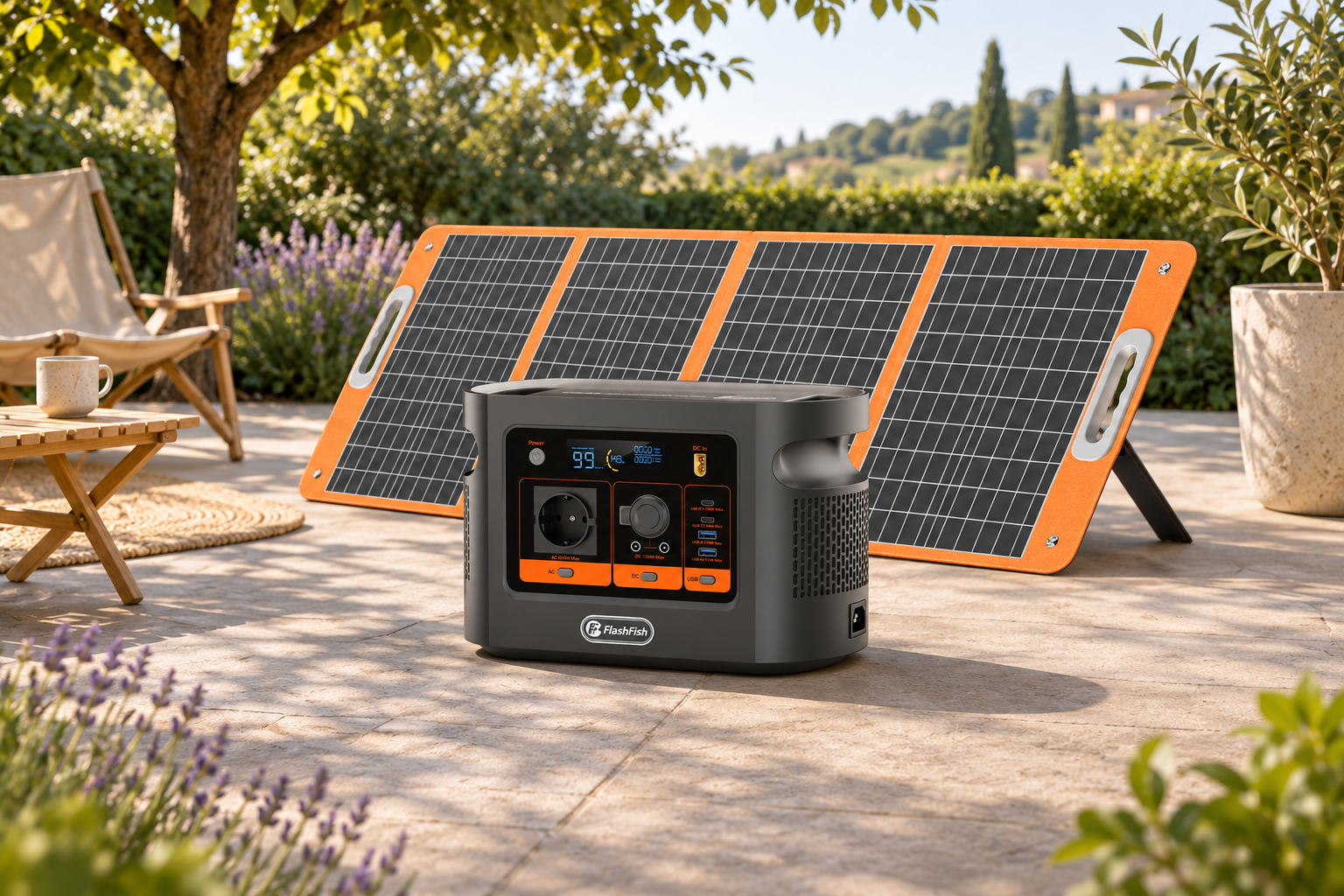



Open FlashFish Europe’s support page independently before following a support link you weren’t expecting. Ask whether the message and the request came from FlashFish. While you wait, leave downloads unopened and keep passwords, one-time codes and device access private.
Start a separate support conversation
- Use a bookmark or type eu.flashfishtech.com in your browser. From the FlashFish Europe Support Center, use its contact button for technical questions.
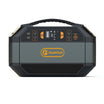
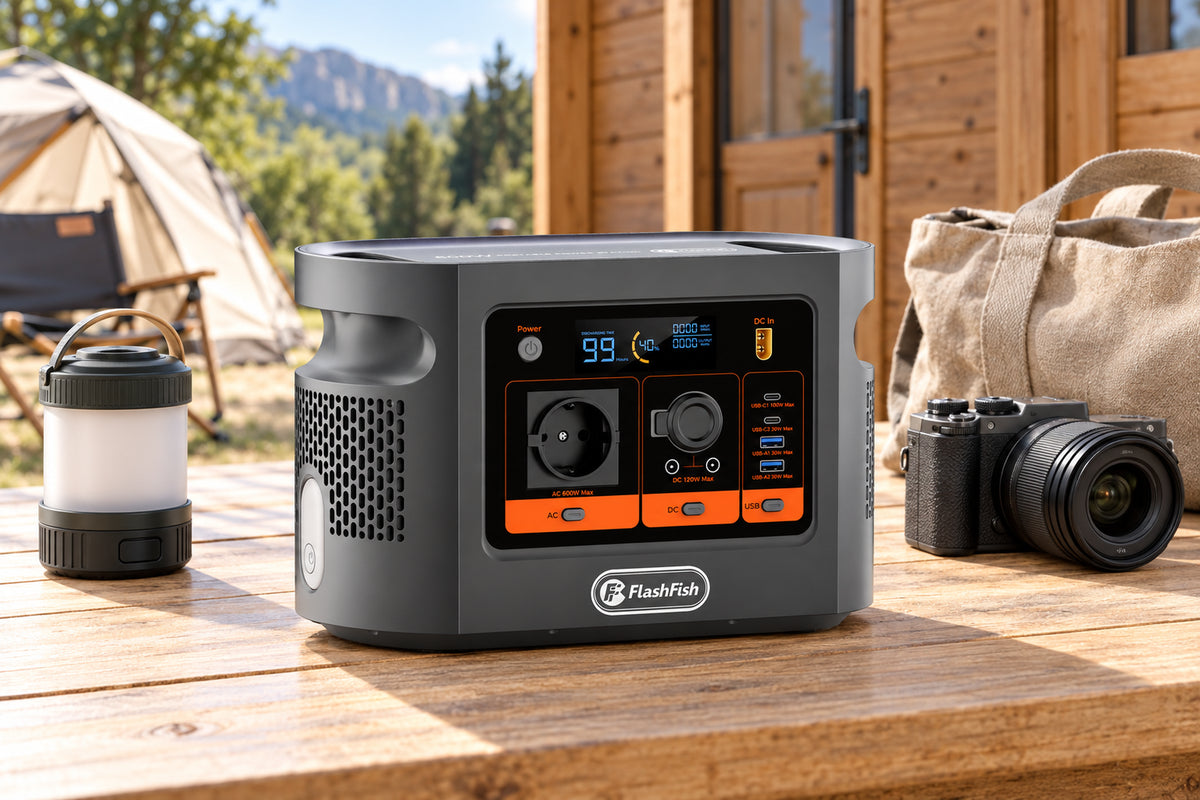
- Read the exact model and regional information from the station’s label. Match the E106B product name if you have several products with similar names. Send only the model information and a brief description of the request to start the conversation.
- If the message mentions a case number or a file, ask the official contact to confirm the reference, the purpose and where to get the correct instructions for your unit. Do not send the requested access information as proof of identity.
Decide what to share
| Request | What to do |
|---|---|
| Manual or firmware file | Ask whether it applies to the model and version on your label. The Support Center lists a model-specific E106B manual. |
| Password or sign-in code | Keep it private. Verify the case through the official route. |
| Screen sharing or remote access | Decline an unsolicited request. Ask the official contact what information is needed and whether a description will suffice. |
The UK National Cyber Security Centre’s advice on suspicious emails recommends leaving suspicious links unopened. Use your local reporting channel or your workplace’s process where applicable.
Questions about an unexpected message
Does an email about firmware mean my E106B has an update?
The message alone does not establish that. Ask the official support contact whether any action applies to the exact version on your label.
What if I already sent a work-account sign-in code?
Contact your workplace IT or security team promptly using its usual contact route.
Is a familiar logo enough to trust the request?
No. Use a separate official contact to verify the case before opening files or sharing information.
Method and next step
FlashFish Miles used the FlashFish Europe Support Center and the NCSC guidance. This checklist does not authenticate any individual message.
Use the E106B product page to cross-check your model, then return to the Support Center to confirm the request through a new conversation.



Dejar un comentario
Este sitio está protegido por hCaptcha y se aplican la Política de privacidad de hCaptcha y los Términos del servicio.