







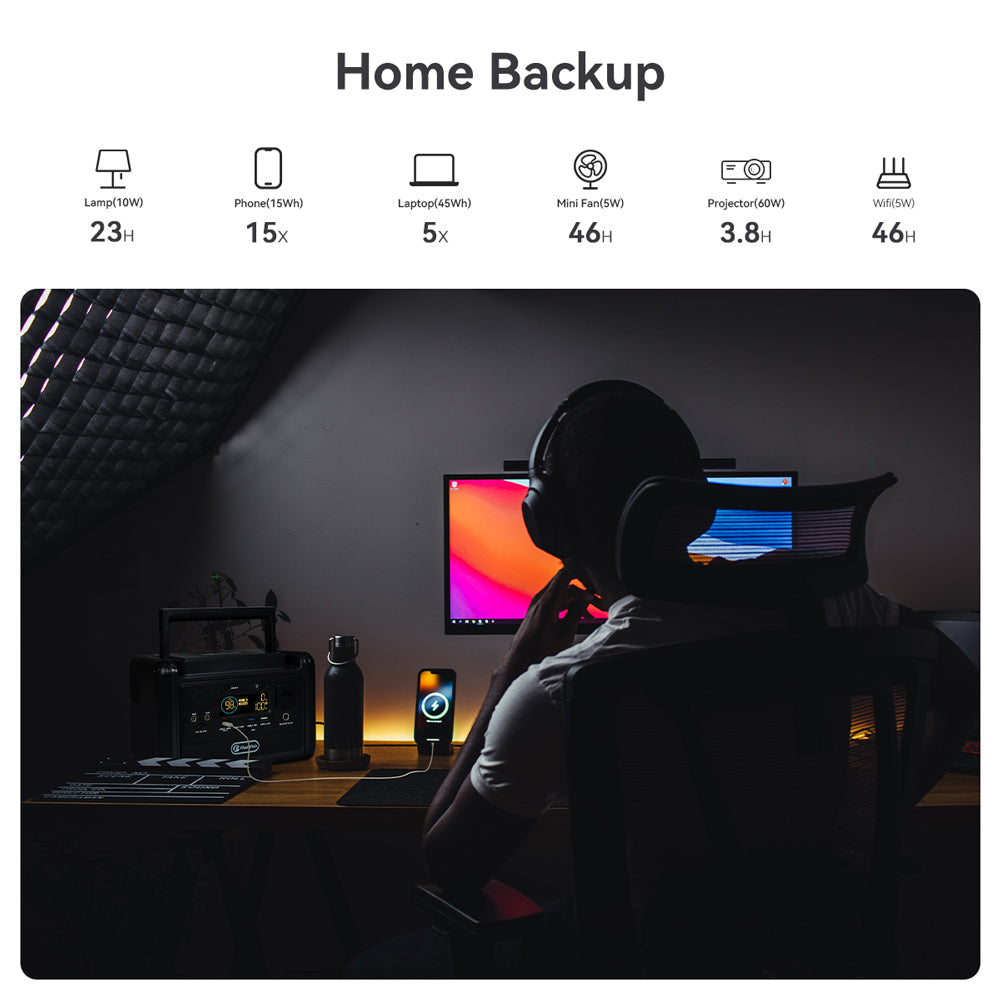
Short answer: a home office battery backup should be sized around the devices that keep you working: the router or modem, one laptop, a phone, and one low-watt light. Add each device's watts x hours, then add a 20 to 30 percent buffer. A portable power station is useful for manual backup during short interruptions, but it is not the same as a fast-transfer UPS for a desktop computer or medical equipment.
European shoppers are asking more practical backup questions because electricity remains a household budget issue and summer grid planning is now a regular news topic. Eurostat's May 2026 electricity-price update keeps energy-cost awareness current, while ENTSO-E's 2026 Summer Outlook shows that seasonal power-system adequacy is still monitored closely across Europe. Those sources do not predict an outage in your home; they explain why practical backup planning remains useful.
Start with the essential home office loads
Do not begin with the biggest battery. Begin with the work you cannot lose. For most remote workers, that means internet, laptop power, phone charging, and enough light to work safely. Read the label on each device or power adapter, then use this planning table as a conservative starting point.
| Device | Typical planning range | Why it matters |
|---|---|---|
| Router, modem, or fibre ONT | 10 to 30W while running | Keeps video calls, cloud files, and messaging online if the internet line is still active |
| Laptop charging | 30 to 90W while charging | The highest priority for most remote workers |
| Phone or headset | 10 to 20Wh per recharge | Small load, high communication value |
| LED desk light | 5 to 10W | Useful during evening interruptions |
| External monitor | 20 to 80W | Optional; often the first thing to leave off when conserving battery |
A simple sizing formula
Use this formula before choosing a power station:
Total watt-hours = watts x hours for each device, plus 20 to 30 percent reserve.
For example, a 20W router setup for four hours uses about 80Wh. A laptop charging at 60W for two hours adds about 120Wh. Add a phone and light, then add reserve for conversion losses, colder rooms, battery age, and the fact that device draw changes over time. This gives a planning range, not a guaranteed runtime promise.
Power station, UPS, or both?
A UPS is built to switch quickly when mains power drops, which matters for desktop PCs, network equipment that cannot reboot, or work that cannot tolerate a brief interruption. A portable power station is better framed as a longer, movable backup that you plug into manually. Current portable power station review guidance from TechRadar also separates UPS-style functionality from broader backup and camping use, which is the practical distinction to keep in mind.
If your work depends on a desktop PC, use a proper UPS for the instant handoff and consider a portable power station for longer manual support. If you work from a laptop and can tolerate reconnecting a router, a portable station can be a simpler backup layer.
FlashFish product fit for home office backup
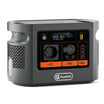
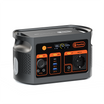
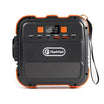
For a compact router, laptop, phone, and desk-light setup, start with active FlashFish models in the portable power stations collection. The FlashFish E103 Portable Power Station is a compact LFP option for lighter backup planning. The FlashFish T300PRO Portable Power Station gives more headroom for a laptop-and-router setup without jumping straight to a large home-backup unit.
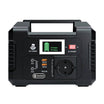
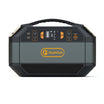
If your plan includes a monitor, longer work sessions, several people charging devices, or occasional higher AC loads, compare larger active LFP models such as the FlashFish T1200S Portable Power Station or the FlashFish T2000 Portable Power Station. Choose those for longer reserve and output, not for carrying around the house every hour.
Checklist before you rely on it
- Test your router, modem, and laptop setup before an outage.
- Keep the station ventilated and away from heat sources.
- Do not overload the AC output; compare device watts with the station rating.
- Use a UPS where instant transfer is required.
- Keep charging cables and adapters in the same place as the station.
- Review local safety advice for extension cords and indoor electrical use.
FAQ
Can a portable power station keep Wi-Fi running?
Yes, if the router or modem wattage is below the station's output rating and the internet service itself is still working. Size the battery by watts x hours, then add reserve.
Is a portable power station better than a UPS?
Not for instant transfer. A UPS is the better tool when equipment must stay on without a reboot. A portable power station is more useful as a longer manual backup for laptops, routers, lights, and phones.
Should I connect every home office device?
No. Prioritize internet, laptop, phone, and one efficient light. Skip external monitors, printers, speakers, and other non-essential devices when conserving battery.



Laisser un commentaire
Ce site est protégé par hCaptcha, et la Politique de confidentialité et les Conditions de service de hCaptcha s’appliquent.