
















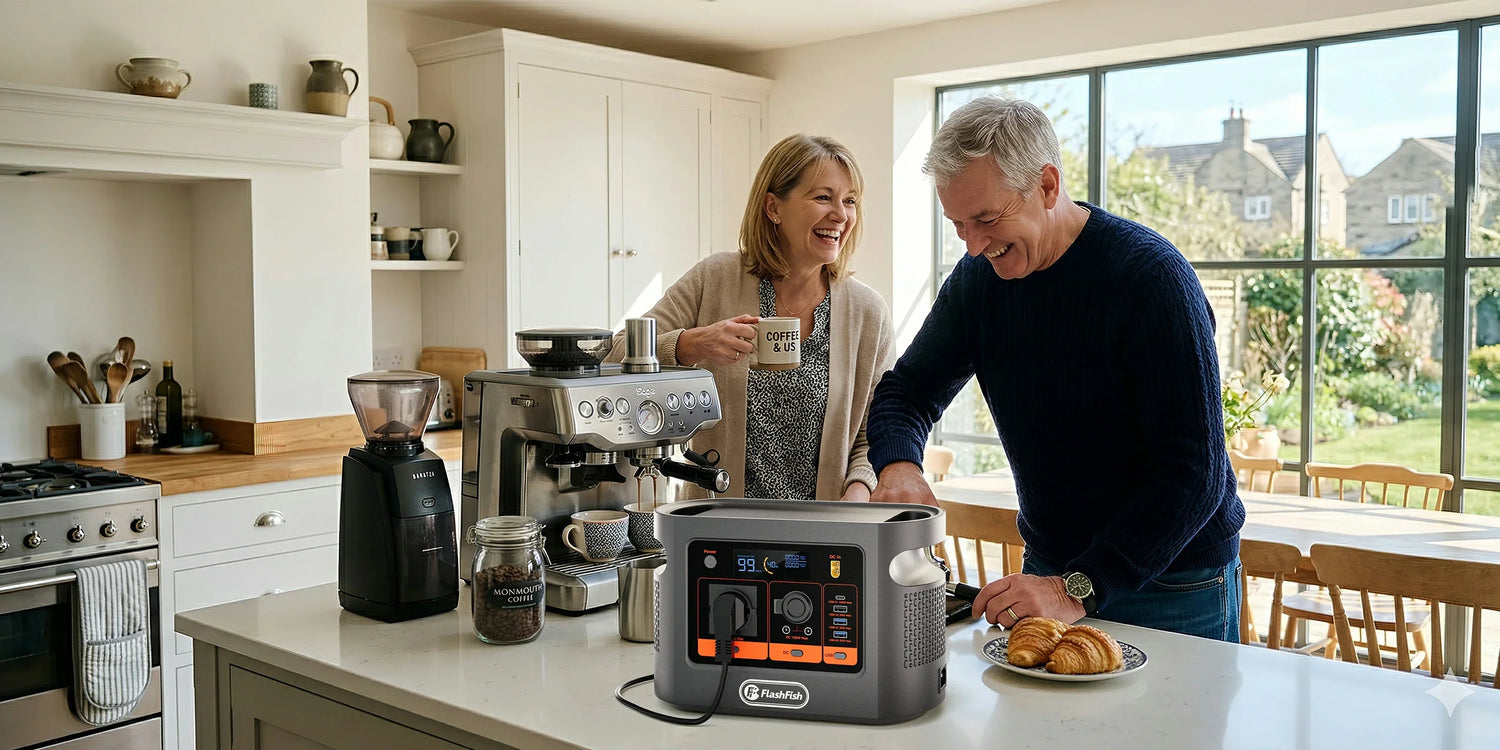
Can the FlashFish E106B Power a Desktop PC and Monitor?
Short answer: sometimes, but only after measuring the complete desk at the wall. FlashFish E106B provides 600W continuous AC output and 384Wh nominal capacity. Add the PC, monitor and every powered peripheral, test the heaviest real workload and leave headroom. Do not assume UPS behavior or a fixed runtime.
The useful rule: a desktop power-supply badge is not the measured demand of the complete desk. A 600W PSU does not prove the PC always draws 600W, and a 500W PSU does not prove that the PC, monitor and peripherals will stay safely below the E106B ceiling in every workload.
The DRAW worksheet
| Step | Record | Decision rule |
|---|---|---|
| D — Device list | PC, monitor(s), router, speakers, storage, dock and any other powered item | If it plugs into the station or shares the desk plan, include it. |
| R — Real wall watts | Measured watts for idle, normal work and the heaviest intended workload | Use a suitable meter and repeat the real task; do not copy a PSU badge. |
| A — Add peripherals | Highest simultaneous PC + monitor + peripheral total | The complete shared AC load must remain below 600W. |
| W — Worst workload | Rendering, gaming, compiling, AI, storage activity or other demand peaks | Leave margin; decline a setup that approaches the ceiling or needs undocumented peak output. |
Why one desktop wattage is not enough
The European Commission's computer ecodesign overview distinguishes off, sleep, idle and active use and notes that active workloads vary widely between office tasks, professional number-crunching, 3D work, AI and gaming. That is why an office reading cannot stand in for a gaming or rendering session.
Monitors also vary. The Commission's display material treats on-mode and standby separately and links energy behavior to factors such as display area and resolution. Measure the exact screen at the intended brightness instead of applying a generic monitor value.
Three hypothetical desk examples
These numbers demonstrate the worksheet only. They are not E106B test results and are not typical values for every PC.
| Illustrative setup | Measured components | Total | Decision |
|---|---|---|---|
| Office desktop | PC 140W + monitor 35W + router 12W | 187W | Below 600W; still test startup, workload changes, labels and continuity needs. |
| Creator workstation | PC 390W + two monitors at 45W each + storage 20W | 500W | Below the ceiling but with limited margin; remeasure the heaviest export/render and avoid adding loads. |
| High-load gaming desk | PC 570W + monitor 55W | 625W | Above 600W; clear non-fit. |
The middle example is intentionally not labelled “safe.” The product database does not supply an E106B peak-output figure, so a desk close to 600W lacks a defensible transient margin. Choose a lower-load plan or a station with properly documented headroom.
Capacity is not runtime
The FlashFish E106B has 384Wh nominal capacity. Real AC energy available to a computer will be lower and variable because of inverter losses, battery reserve, temperature, battery condition and changes in workload. Record measured watts and decide how much reserve you need for an orderly manual shutdown; do not publish or rely on a fixed runtime from headline Wh alone.
Do not confuse a portable power station with a UPS
The local E106B product database does not provide a verified transfer time or UPS/EPS specification. This article therefore treats E106B as a manual portable power source, not a guaranteed uninterruptible power supply. If a brief interruption could corrupt work, stop a process, damage equipment or prevent safe shutdown, use a documented UPS solution designed for the computer.
When FlashFish E106B fits
E106B can fit a modest desktop setup when the exact Europe labels match, the heaviest measured whole-desk load remains comfortably below 600W, the cables and plug path are direct and approved, and the user accepts manual start, monitoring and shutdown. A small office desktop with one efficient monitor is a more credible candidate than a high-end gaming or AI workstation.
When FlashFish E106B does not fit
- The measured whole desk exceeds 600W or approaches it without documented transient headroom.
- The plan uses only the PSU badge or an online calculator instead of measuring the actual workload.
- The PC requires guaranteed zero-interruption operation or a verified UPS transfer time.
- The voltage, frequency, plug, earth path or cable arrangement is incompatible.
- The user needs a fixed runtime or intends to add loads later without remeasurement.
- The station, plug, cable or computer shows damage, abnormal heat, odor or repeated shutdown.
A practical pre-use checklist
- Confirm the current E106B Europe product page, unit label and supplied manual.
- List every device that will draw from the station.
- Measure the desk at idle, normal work and the heaviest intended workload.
- Use the highest repeatable total, then leave headroom below 600W.
- Save work and define a manual shutdown point; do not assume UPS behavior.
- Keep the station dry, ventilated and outside the computer exhaust path.
- Stop if any component overheats, smells abnormal, arcs, discolors or repeatedly disconnects.
FAQ
Can E106B run any desktop PC below 600W?
No. The complete measured desk load must include the PC, monitor and peripherals, and it needs headroom for workload changes and startup behavior. A configuration close to 600W is not a defensible fit, especially because the product database gives no peak-output value.
Should I use the PC power-supply wattage as its power draw?
No. Treat the PSU rating as a component limit, not a measurement of the whole desk at the wall. Measure the PC under the heaviest intended workload, then add the monitor and every powered peripheral.
Does 384Wh mean a fixed PC runtime?
No. Runtime depends on measured load, workload variation, monitor and peripheral draw, inverter losses, battery reserve, temperature and battery condition. The 384Wh figure is a nominal planning input, not a runtime promise.
Can E106B replace a UPS for a desktop PC?
Do not assume so. The product database does not provide a verified transfer time or UPS/EPS specification for E106B. If uninterrupted operation or safe shutdown is essential, use equipment designed and documented for that requirement.
What is a clear non-fit for E106B?
A measured desk load above 600W, a setup that approaches the ceiling without documented transient headroom, incompatible voltage/frequency, a need for guaranteed continuity, or reliance on an extension/adaptor chain is a non-fit.
Sources and further reading
- FlashFish Europe E106B page — current first-party EU product context.
- European Commission: Computers — workload and power-mode variability.
- European Commission: Electronic displays — model-specific on/standby energy context.
- Electrical Safety First appliance ratings — broad desktop/monitor examples only.
Editorial viewpoint: choose a station from the measured workload, not the PSU badge. A desk that passes at idle but fails under its real job is not compatible.
Human review required before publication: exact E106B Europe label/manual, electrical and IT wording, hypothetical-example labels, author/reviewer credentials, links, metadata, image crop and rendered FAQ/schema parity.




Laisser un commentaire
Ce site est protégé par hCaptcha, et la Politique de confidentialité et les Conditions de service de hCaptcha s’appliquent.