




Plan the archive handover before changing its power source. An E106B can be evaluated as a power option for an indoor download desk, but it cannot establish logger recognition, software support or a verified backup. Keep the console, laptop, USB data link and storage copy as separate checks. This is a short attended archive task, not continuous weather reporting or outdoor operation.
Choose one documented data path
The example is an existing Davis Vantage Pro2 console with a WeatherLink 6510USB logger, connected by its specified USB Mini-B-to-USB-A lead to a Lenovo Yoga Pro 7 14APH8 running Windows 11. The Davis 6510USB getting-started guide describes that console/logger family and the computer connection. This assumes the logger is already correctly installed; it is not an instruction to fit or remove it.
The archive destination is the laptop’s WeatherLink station database, followed by a separate dated export on a USB storage device. Confirm the export format and restoration method in the installed software’s Help. The current Davis software FAQ flags a Windows 11 USB-driver troubleshooting route; that is a reason to verify the exact driver and software version, not proof this laptop/logger combination works.
Separate power from records
| Path | What to confirm | What a successful step does not prove |
|---|---|---|
| Console and installed logger | Retain the manufacturer-approved console supply and note its regional label. | A live console display does not confirm every historical record has reached the laptop. |
| Logger to laptop | Use the specified data lead and the laptop USB-A port; record driver and WeatherLink versions. | Recognition alone does not verify the archive date range. |
| E106B to laptop | Select either a fully verified USB-C charging route or the laptop’s approved AC adapter; check the complete route first. | A station watt rating does not establish USB profiles or software support. |
| Laptop to second storage copy | Record export filename, station name, date range, destination and a copy-open check. | Opening one file does not certify a complete restorable database. |
Where E106B enters the decision
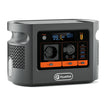
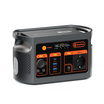
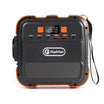
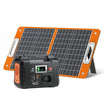
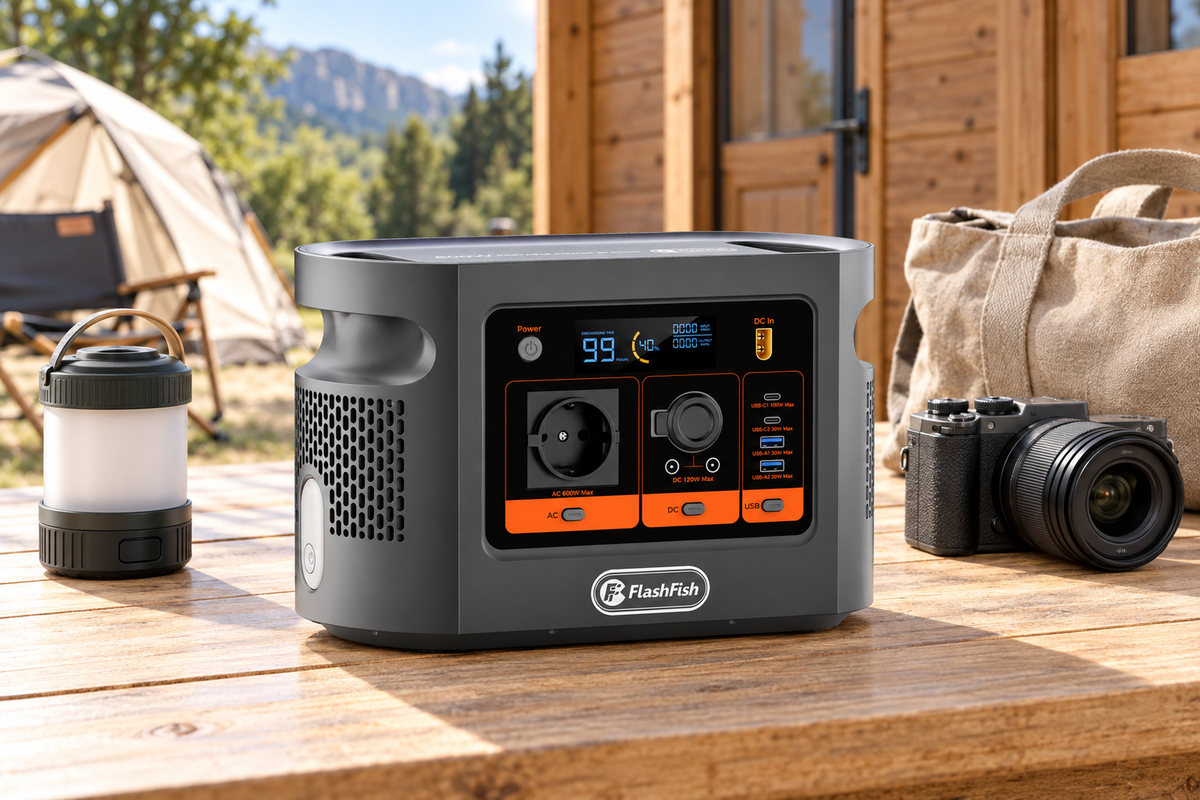
E106B’s exact product record gives 384Wh nominal energy, 600W continuous AC output and a USB-C1 PD ceiling of 100W. Its peak AC value is not supplied. Lenovo’s Yoga Pro 7 14APH8 specification, page 3 lists both 100W and 140W USB-C adapter offerings depending on country. Identify the actual adapter and laptop configuration; neither option is a measured load. For direct USB-C, the station’s full negotiated profile and the exact cable still need confirmation.
If a separate power source is needed, check E106B against your laptop power route after collecting those labels. A 600W AC rating is a screening limit, not approval for the console, charger or complete desk. Nominal energy also excludes the evidence needed for a runtime promise.
A short download and backup checklist
- Work at a dry indoor desk, with ventilation and cable placement following each device’s instructions. Keep the already working console power arrangement intact.
- Record the station name, expected archive dates, computer time zone, logger model and software/driver versions before downloading.
- Use the software’s documented download route. Compare the newest and oldest expected timestamps and inspect any gaps; do not clear logger memory as a shortcut.
- Create the export, close the relevant files and save a dated second copy on a separate storage device. Open the copied export and check station identity, dates and expected fields. Keep the original archive.
- Finish file operations, close the software as required and safely remove storage before ending the power session.
Microsoft’s safe-removal instructions explain how to eject external storage and wait for confirmation. This concerns the storage device; it does not authorise removing the logger from its console.
Three reasons to pause the handover
- Power is present but the logger is missing: check the documented computer/driver path rather than increasing station capacity.
- The newest reading is present but an older week is absent: retain the source archive and investigate the date range instead of accepting a current display as completion.
- The copy exists only on the same laptop: it is not the separate storage copy planned for this handover.
FAQ
Does a working USB connection mean the archive is backed up?
No. First confirm the date range and station identity in the downloaded records. Then retain a separate copy and check that the copied export opens. A connected icon alone establishes neither step.
Can the E106B USB port replace the laptop data connection?
No data-host function for the station is established here. The logger connects to the computer; the station is considered only as a power source.
Should I remove the logger when disconnecting the laptop?
Removing the logger from the console is a different operation from unplugging its computer cable. Davis warns that installing or removing a logger while the console is powered can damage it. Follow its manual.
How long will this desk run from 384Wh?
There is no measured desk draw or usable-energy result here. The nominal battery figure cannot give a reliable session duration. Plan a save-and-stop point and retain a working alternative.
Can this checklist cover a WeatherLink Live or newer console?
Only after establishing that device’s own supported archive route. This example is the Vantage Pro2 console with a 6510USB logger; it does not transfer that local USB workflow to a different product.
Next step
review E106B after recording the archive desk requirements. Match the exact equipment and intended use before choosing a power source.
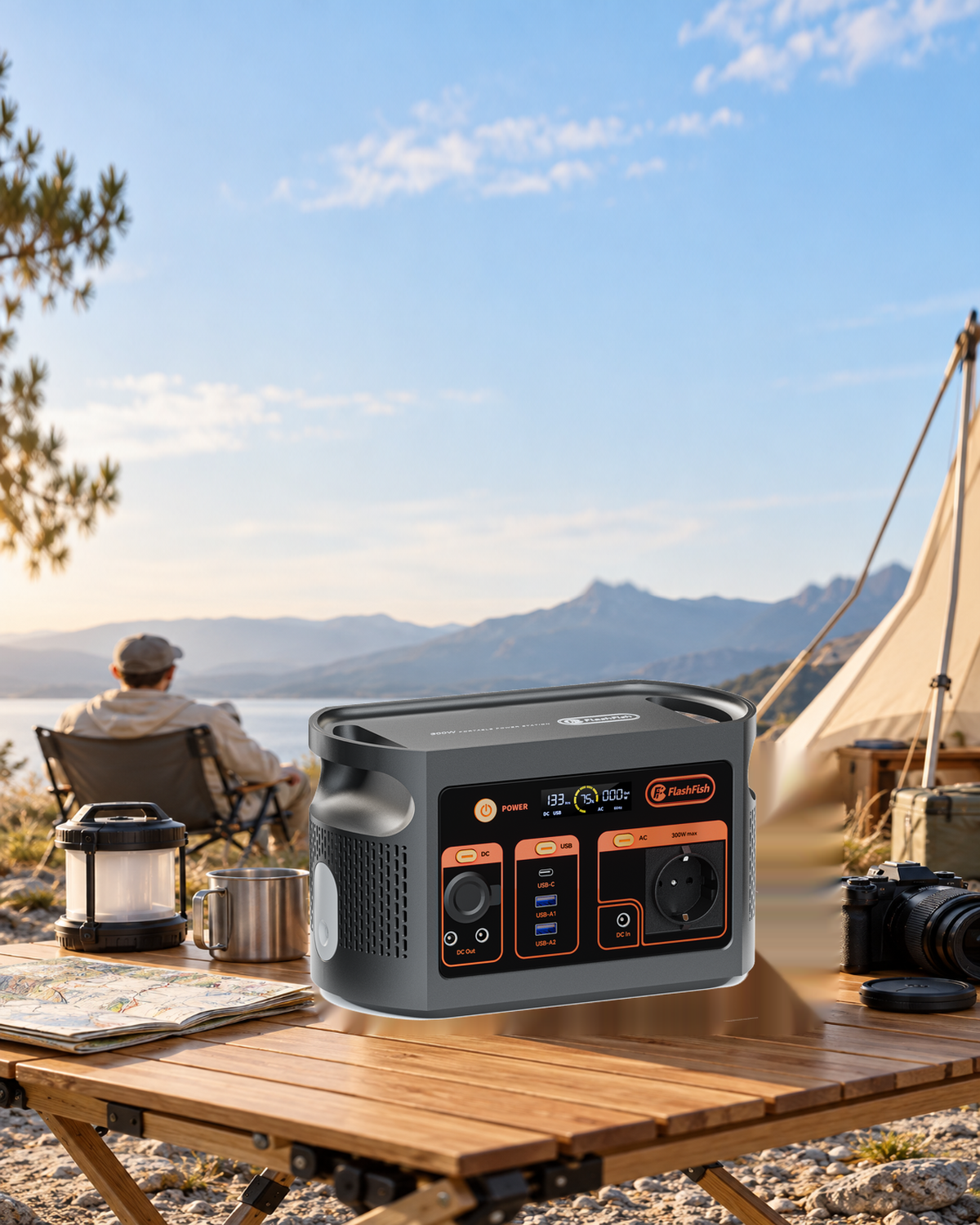
By FlashFish Miles. Method: documentation-based guidance from FlashFish and the linked primary sources, checked 8 November 2026. No complete setup was tested. The featured product illustration is not a record of this setup.




Laisser un commentaire
Ce site est protégé par hCaptcha, et la Politique de confidentialité et les Conditions de service de hCaptcha s’appliquent.